

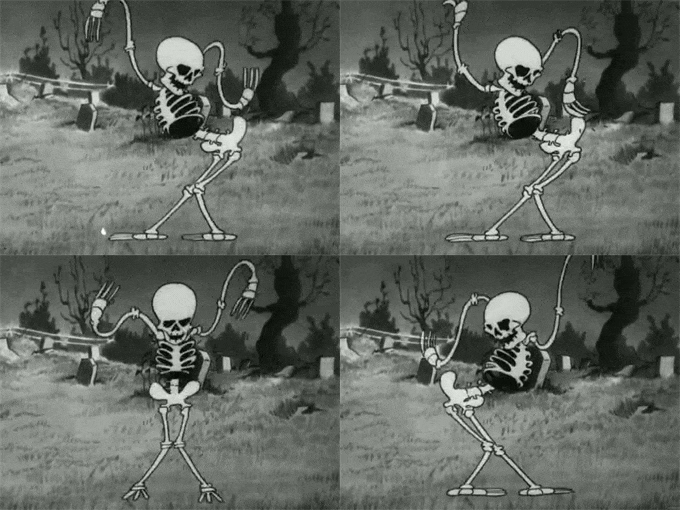
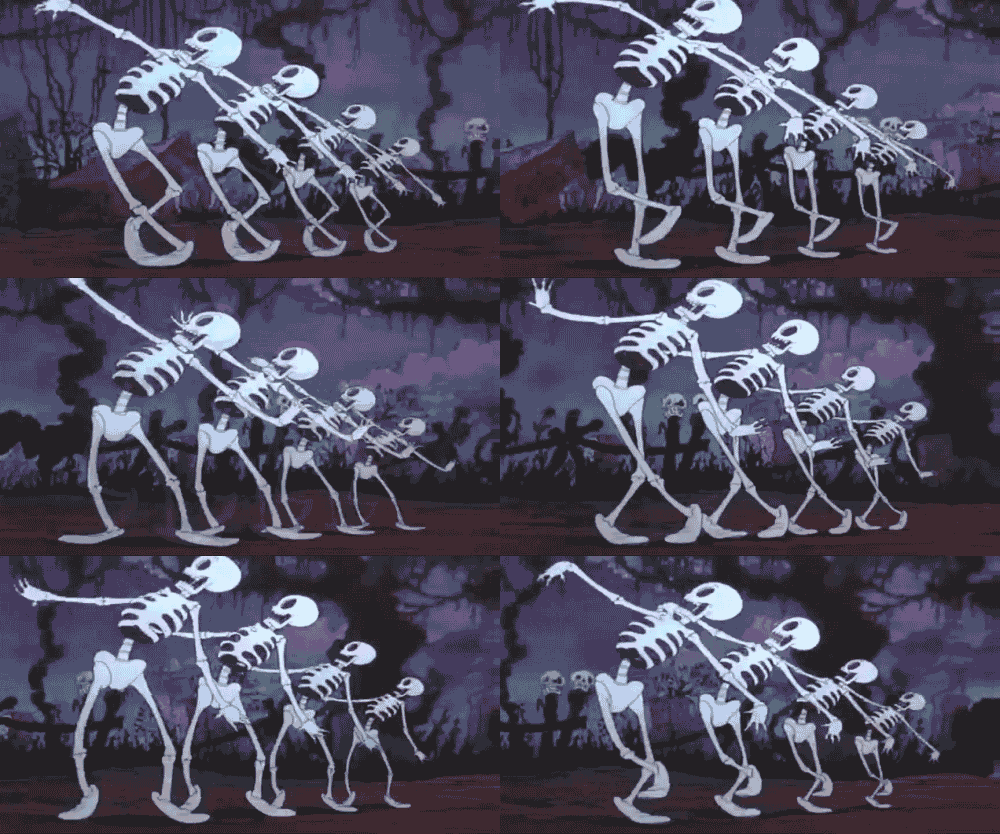
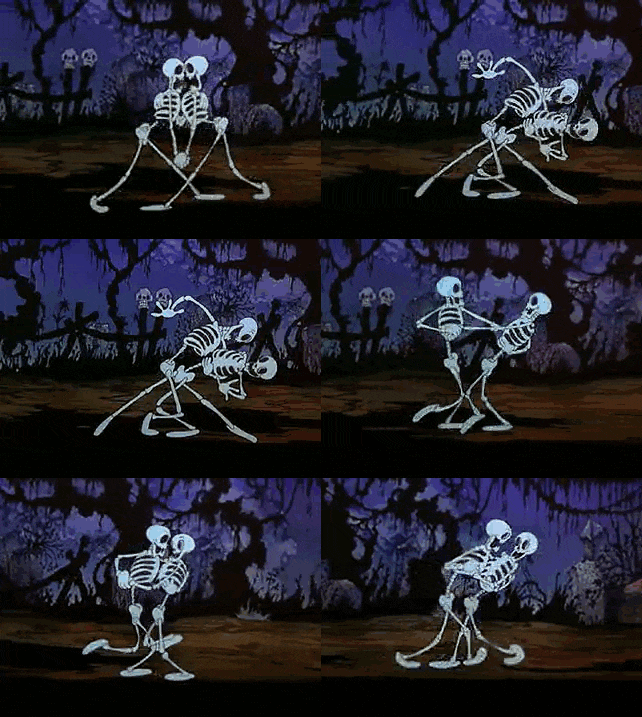
You've seen the skeleton.
It's walking through ancient Greece. Socrates corners it with some impossible question. Or it's surviving the Ice Age. Building the pyramids. Getting raised by sharks.
You told yourself you'd keep scrolling. You didn't. You watched the whole thing.
That's a Skeleton AI video. One of the fastest-growing short-form formats of 2026.
And here's the part nobody tells you: you don't animate these. Nobody does. No camera, no mic, no face, no editing skills.
Here's how to make one.
A real Skeleton AI video made in the app: a day back in Ancient Greece.
Step 1: Pick your format
Two lanes. Pick one.
Narrative Journey. This is the viral one. The skeleton becomes you, dropped into a world or an era. "What if you were raised by wolves." "Back in time to Ancient Rome." "Locked in IKEA overnight." It reacts. It struggles. It gets ragebaited.
Body Journey. A trip through the human body. "What happens when you catch a cold." "What happens when you skip sleep for a week." Here the skeleton is translucent and glassy, organs and all. Calm. Cinematic. Educational.
Same engine. Two completely different vibes.
Narrative is built for drama. Body is built for "wait, I never knew that."
Which should you start with? Narrative. It travels further and it's more forgiving. Save the body explainers for once you've got a feel for the tool.
Pick one. You can make the other tomorrow.
Step 2: Type your "what if"
This is the only writing you do. One line.
The whole format runs on curiosity. So the best inputs are the ones that make a thumb stop mid-scroll.
A few that work:
- What if you were raised by sharks
- A day as a gladiator in Ancient Rome
- What happens inside your body when you hold your breath
- Surviving one week on Mars
- The final night on the Titanic
See the pattern? Each one opens a loop your brain needs closed.
Then pick a length: 30, 45, or 60 seconds.
Shorter hits harder. Longer lets the story build. For your first one, go 30.
That's the setup. One sentence, one tap.
Now the AI takes over.
Step 3: Let the AI build the storyboard
This is the fun part to watch.
GhostShorts breaks your idea into a scene-by-scene storyboard. Every scene gets the full treatment:
- A line of narration
- A generated visual of the skeleton in that exact moment
- Animation that brings the still to life
- An AI voice reading the script
- Captions burned in
- Music and sound
You're not stitching anything together. The AI writes the script, designs each shot, animates it, voices it, captions it.
You just watch the storyboard fill in.
The first pass usually lands around 80%. The next two steps close the gap.

Step 4: Edit any scene you don't love
Here's where most AI tools fail you.
They hand you one take and a "regenerate everything" button. Hate one shot? Tough. Roll the dice on the whole video again.
GhostShorts edits scene by scene.
Inside the editor you can:
- Rewrite a line. Don't like how the skeleton phrases something? Change the words for that one scene.
- Regenerate a still. One shot looks off? Redo just that image. Not the video.
- Reanimate a scene. Keep the image, redo the motion.
This is the whole difference between "looks AI-generated" and "looks intentional."
You're the director. The AI is the crew.
And spend your time on one scene above all: the first one.
71% of viewers decide in the first few seconds whether to keep watching. Your hook scene is the most important three seconds in the video. Make it earn the next 27.
Want to skip the editing?
GhostShorts turns your ideas into viral shorts with AI voiceovers, captions, and gameplay clips. Ready to post in minutes.
Try GhostShorts TodayStep 5: Tune the voice, captions, and music
Scenes are right. Now polish.
- Voice. Set the narrator's tone. Survival horror is not the same energy as a chill body explainer. Match it.
- Captions. Big, clean, high-contrast. They have to read in half a second on a phone.
- Music. A background track lifts retention and sets the mood. It sits low by default so the narration stays clear.
- Transitions. Smooth the cuts so it plays as one story, not a slideshow.
None of this is timeline editing. You're picking options, not dragging clips.
Five minutes, tops.
Step 6: Export and post
Hit render.
GhostShorts assembles every scene, the narration, the captions, the music, the transitions. One finished vertical video.
You get a clean 1080x1920, 30fps file. Drops straight onto TikTok, Shorts, and Reels.
And it's yours. Post it, monetize it, run it everywhere. No watermark. No "made with" stamp.
What it looks like in action
Let's run a real one. You type: "What if you were raised by sharks."
Here's roughly what the AI builds, scene by scene:
- Scene 1, the hook. The skeleton underwater, eyes glowing. "What if you were raised by sharks? Here's what would happen to your body."
- Scene 2. A newborn skeleton sinking into the deep. The narration sets the stakes.
- Scene 3. Years pass. Its bones adapt to the crushing pressure.
- Scene 4. It hunts with the pack. Faster, leaner, built for water.
- Scene 5, the payoff. It surfaces, fully shark-raised, and stares straight at you.
Five scenes. One sentence of input. That's the whole thing.
Then you'd go fix whatever felt weak. Swap a line in scene 2. Regenerate the still in scene 4. Done.
That's the loop. Type, generate, tweak, export.
Why this format is worth your time
Quick gut-check before you go make ten of these.
Short-form lives and dies on one number. Completion rate. How much of your video people actually watch.
Skeleton videos crush that number.
TikTok videos under 30 seconds finish at around 72%. The "what if" format is built for it. Every scene is a tiny cliffhanger, so people stay to the end.
And the audience is enormous. YouTube Shorts alone serves over 200 billion views a day. This is not a niche.
The trend is also young. It broke out in early 2026 and it's still climbing.
How young? The breakout videos are from March 2026. One dropped a skeleton into ancient Egypt and pulled 6.3 million views in five days. Another hit 2.3 million in under a week.
Early movers eat the most reach. Always have. Ask the first wave of fake-text and Reddit-story creators.
The cost in time? Almost nothing. One idea. A few edits. An export.
You can make a week of content in an afternoon. Simple.
4 mistakes that kill these videos
Most flops have the same causes. Avoid them.
1. A boring premise. This is 90% of it. A weak "what if" with perfect visuals still dies. A killer premise with rough edges goes viral anyway. Lead with the weirdest idea you've got.
2. Burying the payoff. Tell viewers what they're about to see in the first scene. Mystery sells. Confusion does not.
3. One and done. One video tells you nothing. Ten tells you everything. Volume is the whole game, and AI generation is what makes volume possible.
4. No through-line. Random topics train no one. Pick one lane, like "raised by [animal]" or historical eras, and run it as a series. Recurring formats compound.
Quick questions before you start
Do I need editing skills? No. You pick options. You don't touch a timeline.
How long does one take? A few minutes of your time. The AI does the heavy lifting in the background while you grab a coffee.
Can I use my own characters? The skeleton is the star of this format, voiced by an AI narrator. That consistency is half of why the format works. Lean into it.
Do I own the video? Yes. No watermark, no credit required. Post it and monetize it anywhere.
Stuck on what to make?
The premise is everything. Don't wing it.
We put together 27 Skeleton AI video ideas, sorted by niche. Steal any of them.
Want the bigger picture on why this stuff blows up? Why brain rot videos dominate short-form breaks down the psychology.
And if you're going faceless across other formats too, the AI faceless video guide pairs with this one.
How many should you post?
One a day, minimum, if you're serious.
The creators winning with this format are not dropping one perfect video a week. They're posting volume and letting the algorithm pick the winner for them.
AI generation is the only reason that pace is possible. You can't hand-animate a video a day. You can type one a day.
So treat your first export as rep one of a hundred. Not a masterpiece. A rep. The masterpiece shows up around video twenty, once you've learned what your audience actually clicks.
Make your first one
You read the whole thing. The format takes one sentence and six steps.
Pick a "what if." Let the AI build it. Edit the scenes you care about. Export.
That's it.
Make your first Skeleton AI video here.
The trend is eating TikTok right now. Get on it while it's still climbing.