- Home
- YouTube Shorts Guide
Complete 2026 Guide
YouTube ShortsComplete Guide
Master YouTube Shorts from creation to monetization. Learn how the algorithm works, what formats go viral, and how to turn Shorts into real revenue.
Need the exact size? YouTube Shorts specs and dimensions →
How to Make a YouTube Short
A Short is a vertical or square video up to 3 minutes long. You can film one in the YouTube app, upload one you already made from a computer, or make one with GhostShorts and upload the finished MP4.
In the YouTube app
Film and post a Short from your phone.
- Open the YouTube appSign in to the YouTube app on your phone.
- Tap Create, then ShortCreate is the plus button in the YouTube app.
- Record your clipsHold or tap the capture button to record, and tap again to stop. Set the length, up to 3 minutes, in the top-right corner. Undo removes the last clip.
- Add sound and effectsAdd music, text, filters or other effects, then tap Done to preview your Short.
- Add the detailsTap Next, write a title of up to 100 characters, choose who can see it and answer whether it is made for kids.
- PublishTap Upload Short to post it, or Save draft to finish it later.
From a computer
Upload a video you already made.
- Check the videoIt must be vertical or square and no longer than 3 minutes. 1080 x 1920 (9:16) fills the phone screen.
- Open YouTube StudioSign in to YouTube Studio on your computer.
- Click Create, then Upload videosCreate is in the top-right corner. Pick your video file, add a title and publish. Because it is vertical or square and 3 minutes or less, it counts as a Short.
With GhostShorts
Make a faceless Short without filming or editing.
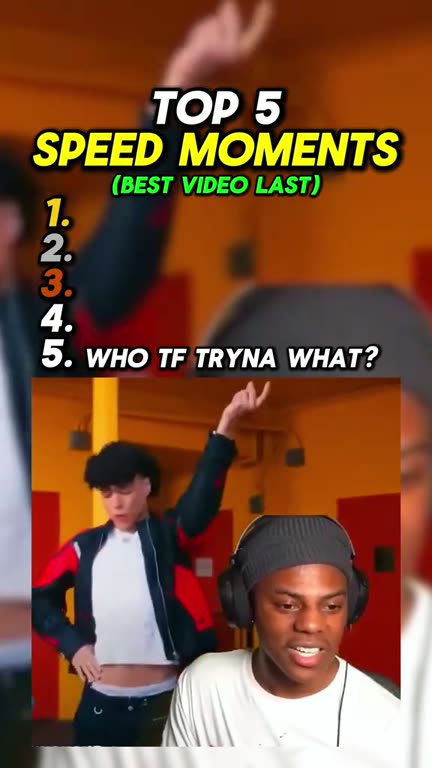
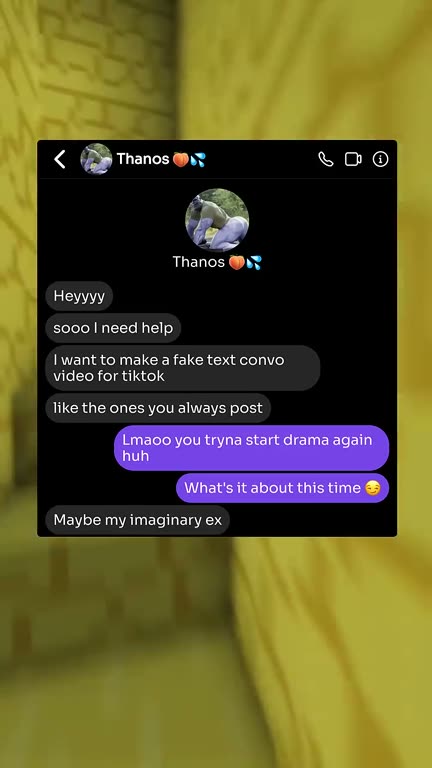
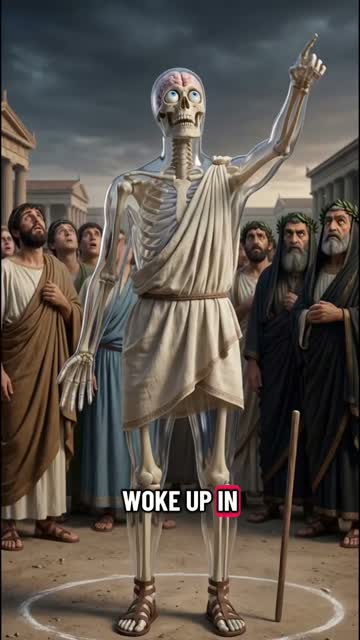
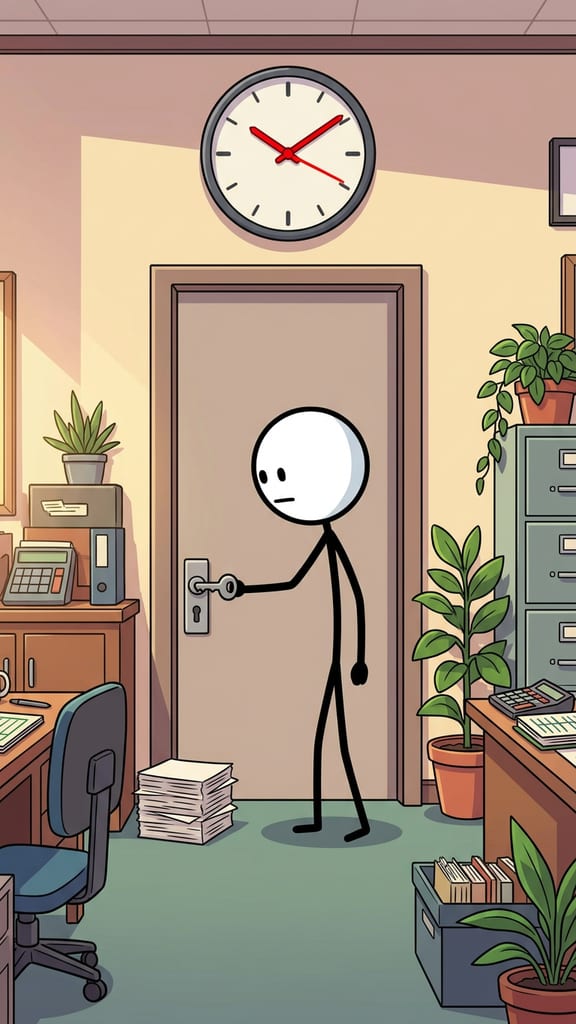
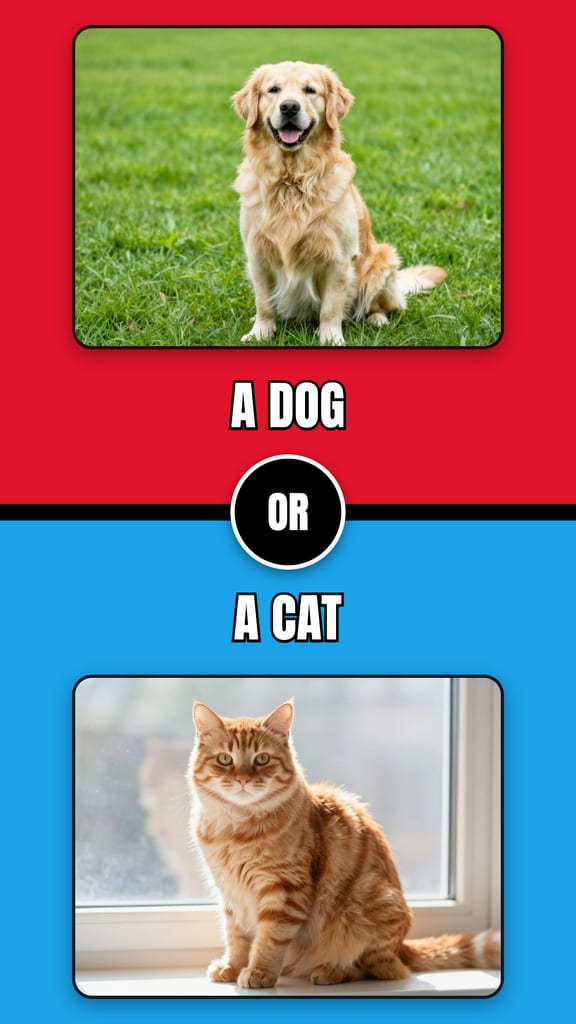
- Pick a formatReddit stories, Top 5 countdowns, fake texts, AI stories, quizzes and more.
- Add your ideaPaste a story, type a topic or drop in your own clips.
- Preview, then renderCheck the video, then export it as a 1080 x 1920 MP4.
- Upload it as a ShortUpload the MP4 from YouTube Studio or the YouTube app, as in the other two tabs.