📚 The list format faceless educational channels run on

Make Narrated
“Every X Explained” Videos with AI

Name a topic and the AI writes the list, illustrates every item, narrates it, and captions it. Export widescreen for YouTube or vertical for Shorts. Preview your first item free, then finish and post.
10k+
Creators
500k+
Videos Created
4.8/5
Creator Rating
<2min
Avg. Export Time

An Explainer Video in 3 Steps

Pick a topic, choose widescreen or vertical, export. No filming, no editing, no face.

1

Pick a Topic

Mythology, animals and nature, society and ideas, science and space, history and warfare, or the human body. Type the list you want or hit Surprise Me and take the suggestion.

2

AI Builds the List

Every Greek God Explained. Every WW2 Tank Explained. The AI writes each item, draws one illustration for it, and narrates it with captions. Your first item plays free so you see it before you finish.

3

Choose Your Format & Post

Export widescreen 16:9 for a long-form YouTube video, or vertical 9:16 for Shorts, Reels, and TikTok. Same list, whichever your channel needs.

Simple Plans for Serious Growth.

Simple, but exceptionally powerful. Every feature you need now and as you reach millions of views.

Starter Plan

Perfect for getting started

$19.99/month
  • 25 GhostCredits monthly
  • ~25 mins of AI voiceover
  • ~50 AI-generated images
  • ~100 mins of video rendering
  • Access to growth tools
  • Captions in 102+ languages
  • Credits reset monthly
Get Started

GhostMode Plan

For professional content creators

$79.99/month
  • 150 GhostCredits monthly
  • ~150 mins of AI voiceover
  • ~300 AI-generated images
  • ~600 mins of video rendering
  • Access to growth tools
  • Captions in 102+ languages
  • Credits reset monthly
Get Started

Need more power?

Enterprise Plan

Custom solutions for teams and agencies

Custom GhostCredit packages API access (approval-based) Higher concurrency limits Priority rendering queue Dedicated support channel Volume-based pricing Early access to new features Batch optimization support
Contact Sales

What Creators Are Saying

Real results. Real reach. Built with GhostShorts.

"

Made a Reddit story short in the middle of my chem class. 100K views before I got home.

Profile photo of @etherstories

@etherstories

"

Honestly thought this was just another overhyped AI tool. But it actually delivers and is super easy to use. I already created 10 shorts in 1 day.

Profile photo of @clip.lott

@clip.lott

"

Tried a couple viral formats on the app. A month later... 10 million views. This app is stupid easy to use.

Profile photo of rakaii.fxx

rakaii.fxx

"

Making edits CapCut felt homeworkish. GhostShorts is easy af, almost feels likes I am on autopilot.

Profile photo of @sturdylives

@sturdylives

"

All I do is copy a Reddit post, paste it in, export, done. It's stupid easy.

Profile photo of @RedditBook

@RedditBook

"

Used to doom scroll all night. Now I post the same type of videos I used to binge.

Profile photo of @tgpu

@tgpu

"

I run a few fake text story channels. Jesus I've hit over 5 million likes on just one of my channels alone. It's ridiculous.

Profile photo of @textsfella

@textsfella

"

GhostShorts saved me countless hours of editing time. Highly recommended!

Profile photo of @2ndchildhoodpodcast

@2ndchildhoodpodcast

"

I cut my content creation time by 80% after switching to GhostShorts. It's the only tool that actually keeps up with how fast I work.

Profile photo of @mcfreakery

@mcfreakery

Frequently Asked Questions

We are here to help you with any questions you may have. If you don't find what you need, please contact us at [email protected]

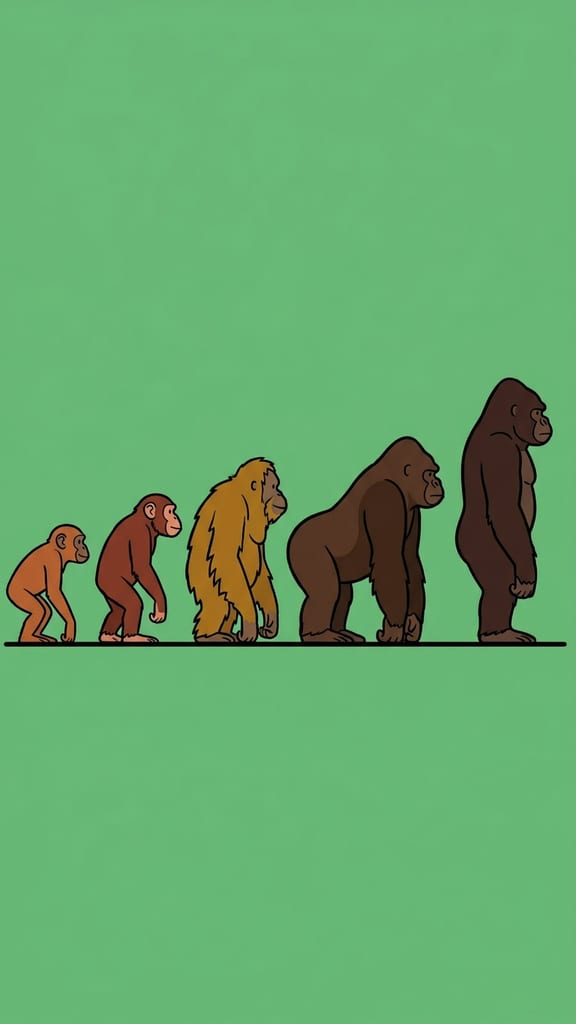
It is GhostShorts’ maker for "Every X Explained" videos: the list format that faceless educational channels are built on. You name the topic, and it writes the list, draws one illustration for every item, narrates it, captions it, and exports a finished video. Every Greek God Explained, Every Ape Type Explained, Every Political Ideology Explained.
Pick a subject area and type the topic you want, or hit Surprise Me and take the suggestion. The AI writes the titled list, gives each item a name label and two to four narrated sentences, generates one illustration per item, adds AI voiceover and captions, and slowly pushes in on each illustration so the video moves. Your first item plays free before you finish the rest.
Yes, and this is the only template here that offers both. You choose widescreen 16:9 or vertical 9:16 on the entry screen: widescreen for long-form YouTube videos, vertical for Shorts, Reels, and TikTok. The format genuinely lives in both places, so both are first-class. Pick before you generate, because the ratio is locked once the illustrations start rendering.
Six subject areas: mythology and folklore, animals and nature, society and ideas, science and space, history and warfare, and the human body. Each one steers how the list is written and which accuracy traps the writer avoids, and each one comes with real example titles if you want a starting point.
It depends on the length you pick. A shorter video covers a handful of items in depth; a longer one runs a longer list. Every item gets its own illustration, its own name label, and its own two to four sentences, so the pacing stays even however long the list is.
Treat it as a strong first draft, not a citation. The writer is built to stay on well-established ground and to describe rather than editorialise, but it is still AI: read every item before you publish and check names, dates, counts, and any "biggest, first, or only" claim. Those are the weak spots. You can edit any item’s text and label before you export, and the finished video goes out under your channel name, so the last read is yours.
No. It is fully faceless and hands-off: the AI writes, illustrates, voices, and edits. You tweak items if you want and export. No camera, no microphone, no editing software, and everything you export is yours to post and monetize anywhere.

One Topic. A Whole Video.

Name the list and let GhostShorts write it, illustrate it, narrate it, and caption it — widescreen or vertical.

Start Creating Today