How to clip your podcast,stream or YouTube videos
Learn how to turn one long episode or stream into a week of short clips: finding the best moments, adding captions, putting gameplay under talking clips, and posting them so new viewers find the full show.
Why short clips grow a podcast, stream or channel
A two-hour episode is a big ask for someone who has never heard of you. A 40-second clip of its best moment is not. Clips are how new viewers find a show: they meet one moment on TikTok, YouTube Shorts or Reels, and some of the ones who like it come looking for the full episode.
Every long video already holds those moments: the story that made the guest laugh, the hot take, the play the chat went wild over. The work is finding them, cutting them to stand on their own, adding captions, and turning them vertical. That work is what this guide is about.
One episode can feed a week of posts. Posting clips every day keeps your name in front of people between episodes, without recording anything new.
Treat clips as discovery first. In a reader survey by The Podcast Host, 74% of independent podcasters said clips encourage full listens, while 26% said clips can stand in for the episode and reduce them. Judge your clips by whether new people find the show, and track episode downloads, not just clip views.
Clip it, caption it, add a background: the three tools
GhostShorts has three tools for this job. Which one you need depends on what you start with: a full episode, a short clip you already cut, or a talking clip that needs something to watch under it.
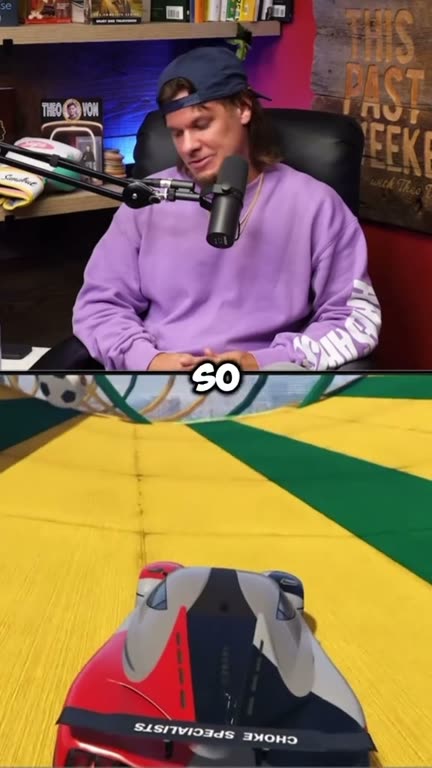
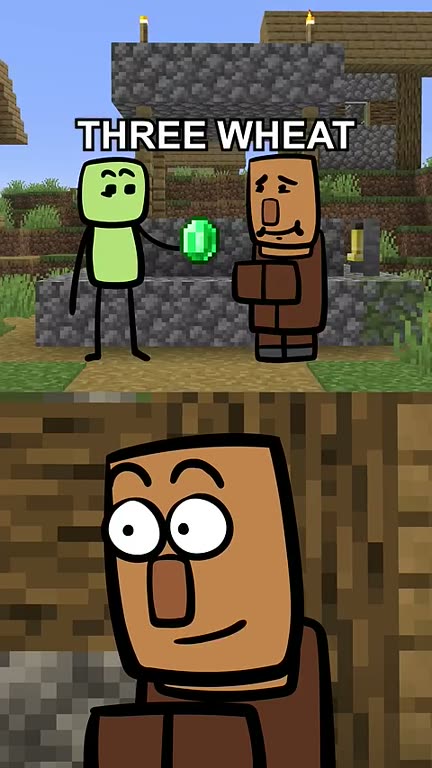
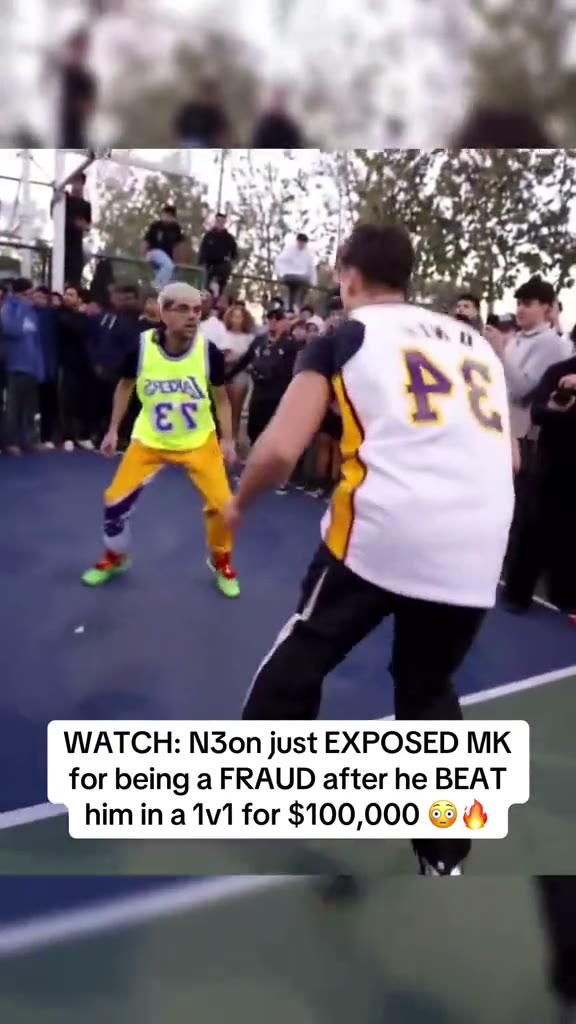
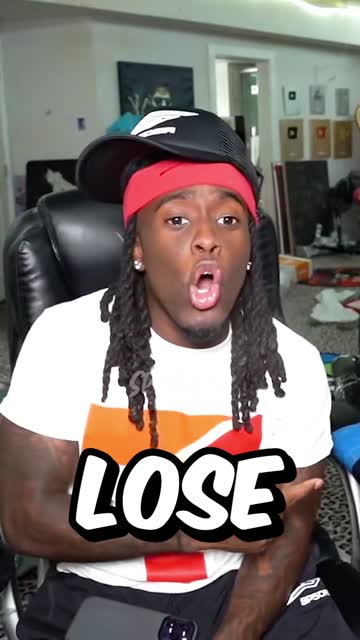
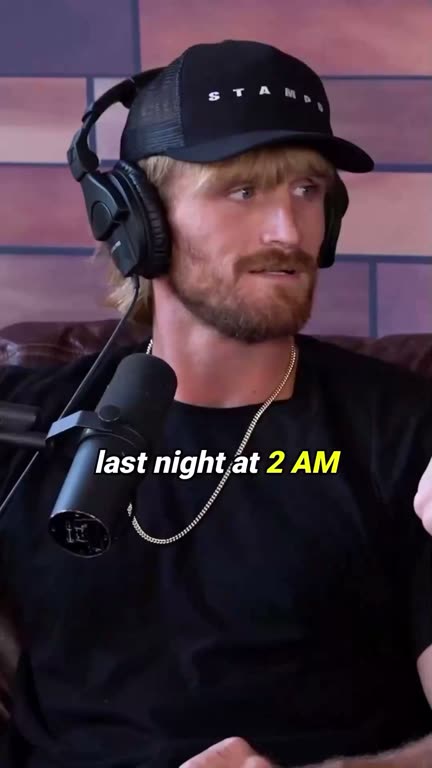
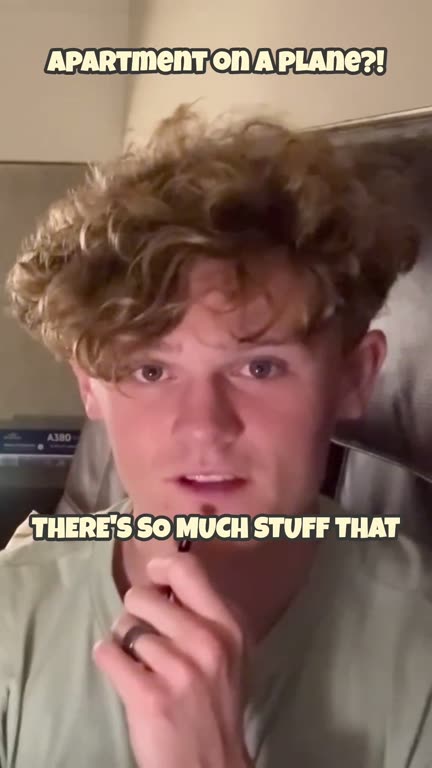
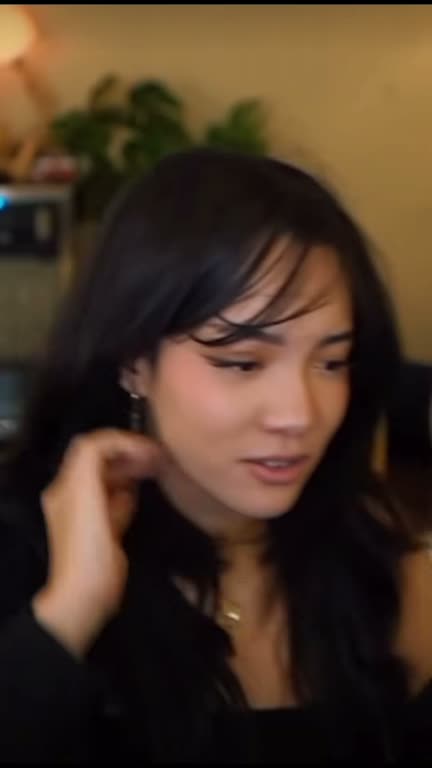
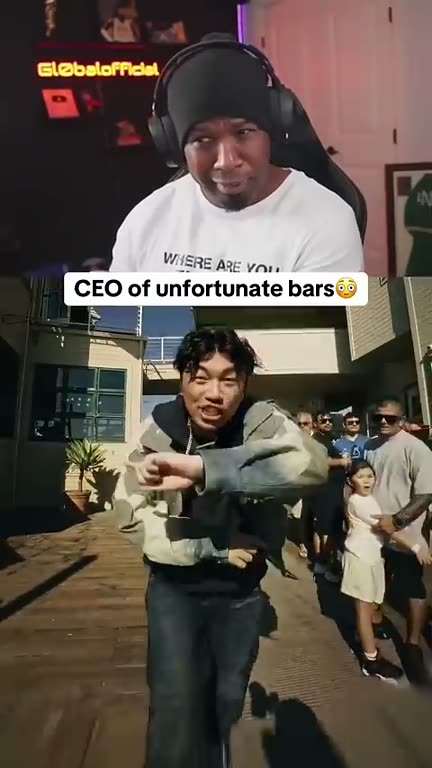
Real clips made with GhostShorts
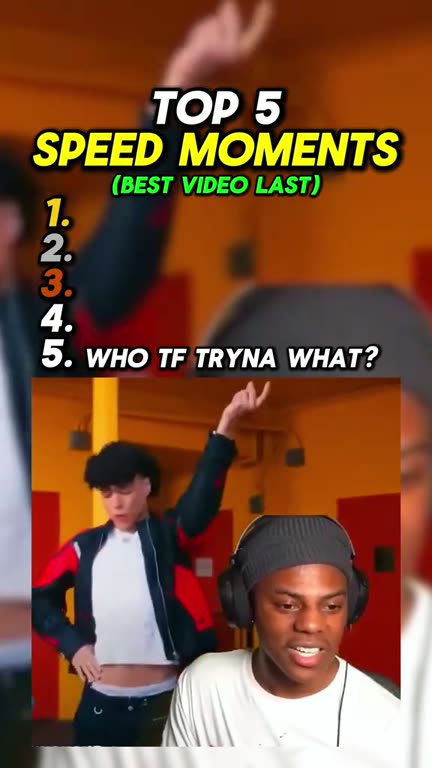
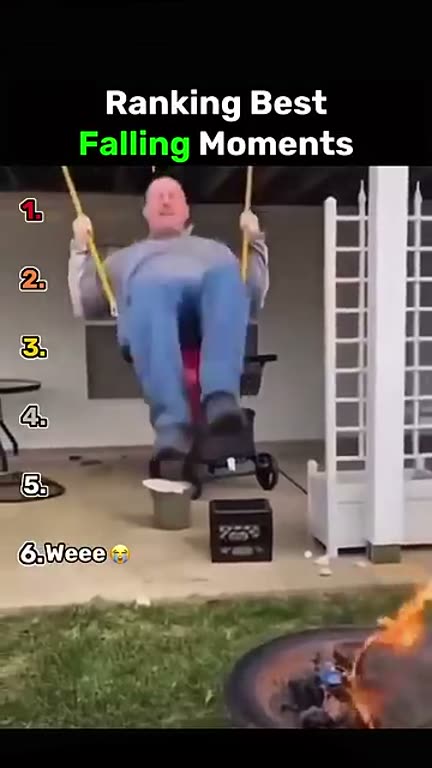
One from each tool, and why it works.
| Tool | You start with | You get | Use it when |
|---|---|---|---|
| AI Clipper | A YouTube link, up to 2 hours | Up to 20 captioned clips of 20 to 90 seconds, each scored out of 100 | You have a full episode or stream and want its best moments |
| Auto Captions | A video file up to 8 minutes (MP4, MOV or WebM) | Word-by-word captions burned into the video | You already cut the clip yourself and only need captions |
| Split Screen | A talking clip under 8 minutes | Your clip stacked over gameplay or satisfying footage, with captions | The clip is mostly talking and needs motion to hold attention |
Most shows use them in that order: the AI Clipper finds the moments, and the talkiest clips go through Split Screen. Clips you cut in your own editor go through Auto Captions.
How to Turn an Episode into Clips with GhostShorts
Five steps from a full episode to a week of posts.
The five steps
- 1. Paste the linkOpen the AI Clipper and paste the YouTube link of your episode or stream. Up to 2 hours of it is read, transcribed and searched for moments.Common mistake: Pasting a link to a show you do not own or have permission to clip.
- 2. Pick the best clipsYou get up to 20 clips, ranked by a score out of 100. Open a score to see why it ranked there. Looking for one topic? Use “Find moments” and describe it.Common mistake: Posting all 20. Keep the clips that make sense to someone who never saw the episode.
- 3. Fix the edgesIn the editor, trim where a clip starts and ends, pick a caption style and its position, and reframe to 9:16 so the speaker stays in the shot.Common mistake: Leaving a slow first sentence in. Start the clip on the line that matters.
- 4. Add a backgroundFor a clip that is all talking, open Split Screen, upload the clip, and put Subway Surfers, Mario Kart or satisfying footage under it.Common mistake: Adding gameplay to a clip that already has strong visuals, like a sports play.
- 5. Post one a dayDownload the clips and spread them across the week on TikTok, YouTube Shorts and Reels instead of posting all of them at once.Common mistake: Dumping a whole episode’s clips on one day, then going quiet for a week.
- Source for clippingA YouTube link, up to 2 hours
- Clips per videoUp to 20, ranked best first
- Clip length20 to 90 seconds each
- Caption styles17 ready-made presets
- Uploads for captions or split screenUp to 8 minutes
- OutputVertical MP4 for TikTok, Shorts and Reels
Check before you post
- You own the show or have permission to clip it
- The clip makes sense without the episode
- The first line hooks in under three seconds
- Captions are right, names spelled correctly
- The speaker stays in the vertical frame
- A title or caption says what the clip is about
- No copyrighted music if the clip runs past one minute
- The Short is linked to the full episode with Related video
What makes a good clip
A clip has to work for someone who never saw the episode. Look for moments that set themselves up in the first few seconds and pay off before the end. These are the kinds that travel, by type of show.
Interview podcasts
The guest’s best story, start to finish.
- The story they never told before
- The moment the host is speechless
- A hot take the comments will fight over
Chat and comedy podcasts
One joke, one reaction.
- The line everyone quotes
- A bit that goes off the rails
- The roast that lands in one sentence
Gaming streams
The play and the reaction to it.
- The clutch win
- The rage moment
- The chat calling it before it happens
Sports and challenge streams
Stakes on screen from second one.
- Trash talk before the match
- The last point
- The bet that went wrong
Educational videos
One idea, explained in under a minute.
- The one tip worth the whole video
- A myth, then the fact
- The before and after
Business and coaching
A clear opinion people share.
- The mistake most people make
- A number that surprises the room
- The answer to the question everyone asks
Choosing between clips
- The first three seconds decide itIf a clip needs ten seconds of setup, trim the start so it opens on the line that matters. Viewers scroll before a slow clip gets going.
- Shorter usually winsA 30-second clip people watch to the end beats a 90-second clip they leave halfway. Keep long clips for stories that really need the time, and check them for music first (see the rules below).
What TikTok and YouTube Ask of Clipped Videos
Clip your own shows as much as you like. For someone else’s podcast or stream, get their permission in writing: without it you are relying on fair use, which YouTube says is decided case by case, and a clip can be claimed, taken down or struck. Practical guidance, not legal advice: check each platform’s current terms.
Safe to clip
Content you have the rights to.
- Your own podcast, stream or channel
- A show that hired you to clip it
- A clipping campaign where the brand supplies the footage
Credit is not permission
What YouTube’s fair use page says.
- Naming the creator does not by itself make a clip fair use
- There are no magic words like “no copyright intended”
- A Content ID claim can send the clip’s ad money to the owner
Getting paid for clips
Each platform has its own bar.
- YouTube today: 1,000 subscribers plus 4,000 watch hours in 12 months, or 10M Shorts views in 90 days
- From February 1, 2027, new YouTube applicants need 8,000 watch hours in 365 days or 20M Shorts views in 90 days
- TikTok Creator Rewards: videos of at least one minute, 18 or older, 10,000 followers, 100,000 views in 30 days, personal accounts
Labels
Only where they apply.
- A clip of real footage is not AI-generated content
- Turn on the AI label only when AI made something that looks or sounds real
- Turn on the paid-promotion label for sponsored clips
How clipping campaigns work. Some brands and creators pay clippers to post clips of their content. On Whop’s Content Rewards, for example, the brand sets a rate per 1,000 views, often supplies the footage, approves each post before it counts, can require a minimum number of views before a post is reviewed, and can cap the payout per video. Posts that are rejected are not paid. Read each campaign’s rules before you clip for it.
What stays your job
The tools find, cut and caption the moments. These parts still need a person, and they are what separate a clip channel that grows from one that stalls.
The human part
- Picking what to postThe score ranks clips, but you know your audience. Post the moments you would send to a friend, skip the rest.
- Checking captionsRead every caption once. Names, slang and numbers are where a transcript most often slips.
- Titles and coversWrite the title and pick the cover frame yourself. They decide whether someone taps the clip at all.
- Getting permissionIf the show is not yours, get a yes in writing before you post, and keep it.
- Answering commentsReply to the first comments on each clip. It tells you which moments people want more of.
- Keeping the scheduleOne or two clips a day, every day. Nobody can keep posting for you.
Clipping by hand vs GhostShorts
Clipping by hand means watching the whole episode, cutting in an editor, typing captions and resizing for every app. Here is how the two compare.
| Step | By hand (editor) | GhostShorts |
|---|---|---|
| Finding moments | Watch the whole episode and note timestamps | Up to 20 moments found and ranked for you |
| Cutting | Cut each clip on a timeline | Clips arrive cut; trim the edges if needed |
| Captions | Type and time every word | Word-by-word captions from the transcript, 17 styles |
| Vertical format | Crop and reposition by hand | Reframe to 9:16 with a focal point |
| Background footage | Find gameplay and stack two videos | Pick a background from the library in Split Screen |
The time you save goes into posting more often and picking better moments.
Tips for posting clips
Clip channels grow on consistency: the same look, every day, with the best moments first.
Clip the day it airs
Moments travel best while the episode is new and people are already talking about it.
Captions on, always
Many viewers scroll with the sound off. A clip without captions loses them in the first second.
Same caption style every time
Pick one style and keep it, so viewers know your clips before they see the name.
Point back to the episode
Links in Shorts descriptions and comments are not clickable. In YouTube Studio, set the Short’s Related video to the full episode so viewers get a tappable link, and put the show name in the caption.
Spread clips out
One episode can give a week of posts. One or two a day beats twenty on a single day.
Post everywhere
Put the same clip on TikTok, YouTube Shorts and Instagram Reels. A clip that stalls on one app can take off on another.
Sources
Platform rules in this guide were checked against these pages on November 16, 2026.
- YouTube HelpYouTube Partner Program eligibility
- YouTube Official BlogYouTube Partner Program updates for 2027
- YouTube HelpYouTube channel monetization policies (inauthentic and reused content)
- YouTube HelpFair use on YouTube
- YouTube HelpHow Content ID works
- YouTube HelpShorts up to 3 minutes and Content ID claims
- YouTube HelpLink a Short to a related video
- YouTube HelpDisclosing altered or synthetic content
- TikTokTikTok Creator Rewards Program terms
- WhopContent Rewards
- The Podcast HostDo video clips stop people listening?