The complete guide tosplit screen videos
Learn why split screens hold attention, which pairings and backgrounds work, how to make one step by step, and what you can and cannot clip.
Why split-screen videos hold attention
The split-screen format works on a simple idea. When a video has one thing to look at, any slow second is a reason to scroll. Add a second moving layer, gameplay on the other half, and the eye always has somewhere to go, even while the speaker pauses, thinks or sets up the point.
That is exactly why it suits real footage. A podcast clip, an interview or a talking-head take has natural pauses that would lose a viewer in a full-frame edit. With gameplay running beside it, the pause stops being a reason to leave.
The captions do the rest. Many people watch with the sound off, so the words on screen carry the clip while the background keeps the eyes busy.
Split-screen pairings that work
A split screen is two choices: the clip people listen to, and the footage that keeps them watching. These pairings are the ones creators come back to.
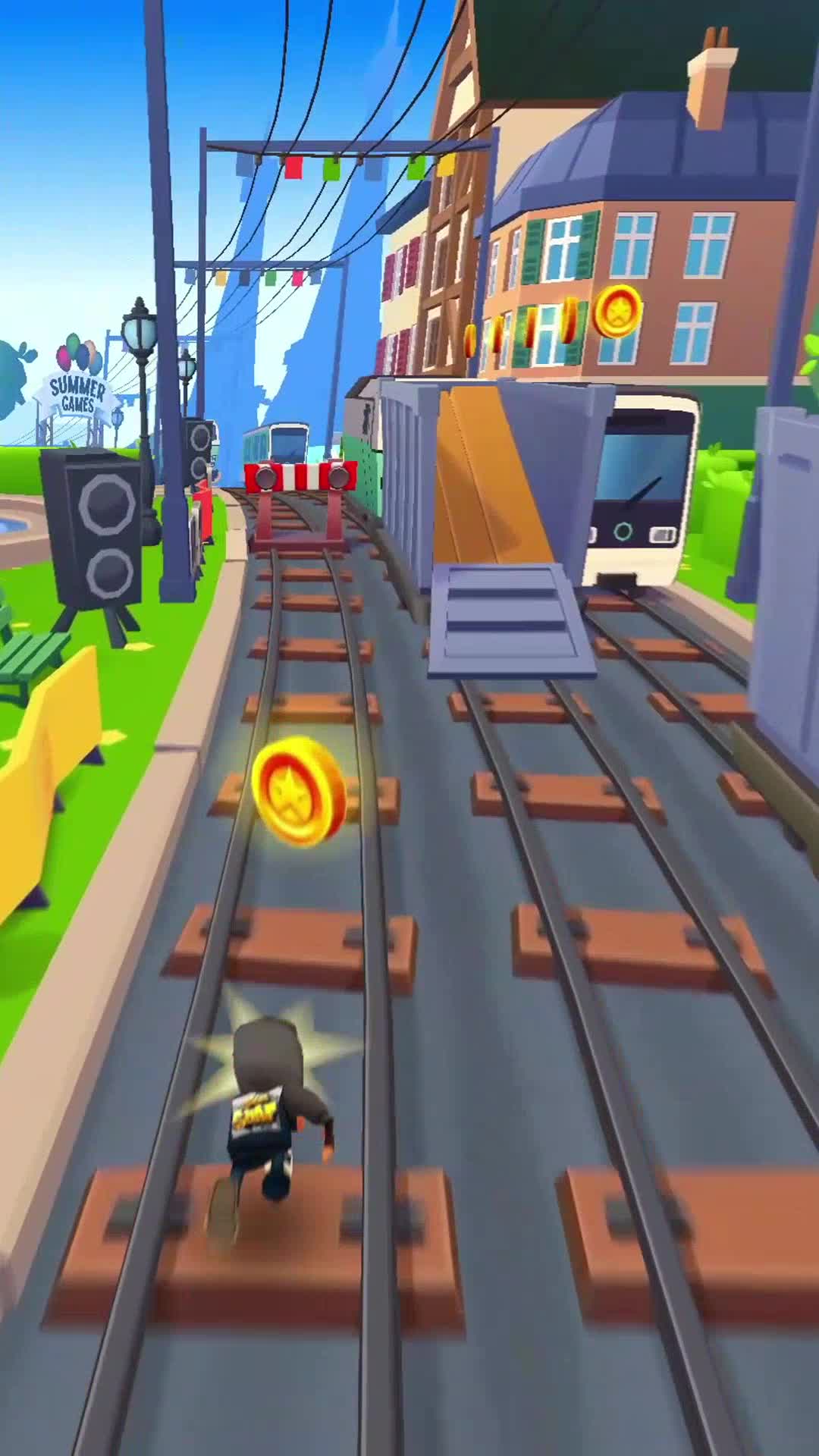
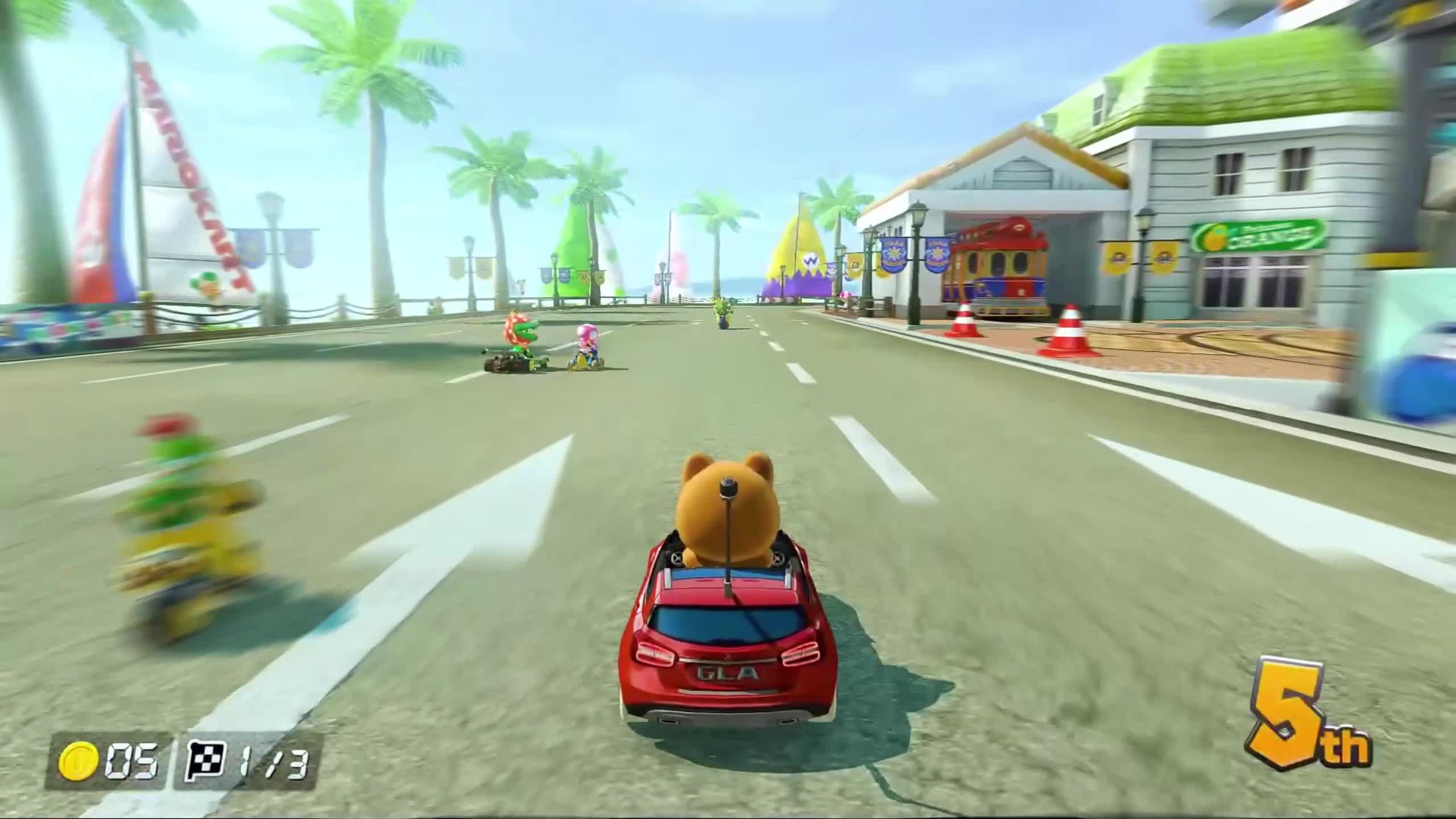
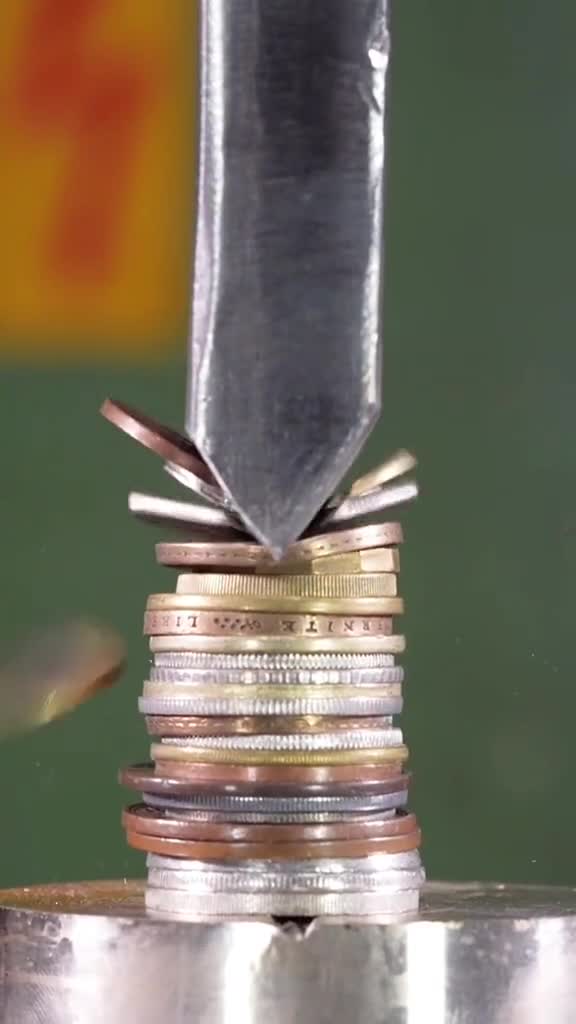
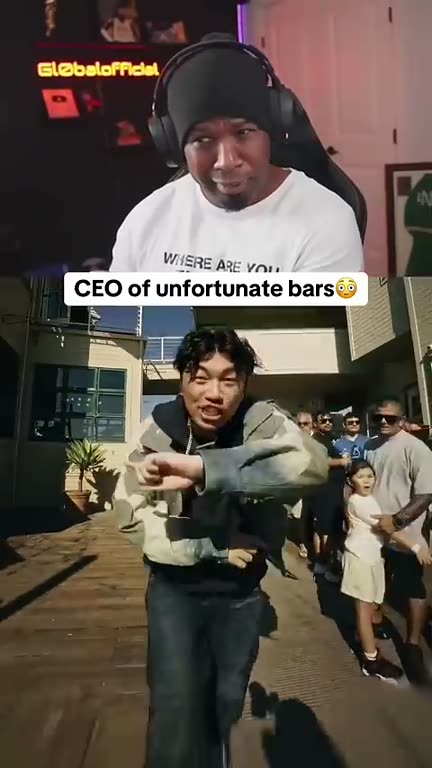
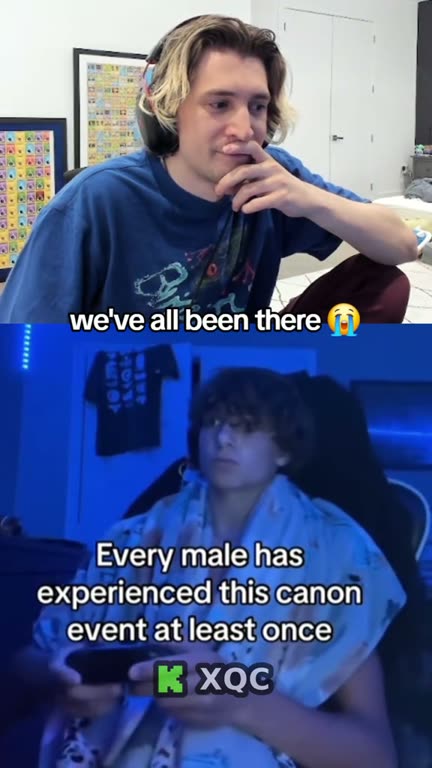
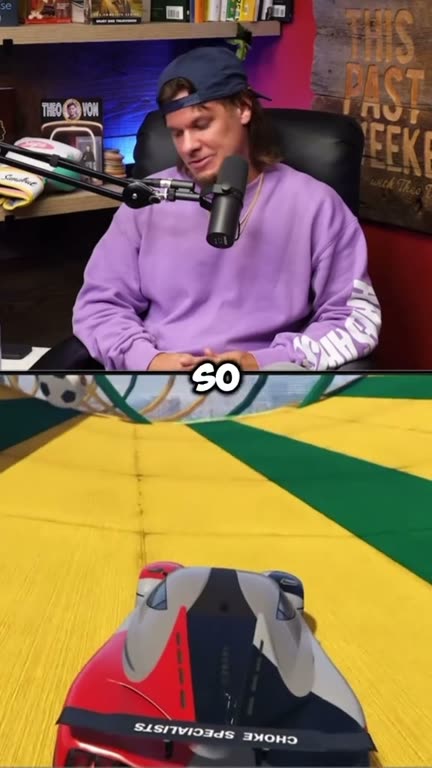
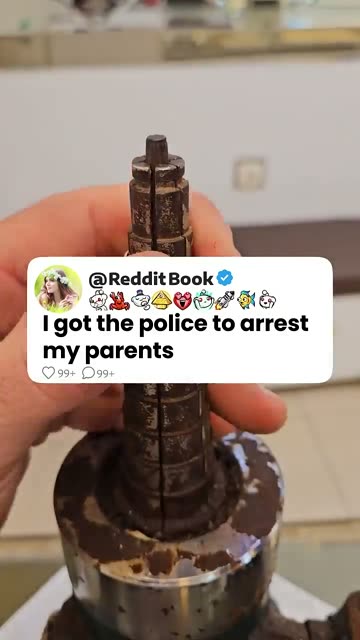
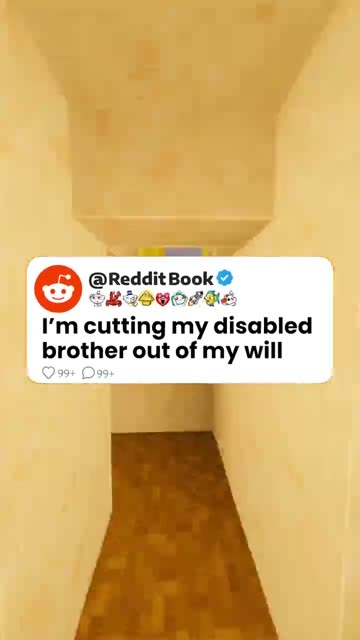
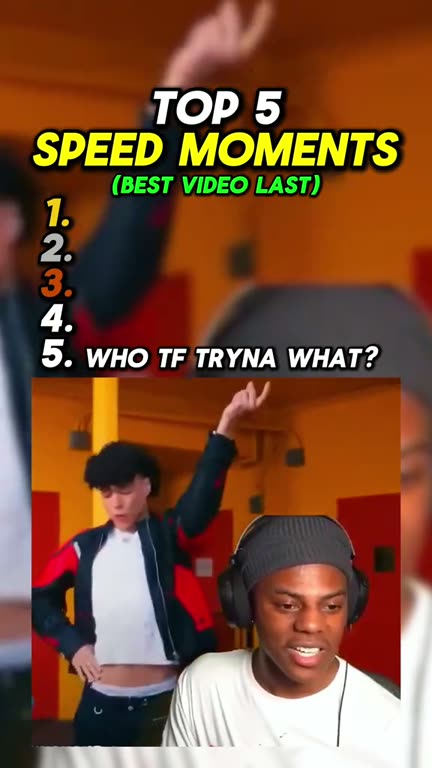
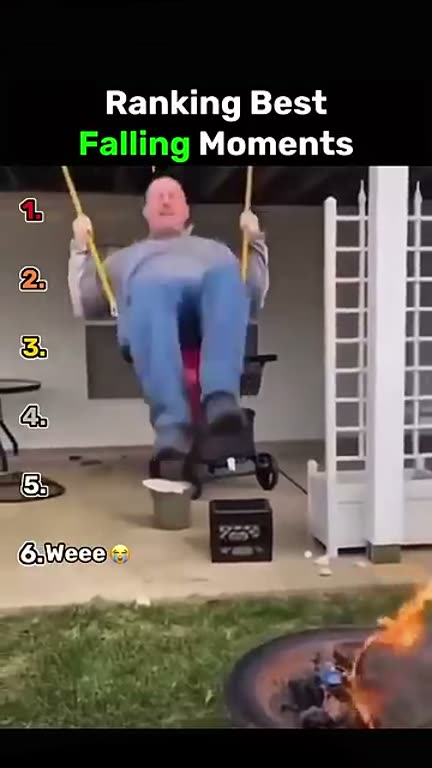
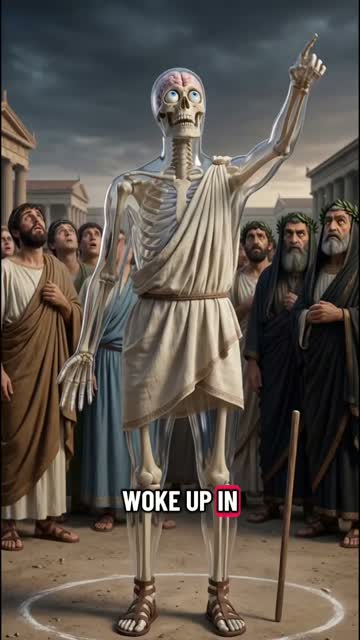
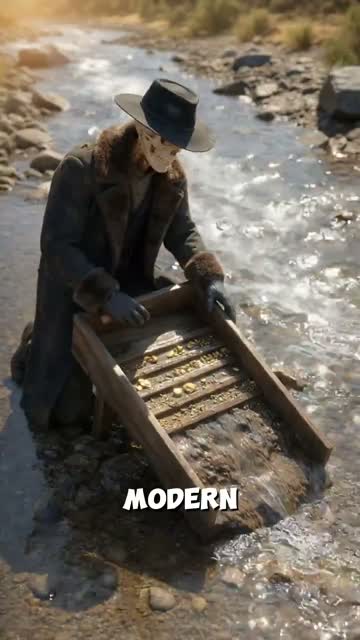
Real split screen videos made with GhostShorts
Three videos our creators made, and the trick behind each one.
| Your clip | Background | Good for |
|---|---|---|
| A podcast or interview moment | Subway Surfers | Hot takes, guest stories, the one line everyone quotes |
| A talking-head explainer | Minecraft parkour | Tips, how-tos, longer explanations |
| A storytime take to camera | Minecraft parkour | Confessions, “you will not believe what happened” stories |
| Commentary or an opinion | GTA V or Mario Kart driving | Rants, motivation, strong opinions |
| Calm advice or a tutorial | Satisfying clips | Education, audiences that are not into gaming |
The background does not need to relate to your clip. The contrast between a serious conversation and casual gameplay is part of why the format works: people follow the words through the audio and captions while their eyes rest on the movement. If what you have is a script rather than footage, a narrated template is the better fit: Reddit Story and Roblox Rants read your text with an AI voice over gameplay.
How to Make a Split Screen Video with GhostShorts
Steps 1 and 2 in the generator, where you can watch your split play before you sign up; the captions and the export happen in the app. Click any screenshot to see it full size.
- Main clipYour own video, under 8 minutes
- BackgroundGameplay library or your own upload
- LayoutTop and bottom, or side by side
- FramingSlide each clip, or blur the background
- CaptionsTranscribed from your audio, editable
- Caption positionTop, middle or bottom
- ExportVertical 1080x1920 MP4
Which background should you use?
The background matters more than most creators expect. The right one keeps people watching; the wrong one competes with your clip.
Subway Surfers
Bright, nonstop motion that never fights the captions.
- Hot takes
- Podcast one-liners
- Fast stories
Minecraft parkour
A calmer rhythm that suits longer speech.
- Explainers
- Storytime
- Advice
GTA V and Mario Kart
Driving energy for loud, confident clips.
- Rants
- Motivation
- Debates
Satisfying clips
The same pull without the gaming feel.
- Education
- News-style clips
- Calm advice
Your own footage
Feels native to a lifestyle niche.
- Cooking
- Cleaning
- Your own gameplay
No gameplay at all
Blur background fills the frame with your own clip.
- Interviews
- Brand content
- Non-gaming audiences
Picking between them
- Match the energyFast clips with fast gameplay, calm clips with calm footage. If people watch the background more than they listen, the mismatch is too big.
- Test, then repeatPost the same kind of clip over two different backgrounds and keep the one that holds viewers longer.
Can You Use Other People’s Clips?
A split screen has two sets of rights in it: your main clip and the gameplay. You need the right to the clip you upload, and putting gameplay under someone else’s footage does not change who owns it. General information, not legal advice.
Your main clip
The half that matters most.
- Your own recordings, or clips you have permission to use
- Official clipping programs from podcasts and streamers
- Content ID can match someone else’s audio whatever sits below it
The gameplay
Each publisher sets its own rules.
- Mojang’s guidelines allow Minecraft gameplay videos, including monetized ones
- Check the policy of any game you use
- Library clips are already vertical and ready to use
Editing split screens by hand vs GhostShorts
You can build a split-screen video yourself in CapCut, Premiere Pro or DaVinci Resolve, and many creators start that way. Here is how the two approaches compare.
| Manual (CapCut, Premiere, DaVinci) | GhostShorts | |
|---|---|---|
| Setup | Import assets, build a timeline, stack two layers | Upload your clip and pick a background |
| Gameplay | Record it yourself or hunt for usable clips | Pick from the library, or upload your own |
| Layout and framing | Resize and position each layer by hand | Choose Top/Bottom or Left/Right, then slide each clip into place |
| Captions | Type and time every word, or run a separate caption tool | Transcribed from your audio, timed per word, editable |
| Render | Export settings to get right every time | 1080x1920 MP4 at 30 fps, in about a minute |
| Cost | CapCut has a basic version without a subscription; Premiere and DaVinci Studio are paid | Starter is $19.99 a month for 30 videos |
| Consistency | Varies with skill, attention and fatigue | Same layout and caption style on every video |
The difference shows up over a week. Posting one split-screen video a day by hand means a daily editing session; with GhostShorts the work is choosing the moment worth clipping. See the pricing page for current plans.
Tips for split-screen videos that get watched
Match background intensity to your clip
The most overlooked factor. A clip that builds slowly wants calm footage; a fast, punchy clip wants fast gameplay. When both halves share an energy level, people stay longer without knowing why.
Make the captions readable
Plenty of people watch short-form video with the sound off, so for them the captions are the video. Pick a bold, high-contrast style and a position where the words do not cover a face.
Start on the strongest line
The first second decides whether someone watches or scrolls. Trim your clip before you upload so it opens on the best sentence, not on “so, yeah, anyway.” No intros, no logos, no slow build. For chat formats, the first message plays the same role, as on the fake text message video generator.
Test different backgrounds
Do not assume Subway Surfers always wins. Post the same clip over different backgrounds and compare retention after a couple of days. Swapping the background in GhostShorts is a quick change, not a re-edit.
Keep it short
The layout works because neither half ever gets boring. Past about a minute, that stops being true. Cut to the moment you actually want people to hear.
End with a call to action
Give the last few seconds a job: “follow for part 2,” “which one would you pick?” or “comment if you agree.” Comments and follows tell the algorithm the video worked. Do not just let it stop.