✂️ One long video, a batch of vertical clips

Turn a Long Video Into
Short Vertical Clips

Paste a YouTube link. AI reads every word of the transcript, finds the moments that stand on their own, and cuts each one to captioned 9:16. Your first clip is free.

The general case

The good part is in there. Finding it is the job.

A two-hour recording usually holds four or five things worth posting on their own, and the only way anyone has ever found them is to sit through the whole recording. That is the part that never gets done, which is why most long-form footage gets published once and then sits there.

GhostShorts approaches it from the transcript. Every word gets a timestamp, an AI reads the full text end to end, and it comes back with the passages that work standing alone: something that opens sharply, holds a single idea, and finishes rather than trailing off mid-sentence. The cut points land on real word boundaries, not on a guess.

What you get back is a shortlist, ranked. You skim it instead of scrubbing.

  • Works on any talking video: podcasts, talks, streams, interviews, webinars, commentary
  • Up to twenty clips per source, each twenty to ninety seconds
  • Word-synced captions in seventeen styles, editable word by word
  • Search the transcript by topic and pull extra clips about it, no extra credits
  • One free clip from your own video before you commit to anything
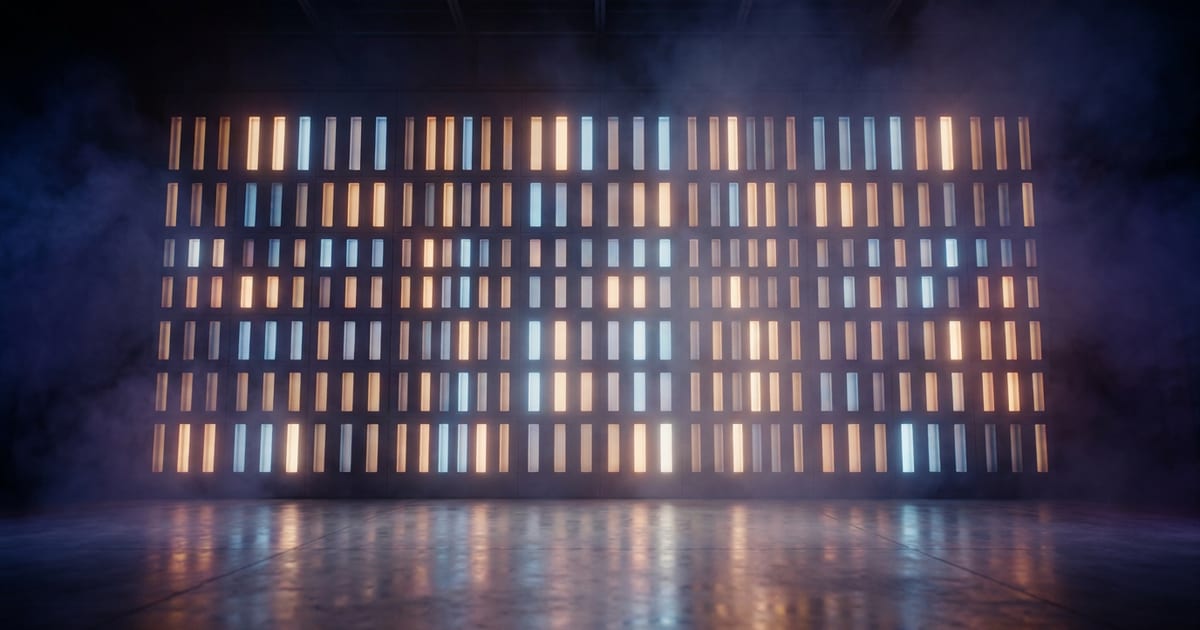
A long bar of light breaking apart into a row of small upright glowing panels
A long bar of light with many small upright glowing panels rising out of it
One source in. A batch of vertical clips out.
Word-level captions burned inVertical 9:16 framingMoments ranked best-firstDownload one at a time or as a ZIPClips are yours to post and monetize

Chosen by what is said

The selection runs on the transcript, so it responds to argument and structure rather than to loudness or motion. That is why it works on a talk and not on silent footage.

Ranked, with reasons

Each clip carries a 0-100 score that ranks it inside your batch, and a breakdown across hook, story, value, engagement, and reach that quotes the clip back at you. A ranking, not a forecast.

A real editor behind it

Trim the ends, split and delete segments, reorder them, change aspect ratio, set the crop and focal point, edit a word the transcriber got wrong, export a thumbnail. Saving is separate from rendering.

Clean files out

1080x1920 MP4 at 30fps with no watermark, downloadable one at a time or as a ZIP. Sixteen-by-nine, square, and 4:5 are available in the editor if you need them.

10k+
Creators
500k+
Videos Created
4.8/5
Creator Rating
<2min
Avg. Export Time

From One Link to a Batch of Clips

No scrubbing a timeline looking for the good part. Paste the link and read the shortlist.

1

Paste the Link

Any YouTube URL, up to two hours of source. GhostShorts ingests it and transcribes every word with its own timestamp.

2

AI Reads the Whole Thing

The transcript is searched for self-contained moments: a hook, a complete thought, a clean landing. Each one is cut on real word boundaries and scored against the rest of your batch.

3

Edit If You Want, Then Export

Trim, recrop, restyle the captions, or take them as they came. Download one at a time or grab the whole batch as a ZIP.

Simple Plans for Serious Growth.

Simple, but exceptionally powerful. Every feature you need now and as you reach millions of views.

Starter Plan

Perfect for getting started

$19.99/month
  • 25 GhostCredits monthly
  • ~25 mins of AI voiceover
  • ~50 AI-generated images
  • ~100 mins of video rendering
  • Access to growth tools
  • Captions in 102+ languages
  • Credits reset monthly
Get Started

GhostMode Plan

For professional content creators

$79.99/month
  • 150 GhostCredits monthly
  • ~150 mins of AI voiceover
  • ~300 AI-generated images
  • ~600 mins of video rendering
  • Access to growth tools
  • Captions in 102+ languages
  • Credits reset monthly
Get Started

Need more power?

Enterprise Plan

Custom solutions for teams and agencies

Custom GhostCredit packages API access (approval-based) Higher concurrency limits Priority rendering queue Dedicated support channel Volume-based pricing Early access to new features Batch optimization support
Contact Sales

What Creators Are Saying

Real results. Real reach. Built with GhostShorts.

"

Made a Reddit story short in the middle of my chem class. 100K views before I got home.

Profile photo of @etherstories

@etherstories

"

Honestly thought this was just another overhyped AI tool. But it actually delivers and is super easy to use. I already created 10 shorts in 1 day.

Profile photo of @clip.lott

@clip.lott

"

Tried a couple viral formats on the app. A month later... 10 million views. This app is stupid easy to use.

Profile photo of rakaii.fxx

rakaii.fxx

"

Making edits CapCut felt homeworkish. GhostShorts is easy af, almost feels likes I am on autopilot.

Profile photo of @sturdylives

@sturdylives

"

All I do is copy a Reddit post, paste it in, export, done. It's stupid easy.

Profile photo of @RedditBook

@RedditBook

"

Used to doom scroll all night. Now I post the same type of videos I used to binge.
Profile photo of @tgpu

@tgpu

"

I run a few fake text story channels. Jesus I've hit over 5 million likes on just one of my channels alone. It's ridiculous.

Profile photo of @textsfella

@textsfella

"

GhostShorts saved me countless hours of editing time. Highly recommended!

Profile photo of @2ndchildhoodpodcast

@2ndchildhoodpodcast

"

I cut my content creation time by 80% after switching to GhostShorts. It's the only tool that actually keeps up with how fast I work.

Profile photo of @mcfreakery

@mcfreakery

Frequently Asked Questions

We are here to help you with any questions you may have. If you don't find what you need, please contact us at [email protected]

Paste the YouTube link. GhostShorts pulls the video, transcribes it with word-level timing, and an AI reads the whole transcript looking for moments that make sense on their own. Each one it picks is cut to a vertical 9:16 clip with captions already burned in. You get one clip free from the first six minutes before you decide to process the rest.
A YouTube link, including regular watch URLs, Shorts, live replays, and youtu.be short links. Direct file upload and other platforms are not supported yet, so if your source lives somewhere else, get it onto YouTube first (unlisted is fine).
Up to two hours of source per video. If you paste something longer, the first two hours are what gets processed and billed, so trim or split anything past that if the later part matters.
It varies with the source, up to a maximum of twenty. The model is told to prefer quality over quantity, so a short or thin video honestly returns fewer clips rather than padding the batch. Each clip runs between twenty and ninety seconds.
It ranks the clips in your own batch against each other, so the strongest moments sort to the top. It is not a view prediction and it does not claim to know how anything will perform. You can open a breakdown that explains the score across hook, story, value, engagement, and reach, in the clip’s own words, and get suggested hashtags with it.
Anything where the value is in what is said: podcasts, interviews, talks, commentary, streams, webinars, video essays. The AI picks moments by reading the transcript, so a video with clear speech gives it something to work with and a silent one does not.
Yes. Every clip opens in an editor where you can trim the ends, split or delete segments, reorder them, change the aspect ratio, set the crop and focal point, swap between seventeen caption styles, fix a mistranscribed word, and export a custom thumbnail. Saving your edits is separate from re-rendering, so you can tweak freely and render once.
No. Clips export as clean 1080x1920 MP4s at 30fps, individually or as a ZIP, and they are yours to post and monetize anywhere.

More ways to clip

Same engine, different starting point. Pick the one that matches the footage sitting on your drive.

You Already Made the Long Version.

Paste one link and see the shortlist. The first clip costs nothing and comes from your own video.

Clip Your First Video