Turn any article into narrated video shorts
Paste a link or the text of a post you wrote. GhostShorts condenses it into a script, narrates it with an AI voice and adds word-synced captions, ready for Shorts, Reels, TikTok and LinkedIn.



A real article made into a narrated short with GhostShorts, plus the posts creators turn into videos next.
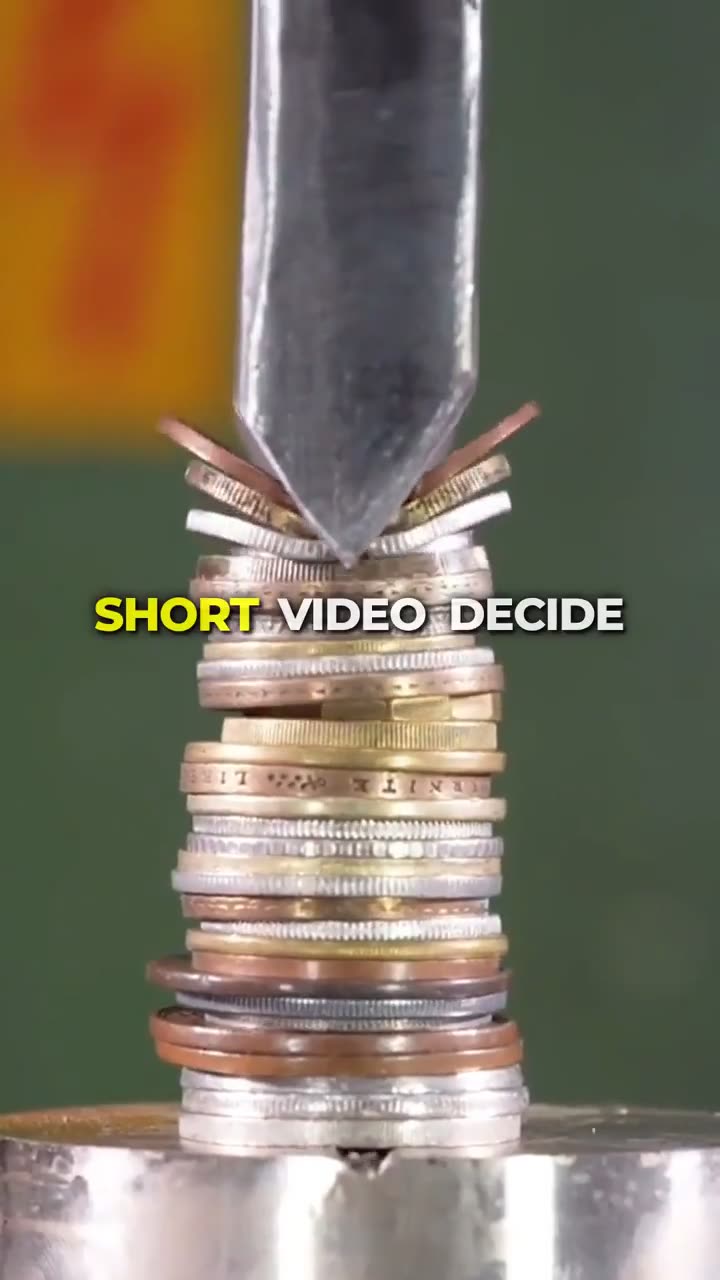

Turn your how-to guide into a quick tutorial
Turn every newsletter into a week of videos

Turn your case study into proof people watch

Turn your product update into a launch video
See how a post goes in and what you choose, then open the app to make your first video.
Works best on your own posts and any public page. Paywalled or login-only pages will not import. Paste the text instead. Between 90 and 4,000 words works. Nothing you type here is sent anywhere; you paste it in the app.
From a post you already wrote to a narrated, captioned vertical short.
A post you published, a newsletter issue or a draft. Both ways work.
The AI keeps the argument and drops the padding. Edit any line.
The first 15 seconds of your own article play in the browser before you pay.
Pick a voice, captions and a background, then export a vertical MP4.
The work it removes is the scripting, the voiceover and the caption timing.
Import a public post by URL, or paste the text for drafts, newsletters and anything behind a login.
The script keeps the claim and the reason for it, in your words, ready for you to check.
Word-synced captions over a looping background, so the point lands with the sound off.
Paste the same article again, keep a different section, and get the next video.
Numbers, quotes and names the script adds that your article does not contain are rejected. Read it before you publish.
Voice, images, scripts and captions are included on every plan, within fair-use limits. AI credits pay for motion, premium models and extra redos.
Perfect for getting started
Perfect for regular content creators
For professional content creators
Credit pack boost: a one-time $9.99 pack adds 20 AI credits that never expire.
For agencies, businesses, and high-volume creators with advanced needs.
Let's find the right solution for your team or business.
Contact SalesReal results. Real reach. Built with GhostShorts.
Made a Reddit story short in the middle of my chem class. 100K views before I got home.

Honestly thought this was just another overhyped AI tool. But it actually delivers and is super easy to use. I already created 10 shorts in 1 day.

Tried a couple viral formats on the app. A month later... 10 million views. This app is stupid easy to use.

Making edits CapCut felt homeworkish. GhostShorts is easy af, almost feels likes I am on autopilot.

All I do is copy a Reddit post, paste it in, export, done. It's stupid easy.

Used to doom scroll all night. Now I post the same type of videos I used to binge.

I run a few fake text story channels. Jesus I've hit over 5 million likes on just one of my channels alone. It's ridiculous.

GhostShorts saved me countless hours of editing time. Highly recommended!

I cut my content creation time by 80% after switching to GhostShorts. It's the only tool that actually keeps up with how fast I work.

We are here to help you with any questions you may have. If you don't find what you need, please contact us at [email protected]
Paste a link or the text and watch your opening play before you pay.
Repurpose a PostLearn which posts to repurpose first, how to make one step by step, how long it should be, and how to keep the video true to your article.
Read the full guideDiscover more GhostShorts tools for creating engaging short-form content.
The same Article to Video template runs through the GhostShorts API and MCP server. Connect it once, send a link or the text, and get a finished MP4 on the same plan.
Create an API key in Settings and add the GhostShorts MCP server to your assistant.
Paste a link to your post, or the text, and ask for a short in plain words.
It comes back as a finished video, on the same plan and credits as the app.
# 1. Connect GhostShorts (once)$ claude mcp add --transport http ghostshorts https://api.ghostshorts.com/mcp --header "Authorization: Bearer <your API key>" # 2. Then just ask> Turn my latest blog post into a 60-second vertical video: https://yourblog.com/your-best-post
article_videoPlain-text guide for agents