Short videos foryour business
Learn why short video works for a business, four ways to make it without filming, how to start a steady posting habit, what to post first, and the rules every brand video has to follow.
Why short video works for a business
TikTok, YouTube Shorts and Instagram Reels show videos to people who do not follow you yet. YouTube Shorts alone get more than 200 billion views a day, according to Alphabet’s Q2 2025 earnings call. A business that posts there reaches new customers without paying for every view, as long as it posts often enough for the feed to learn who its videos are for.
The problem for most teams is not ideas. It is time. Filming, editing and captioning one video can take an afternoon, so posting stops after the first few weeks. The answer is to start from what you already have: blog posts, newsletters, product pages and the questions customers ask you.
You also do not need a face on camera. A narrated short built from your own article, or a chat that shows your product solving a problem, does the same job as a talking head and takes minutes instead of hours.
Four ways to make business videos with GhostShorts
Two templates fit most brands, and two options cover teams that make video at volume or from their own software.
Real business-style videos made with GhostShorts
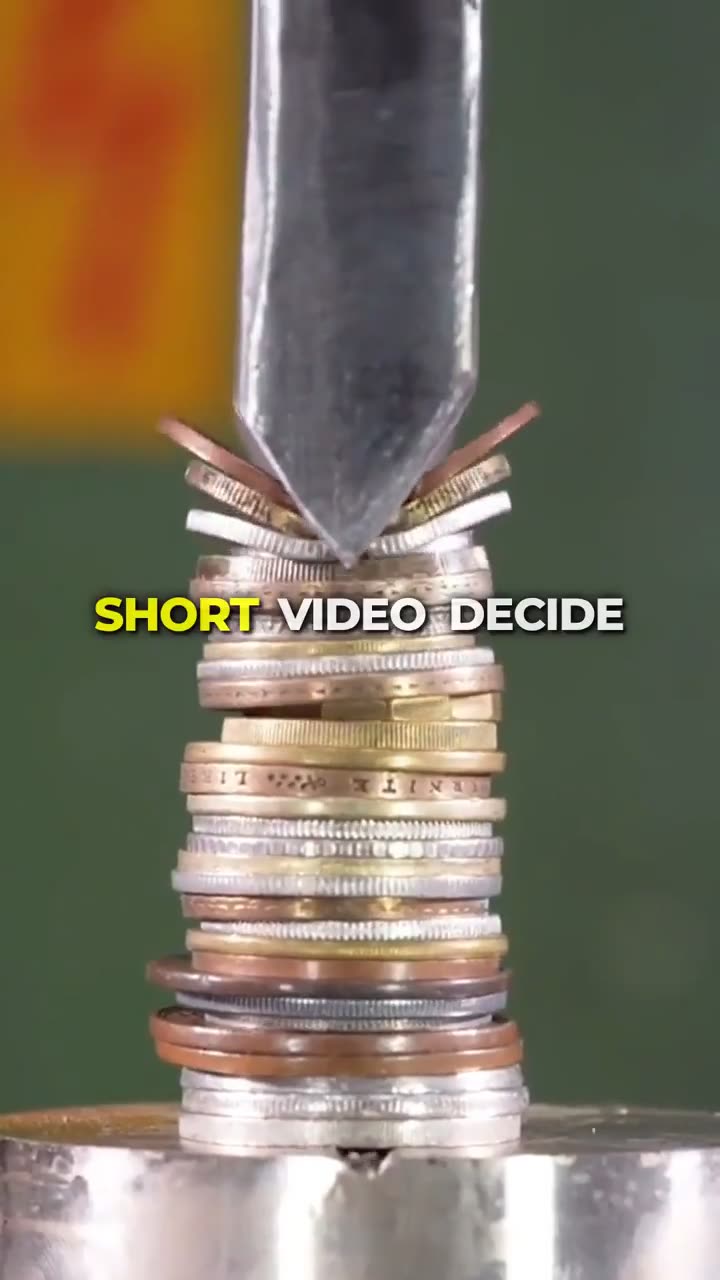
Two videos made in the templates below, and why each one works.
| Option | What you give it | Best for |
|---|---|---|
| Article to Video | A link to your post, or the text (90 to 4,000 words) | Blogs, newsletters and B2B posts turned into ~30, ~60 or ~90 second shorts |
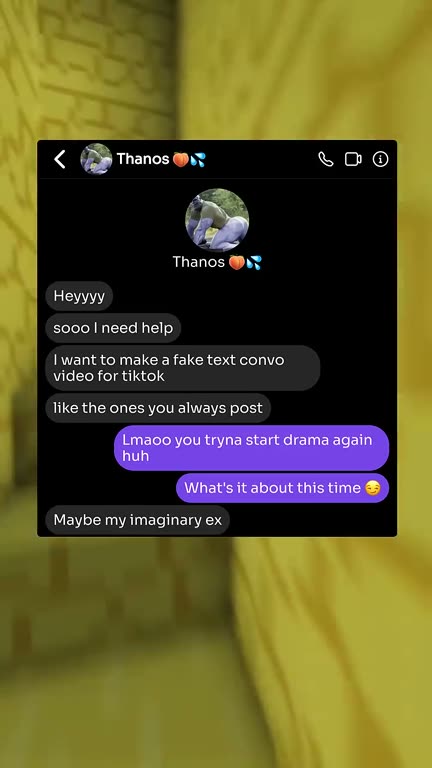
| Fake Text | A chat you write: you and one contact, up to 80 messages | Showing a product or service in a story people want to read to the end |
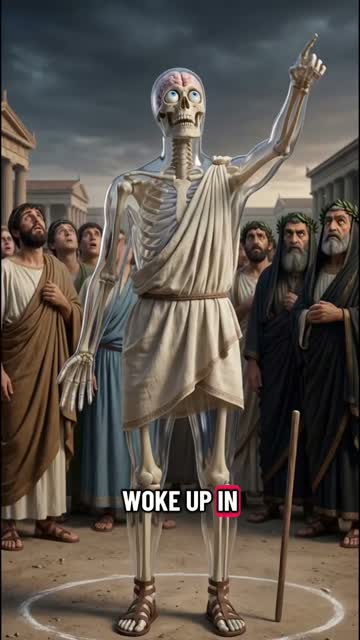
| Skeleton AI | A “what if” topic built around your product | Everyday products shown as a body journey, like your first coffee of the day |
| Enterprise | Your monthly output and formats, by email | Teams and agencies that need more than a standard plan, sized to their volume |
| API & MCP | A call from your code, or a request in Claude, Cursor or n8n | Making Article to Video, Fake Text, Quiz and Reddit Story videos from your own tools |
Start with Article to Video if you already publish written content. Pick Fake Text if you want a format that shows your product in use. Move to Enterprise or the API once you know which videos work and want many more of them.
How to Start Posting Short Videos for Your Brand
Five steps from your existing content to a steady posting habit.
The five steps
- 1. Gather your contentList your best blog posts, newsletters and the five questions customers ask most. Each one is a video waiting to be made.Common mistake: Starting from a blank page. Your best-read posts already proved people care.
- 2. Pick the formatArticles and newsletters go to Article to Video. A product moment or a customer problem goes to Fake Text. A product with an effect on your day can be a Skeleton AI promo.Common mistake: Using one format for everything. Match the format to the content you start from.
- 3. Make your first videoPaste the link or write the chat, pick a tone, a voice and a length, and render. Article to Video keeps numbers, quotes and names tied to your source.Common mistake: Cramming a whole post into one video. Keep one idea per short.
- 4. Check it on a phoneWatch it with the sound off, check every fact against your source, and make sure the first second says why the viewer should care.Common mistake: Judging it on a desktop screen with sound on, which is not how most people will see it.
- 5. Post on a schedulePick a rhythm your team can keep and stick to it for a month before judging results. Buffer suggests one TikTok a day if you can, or 3 to 4 a week.Common mistake: Posting a burst of videos, then stopping for weeks.
- OutputVertical 1080x1920 MP4
- Article length~30, ~60 or ~90 seconds
- Article tonesExplainer, Punchy or Authority
- Chat skinsiMessage, WhatsApp, Instagram or Tinder
- CaptionsWord by word, timed to the voice
Check before you post
- The first second names the viewer’s problem
- Every number, quote and name matches your source
- Captions are readable on a phone with the sound off
- The video makes one point, not five
- The next step points to a link that works (profile link, Related video or link in bio)
- On TikTok, the commercial content disclosure is on for any post that promotes your brand
- Music is cleared for business use
- Scripted chats are clearly skits, not real customers
Short video ideas for your brand
The best business videos answer a question your customer already has. Here are starting points for each kind of content a business usually has on hand.
Your blog posts
One post, one short that sends people to it.
- The one mistake most first-time buyers make
- What we learned from our busiest month
- Three signs you need to switch tools
Your newsletter
The week’s best idea, narrated.
- This week’s biggest change in our industry
- The question readers asked most
- One tip you can use today
Your product
Show it solving a real problem.
- A chat where a friend recommends it
- Before and after using it, as a story
- The text a customer sends the day it arrives
Customer questions
Every answer is a video.
- How long does delivery take?
- Is it worth it for a beginner?
- What makes it different?
B2B and services
Expert tone, short and clear.
- How we cut onboarding time for clients
- The report every manager should read
- What to ask before you hire an agency
Offers and launches
Tell people what is new, fast.
- Our new feature in 30 seconds
- Why we built this
- The problem this launch solves
Choosing what to post first
- Start with what already workedYour most-read posts and most-opened newsletters already proved people care. Turn those into videos before anything new.
- One idea per videoA short that tries to say everything says nothing. Pick the single point you want a viewer to remember.
- Mix the video typesSprout Social and Hibu both list the same business staples: answers to customer FAQs, how-tos, behind the scenes, product demos and testimonials. Testimonials must come from real customers.
What TikTok, YouTube and Instagram Ask of Brand Videos
Businesses can post AI-made videos on every major platform. What matters is labelling promotion, being honest about what is real, and using links and music the platform allows. Practical guidance, not legal advice: check each platform’s current terms and your local advertising rules.
Label what needs a label
Each platform has a setting at upload.
- On TikTok, turn on the commercial content disclosure for any post that promotes your brand, products or services, your own included. TikTok can keep undisclosed promotion out of the For You feed
- On YouTube, tick the paid promotion box for sponsorships and other commercial deals
- Turn on the AI label when the video looks or sounds real. Clearly animated or unreal videos do not need it
- Say it in the caption too, not only with the platform toggle
Links, music and length
Where brand videos most often go wrong.
- Links in YouTube Shorts descriptions and comments cannot be clicked. Use your channel links, the Short’s Related video link, or end screens on longer videos
- TikTok business accounts should use the Commercial Music Library
- YouTube counts vertical videos up to 3 minutes as Shorts, but a Short over one minute with any active copyright claim is blocked worldwide
Keep the facts right
Your brand’s name is on every claim.
- Check every number and quote against your source
- No health, money or results promises you cannot back up
- Use only content you own or have the right to use
Earning from views
A brand account earns from sales, not views.
- TikTok’s Creator Rewards program excludes business accounts
- YouTube’s inauthentic content policy (renamed in July 2025) keeps mass-produced or repetitive videos from earning
- Give every video its own topic, script and hook
What stays your job
GhostShorts writes, voices, captions and renders the video. The parts that decide whether it sells are still yours.
Your part of every video
- The offer and the messageDecide what you want a viewer to do after watching, and make the video point there. The tool cannot pick your offer.
- Checking every claimRead the script before you render. Prices, results and comparisons are your responsibility, even when the text came from your own post.
- Your brand voicePick the tone, voice and caption style that sound like you, and keep them the same from video to video.
- Replying to commentsQuestions under a video are customers raising their hand. Answer them, and turn the best ones into the next video.
- Measuring what sellsWatch which videos bring clicks, sign-ups or sales, not only views, and make more of those.
How to measure whether your videos work
Views tell you a video was shown. They do not tell you it sold anything. Sprout Social suggests tracking six numbers: views, average watch time, completion rate, engagement rate, click-through rate and conversions.
What to watch
- Where people stop watchingIf most viewers leave in the first three seconds, the opening line is the problem, not the topic. Rewrite the hook before you give up on the idea.
- Clicks you can tracePut UTM-tagged links in your profile or link in bio, so your analytics show which video sent each visitor.
- Boost what already worksOn TikTok, Promote and Spark Ads put money behind a post you already published. Boost the videos that people watch to the end, not the ones you like most.
- Judge after a monthOne video says little. Compare a month of posts, then make more of the topics and formats that bring clicks and sales.
Making business videos by hand vs GhostShorts
A team can make all of these videos with a camera, an editor and a voice actor. It works, but it is the reason most brands stop posting. Here is how the two compare.
| Step | By hand (filming + editor) | GhostShorts |
|---|---|---|
| Script | Rewrite each post as a video script | Article to Video writes it from your post, tied to your source |
| Visuals | Film, or find stock footage | A background clip, a chat on screen, or a generated picture for each scene |
| Voiceover | Record someone on the team or hire a voice actor | An AI narrator you pick |
| Captions | Type and time them by hand | Word-by-word captions timed to the voice |
| Volume | More videos means more editors | Make them in the app, or from your own tools with the API and MCP server |
The time you save goes into what makes business videos work: picking the right topics and posting on a schedule your team can keep.
Tips for business short videos that get results
Brands that grow on short video post steadily and sound like people, not like an ad.
Lead with the problem
Open on what the viewer is struggling with, not on your logo. “Your onboarding takes too long” beats “Introducing our new feature.”
Match the tone to the buyer
Use Punchy for consumer audiences and Authority for B2B. The same post can work for both with a different tone.
Send them somewhere
End with one clear next step, like reading the full post or visiting your page. On YouTube Shorts, caption links cannot be clicked, so use your channel links or the Short’s Related video link. On TikTok and Instagram, use the link in your bio.
Keep a consistent look
Use the same voice and caption style across your videos, so people recognize your brand before they read the name.
Keep captions readable
Many viewers watch on mute. Pick a bold, high-contrast caption style and check it on a real phone before you post.
Post everywhere
Put the video on TikTok, YouTube Shorts and Instagram Reels, but change the call to action for each one, since links work differently on each. Use music cleared for business use, so a post is not muted or removed.
Sources
Platform rules change. These are the pages the rules in this guide come from, checked in November 2026.
- YouTube HelpShorts up to 3 minutes and copyright claims
- YouTube HelpRelated video links on Shorts
- YouTube HelpLinks on YouTube
- YouTube HelpPaid product placements and endorsements
- YouTube HelpDisclosing altered or synthetic content
- YouTube HelpChannel monetization policies
- TikTok for BusinessContent disclosure setting
- TikTok for BusinessCommercial Music Library
- TikTokCreator Rewards Program terms
- Sprout SocialShort-form video strategy
- BufferTikTok for business
- HibuYouTube Shorts for local businesses