The complete guide toquiz videos
Learn why quiz videos work, which topics get views, how to make one step by step, how to check the answers, and how to grow a quiz channel.
Why quiz videos work
A quiz video asks the viewer to do something. Every question is a small challenge with a countdown, and the answer only arrives when the timer runs out, so people stay to find out whether they were right.
It also starts conversations. Viewers post their score, argue about a tricky answer and tag a friend who would get it wrong, and those comments tell the platforms the video is worth showing to more people.
The format is faceless and endless. A quiz needs no presenter and no footage, only questions, so one channel can post a new quiz every day from a list of topics.
Types of quiz videos that get views
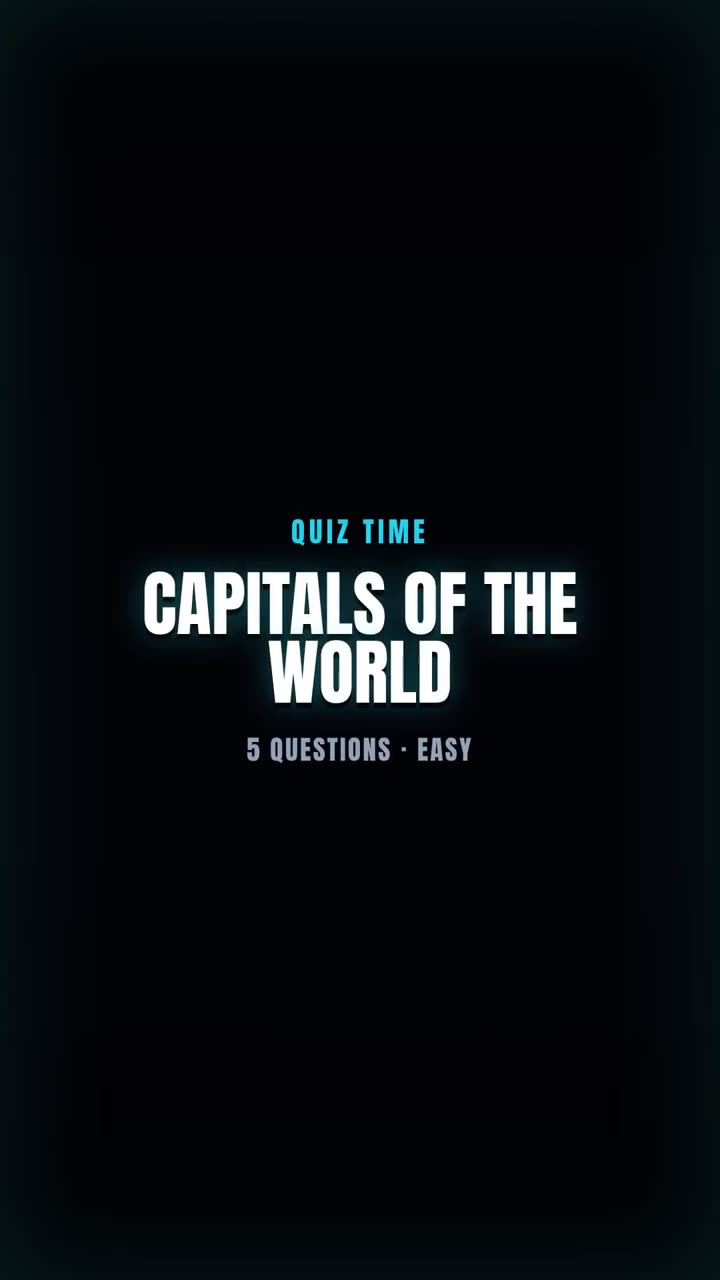
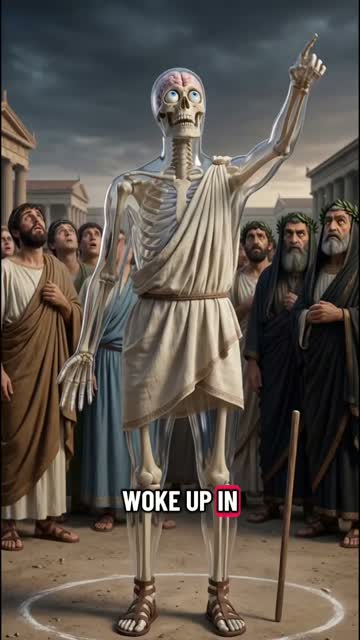
Most quiz channels pick one subject and stay in it. Here is one made with GhostShorts, plus two more formats from the template.
Real quiz videos made with GhostShorts
A topic line in, a finished quiz with a countdown on every question out.

| Category | Example topic | Why it works |
|---|---|---|
| General knowledge | General knowledge everyone should know | The widest audience of any quiz |
| Geography | Capital cities of Europe | Easy to check, satisfying to get right |
| History | Ancient Rome | A ready-made series, one era at a time |
| Science and nature | The human body | Surprising answers make people rewatch |
| Movies and TV | Marvel movies | Fans comment to prove they knew |
| Music | 90s hip hop | Nostalgia brings viewers back |
| Sports | World Cup history | Records and stats start debates |
| Food and drink | Dishes around the world | Everyone has an opinion on food |
| Video games | Minecraft | Gaming audiences post scores in the comments |
| Logos and brands | Famous brand origins | Familiar logos, little-known stories |
A narrow topic usually beats a broad one. “Flags of Africa” gives viewers a clear reason to try, where “Geography” is just a label.
How to Make a Quiz Video with GhostShorts
Five steps in the app, from a topic to the finished video. Click any screenshot to see it full size.
- Questions per quiz5, 7, 10
- DifficultyEasy, Medium or Hard
- Options per question4, one correct
- Countdown3, 5, 7 seconds, ring or bar
- ThemesNeon, Sunset or Classic
- FontsAnton, Bangers, Bebas Neue or Poppins
- ExportVertical 1080x1920 MP4
How many questions should a quiz video have?
You pick the number of questions before the quiz is written, and the countdown you choose sets how long each one stays on screen. Our five-question World capitals example runs 1 minute 46 seconds.
- 5 questionsQuickA short challenge most viewers finish. Good for testing a new topic.
- 7 questionsBalancedRoom for an easy start and a hard finish.
- 10 questionsRapid fireA longer watch for viewers who want a real test.
Pacing the quiz
- Match the timer to the difficultyA 3-second countdown suits easy questions and keeps the pace high. Give hard questions 5 or 7 seconds so viewers have time to think.
- End on the hardest questionPut the toughest question last. Viewers who got the rest right stay to see if they can finish with a perfect score.
Can You Monetize Quiz Videos?
The quiz videos you export are yours to post and monetize. The questions and answers are written by AI, so checking them is your job before anything goes out under your channel name. Practical guidance, not legal advice: check each platform’s current terms.
Getting paid
Each platform has its own bar.
- YouTube: 1,000 subscribers plus 4,000 watch hours or 10M Shorts views in 90 days
- TikTok Creator Rewards pays only for videos over one minute
- A clear subject per channel beats a mixed feed
Staying accurate
What to check before you post.
- Read every answer and fact line in the Questions tab
- Double-check dates, years and record numbers
- Remove any question you cannot confirm
Making quiz videos by hand vs GhostShorts
By hand, a quiz video means researching questions, writing three believable wrong answers for each, building the cards and timers in an editor and recording a voiceover. Here is how the two compare.
| Step | By hand | GhostShorts Quiz Video |
|---|---|---|
| Questions | Research and write each one | Written from your topic, at the difficulty you pick |
| Wrong answers | Invent three plausible options per question | Four options per question, one correct |
| Cards and timer | Build every card and countdown in an editor | Themed cards with a ring or bar countdown |
| Voiceover | Record yourself reading every question | An AI voice reads each question and answer |
| Fact check | Your job | Still your job: read every answer before you post |
The time you save goes into what grows a quiz channel: sharper topics, posting every day and replying to the comments.
Tips for growing a quiz channel
Quiz channels that grow are consistent, specific and accurate.
Own one subject
Pick a lane such as flags, football records or 90s movies, so viewers know what the next video will be.
Put the topic in the title
“Can you name these 10 European capitals?” tells a viewer exactly what they are signing up for.
Ask for the score
End by asking viewers to comment how many they got. Score comments are the easiest engagement to earn.
Check every answer
One wrong answer in a viral quiz becomes the top comment. Read the Questions tab before you render.
Turn topics into series
“Part 1: Europe”, then Asia, then Africa. A series gives viewers a reason to follow for the next one.
Cross-post everywhere
Post to YouTube Shorts, TikTok and Reels; results vary by platform. For a list format with your own clips, try Top 5 ranking videos.