How to make educationaland history videos
Learn why educational shorts work, which of five formats fits your subject, how to start step by step, how to get the facts right, and what it takes to get paid.
Why educational shorts work
People scroll TikTok, YouTube Shorts and Instagram Reels to be entertained, but a surprising number of them stay for something they did not know. A short that answers a question in under a minute gives the viewer a small win, and that is a reason to watch the next one.
Educational videos also last. A video about why the sky is blue or how a Roman emperor fell is as true next year as it is today, so it keeps finding new viewers long after a trend video has stopped. Viewers save them, share them with friends, and come back to the channel for more.
The hard part has always been the work: research, a script, pictures for every point, a voiceover and captions. The five formats below do that work for you, so your time goes into picking topics and checking facts.
The five educational formats to choose from
Each format below is its own template in GhostShorts. They differ in how the lesson is told: a ranked list, a documentary, a scripture story, two characters talking it through, or a drawn story.
Real explainer videos made with GhostShorts
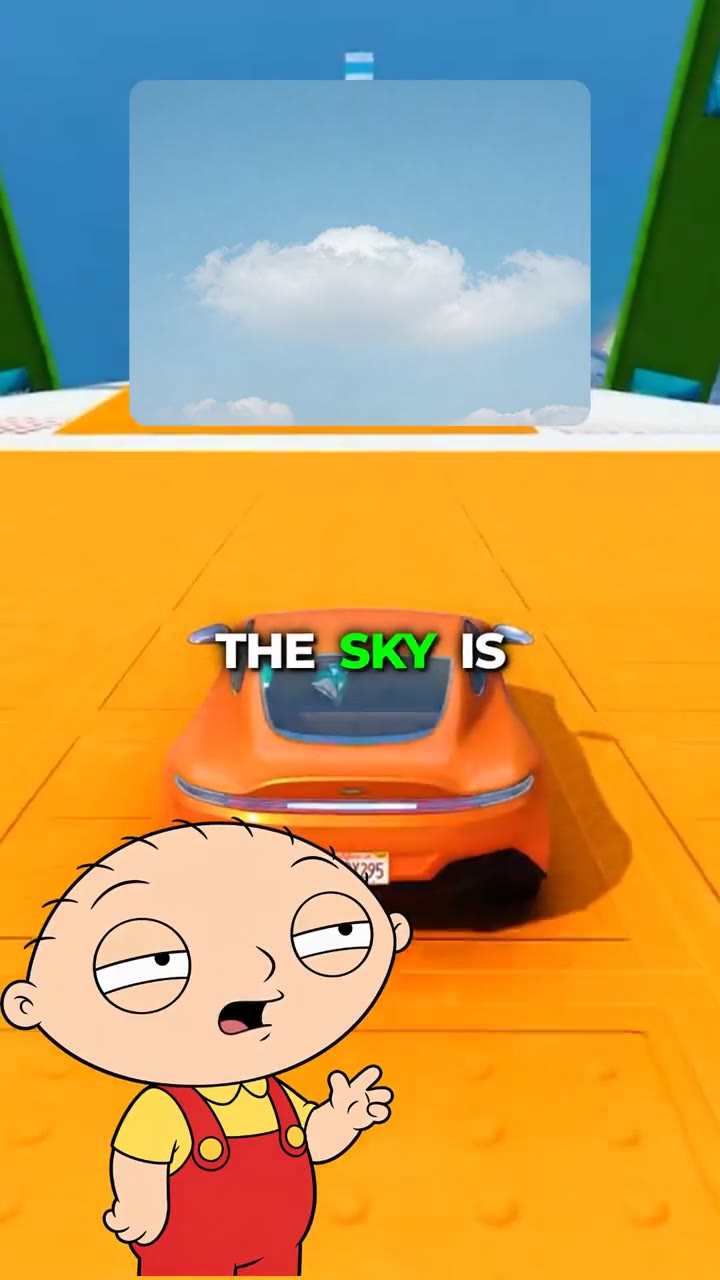
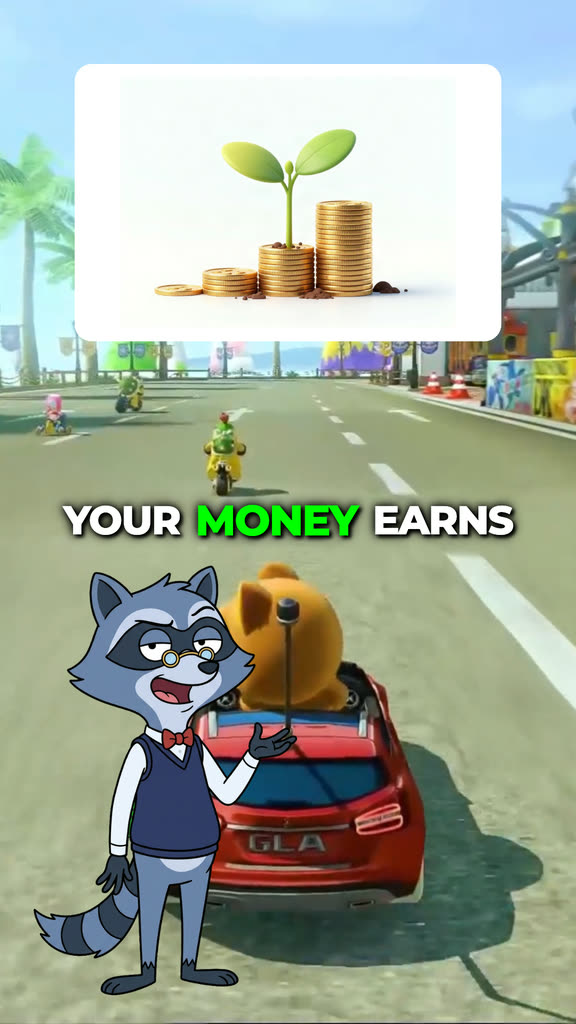
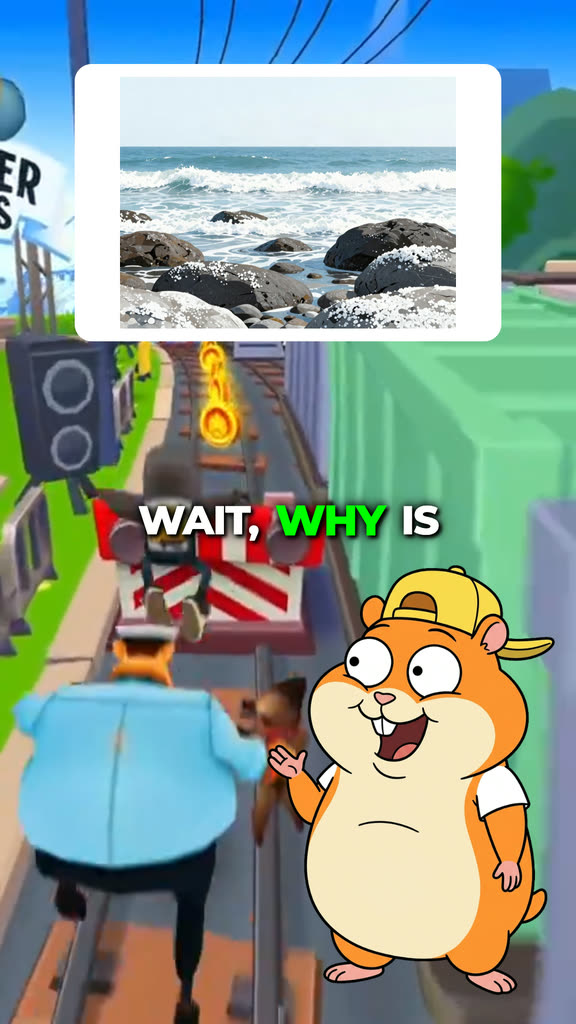
Three episodes made with the AI Character Explainer, and why each topic works.
| Format | How it teaches | Length | Best for |
|---|---|---|---|
| Explained Video | “Every X explained”: one picture and line per item, in order | 60, 90 or 120 s | Science, mythology, nature and history lists |
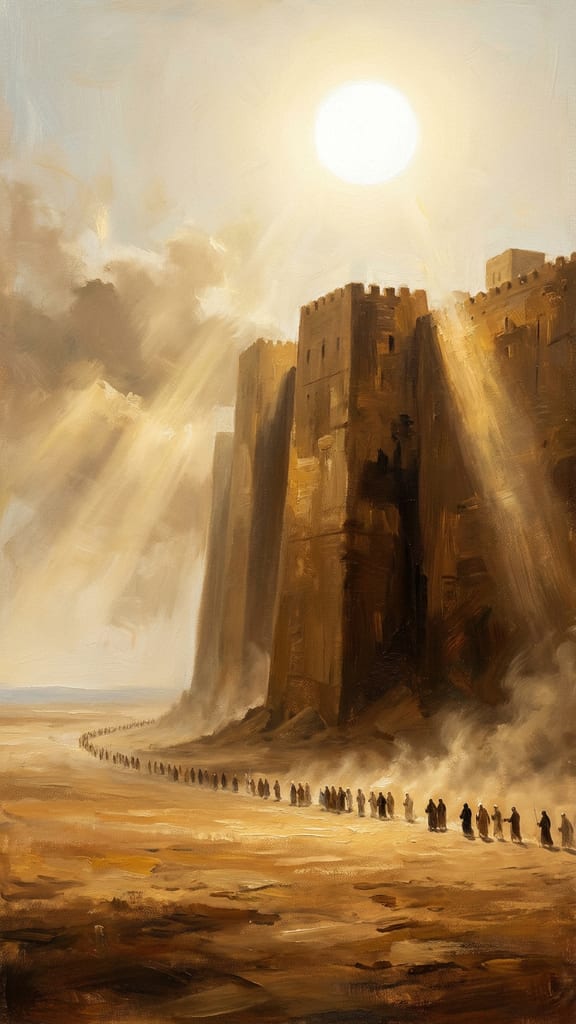
| AI History | A narrated documentary with a picture for every scene | 30, 45 or 60 s | Forgotten disasters, mysteries and fallen empires |
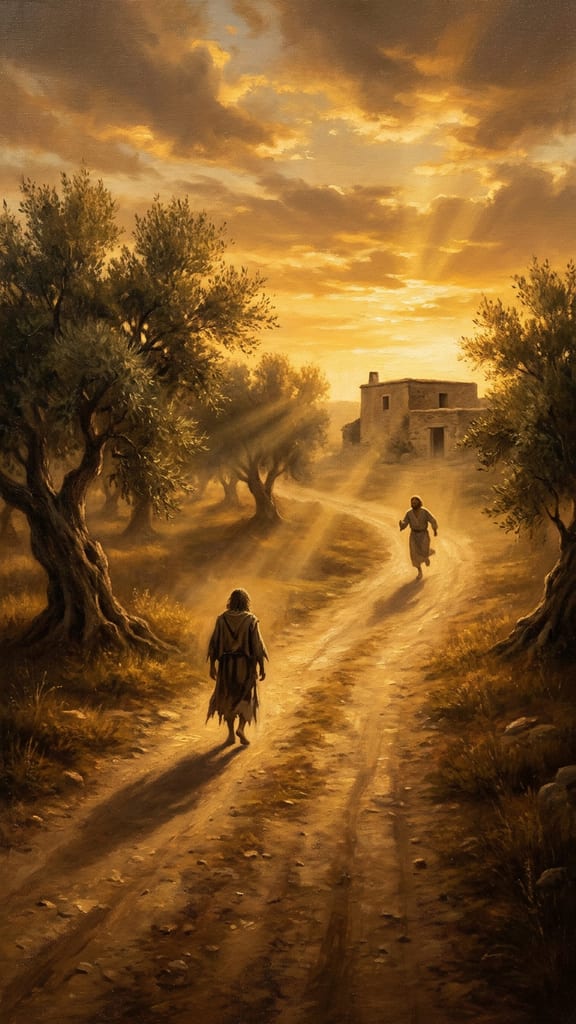
| AI Bible | A Bible story or parable told scene by scene | 30, 45 or 60 s | Faith channels and Sunday school style lessons |
| AI Character Explainer | One character explains, the other asks and gets it wrong | 30, 45, 60 or 90 s | Money, science and history for viewers who want a laugh |
| Stickman | A narrated story drawn as stick figures | 30, 45, 60 or 90 s | History stories, life lessons and how things work |
If your topic is a list of things, use Explained Video. If it is one event, use AI History or Stickman. If you want viewers to laugh while they learn, use the AI Character Explainer.
Every length in the table counts as a YouTube Short: YouTube treats square or vertical videos of up to three minutes as Shorts, so a 90 or 120 second Explained Video goes into the Shorts feed too.
How to Start an Educational Channel with GhostShorts
Five steps from a subject you know to a week of posts.
The five steps
- 1. Pick one subjectHistory, space, money, the human body, the Bible: choose one area and stay in it. Viewers follow a channel that keeps teaching them the same kind of thing.Common mistake: Posting history on Monday and money tips on Tuesday. The feed cannot tell who the channel is for.
- 2. Pick one formatUse the table above. One format per channel gives every video the same look, so returning viewers know it is yours.Common mistake: Switching formats after two videos because one did not take off. Give a format 10 videos first.
- 3. Make your first videoOpen the template and type your topic. The script is written for you, with a picture for every point, a narrator and captions.Common mistake: Typing a vague topic like “history”. Name the event, the place and the year.
- 4. Check every factRead the script before you render it and edit any line you cannot confirm. The “What stays your job” section shows how.Common mistake: Rendering the first draft without reading it. One wrong date in the comments costs more trust than the video earns.
- 5. Post and repeatPost often in the first weeks. In YouTube Studio, check “viewed vs swiped away” to see if the opening held people, and average view duration to see if the lesson did. Make more of what holds.Common mistake: Judging a topic on one video. Post several before you decide what works.
Check before you post
- Every date, name and number confirmed in a second source
- Sources listed in the video description
- The first line is the most surprising fact
- One idea per video, nothing rushed
- Captions readable on a phone with the sound off
- AI label on at upload if any scene looks real
- A title that asks or answers a real question
- No AI scene passed off as a real archival photo
- OutputVertical MP4; Explained Video and Stickman also do widescreen
- ScriptWritten from your topic, every line editable
- Script languages16 on Explained Video, AI History and AI Bible
- CaptionsWord by word, timed to the voice
- Editing skills neededNone: fill in the steps, press render
Topics you can post every week
Pick a subject where you can list 30 video ideas today. Here are starting ideas for each format.
Explained lists
One clear list, start to finish.
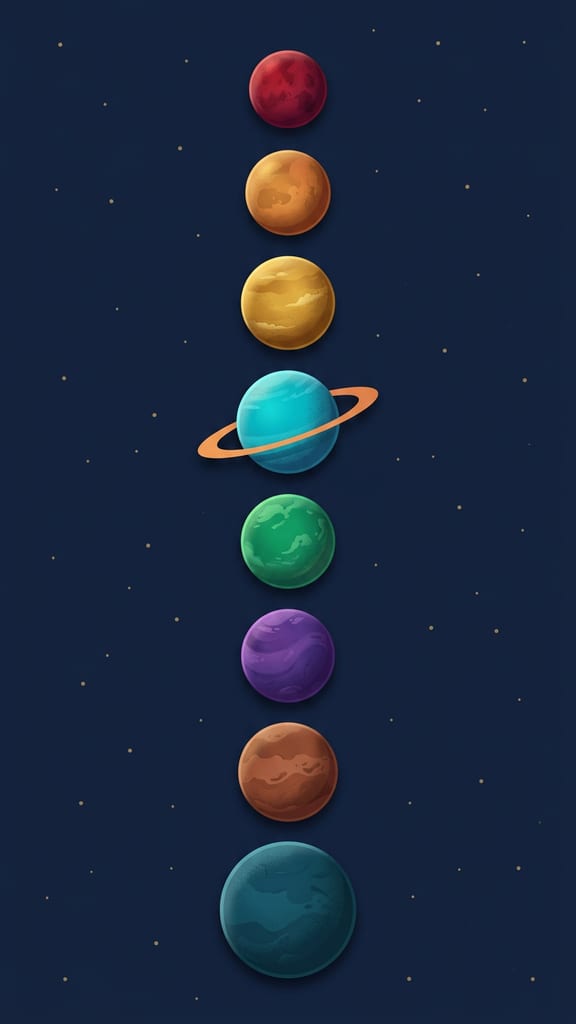
- Every Planet Explained
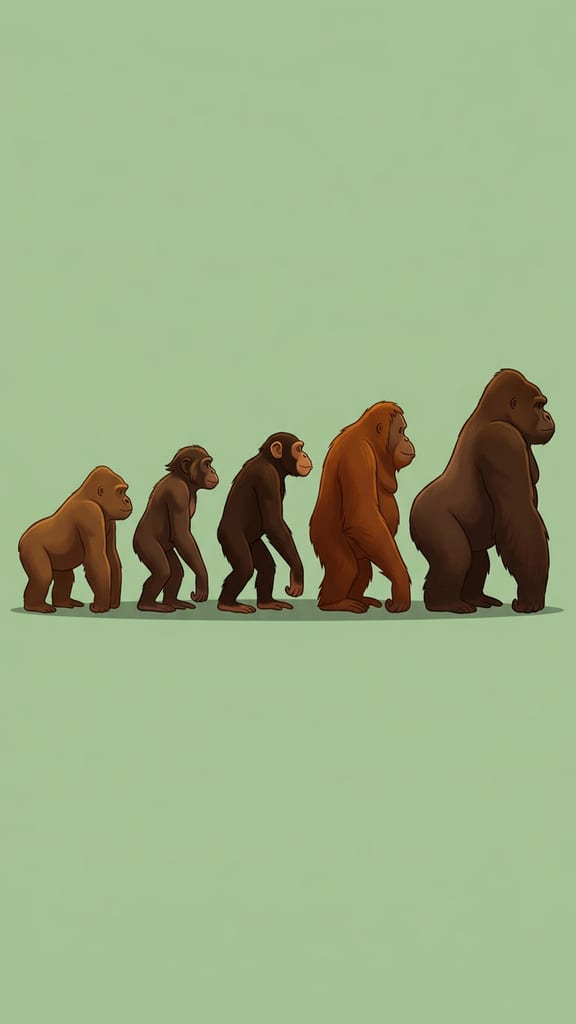
- Every Roman Emperor Explained
- Every Human Organ Explained
History documentaries
A real event most people never heard of.
- In 1518 an entire city danced itself to death
- The harbour froze and the relief ships never came
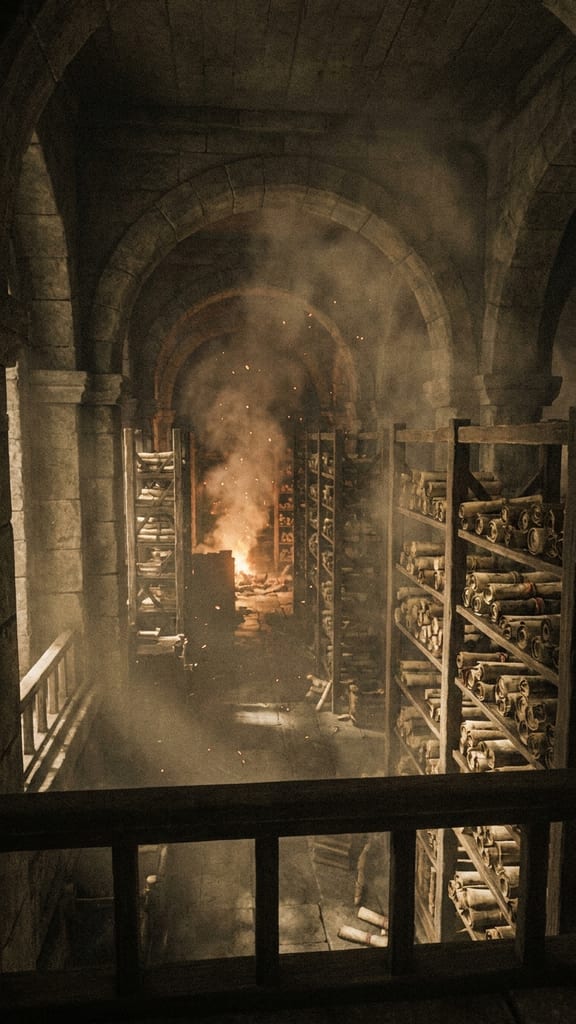
- Everything we lost the night the library burned
Bible stories
Stories viewers already love, told well.
- An Old Testament epic, scene by scene
- One parable of Jesus and what it means
- A miracle told from the crowd’s view
Character explainers
Two voices viewers know make it stick.
- Why the sky is blue
- How credit scores work
- How vaccines work
Stickman stories
Simple drawings keep the focus on the story.
- A history story from before 1950
- A life lesson told as one person’s week
- How an everyday machine works
Money and how things work
Questions people search for every day.
- How the stock market works
- How airplanes fly
- How memory works
Choosing a subject
- Answer questions people already askTopics that start with “why” or “how” are the ones viewers type into search. Make the video the answer.
- Bible videos: watch the translationRetell the story in your own words, or quote a public-domain translation such as the King James Version or the World English Bible. Modern translations like the NIV, ESV and NLT are copyrighted, so check the publisher’s permissions before quoting them at length.
- Turn one topic into a seriesAn “Every Greek God Explained” video can be followed by Norse realms and Egyptian deities. One good topic is three videos.
What YouTube Asks of AI Videos
Educational channels made with AI can earn on YouTube and TikTok like any other channel. What the platforms check is whether each video is original, honest about realistic AI scenes, and not misleading. Practical guidance, not legal advice: these rules were checked on the platforms’ own pages in November 2026, and they change, so check the current terms.
The AI label
Needed for realistic scenes only.
- YouTube asks you to disclose AI content that seems realistic, using the “AI use” setting in Studio
- Clearly unreal content, like stick figures or cartoons, and AI help with scripts or captions do not need it
- YouTube says the label does not limit a video’s audience or its eligibility to earn
Getting paid
Each platform has its own bar.
- YouTube today: 1,000 subscribers plus 4,000 watch hours in 12 months, or 10M Shorts views in 90 days
- From Feb 1, 2027, new YouTube applicants need 8,000 watch hours in a year or 20M Shorts views in 90 days
- TikTok Creator Rewards: videos of at least one minute, 18 or older, 10,000 followers, 100,000 views in 30 days, personal accounts
- Explained Video (60 to 120 s) qualifies for TikTok; AI History and AI Bible only at 60 s, not at 30 or 45 s
Honest visuals
Misleading footage breaks the rules.
- Never present an AI scene as a real archival photo or footage
- Misleading claims on matters of public importance can be limited or removed
- Vary your topics; never post the same video twice
Made for kids
An audience setting every channel must choose.
- YouTube requires you to say whether each video is made for kids
- Cartoon characters and animated figures are one factor YouTube weighs
- Stickman and Character Explainer videos aimed at children should be set as made for kids
Dark History, Violence and Ads
History channels cover wars, disasters and crimes, and YouTube has specific rules for that. Educational content with violent or graphic scenes can stay up when it has context, but the context has to be in the video itself: in the narration or the images. A title, a description or a pinned comment is not enough.
Context inside the video
What keeps a dark topic educational.
- The narration says who, when, where and why
- Graphic moments explain something, not shock for its own sake
- The description adds sources, but does not carry the context alone
Ads on violent history
From YouTube’s advertiser-friendly guidelines.
- Non-graphic educational coverage of war can earn full ads
- Graphic injuries get limited ads, even on a history channel
- Recent sensitive events, like mass shootings or terrorism, are restricted
- Titles and thumbnails are judged too, not only the video
What stays your job
The templates write the script, draw the scenes, narrate and caption. The parts that make an educational channel worth following are still yours: the topics, the facts, and the conversation with viewers. The scripts are written by AI, and AI can get a date, a name or a number wrong.
Check every fact
Five minutes per video.
- Look up every date, number and name in a second source
- Edit or delete any line you cannot confirm
- Prefer encyclopedias, museums and official sites over forums
Show your work
Viewers trust channels that cite.
- List your sources in the video description
- Pin a comment that corrects any mistake you find later (corrections only; context belongs in the video)
- Say “historians disagree” when they do
Choose the topics
The template answers; you pick the question.
- Pick questions your viewers actually ask
- Plan series, not one-off videos
- Skip topics you cannot check
Titles, thumbnails and comments
What brings viewers back.
- Write a title that asks or answers a real question
- Pick the cover frame yourself
- Reply to follow-up questions; each one is a video idea
What the templates already do
- Rules in the scriptsAI History reports dark events without celebrating them and never accuses a living person. AI Bible stays faithful to the text and non-denominational. Explained Video describes ideas without taking sides.
- They are not a fact checkerThose rules shape the tone, not the accuracy. The final check is always yours.
Tips for growing an educational channel
The channels that grow teach one thing clearly in every video, and they post often.
Lead with the surprise
Open on the strangest fact, not the background. “In 1518 an entire city danced itself to death” beats “Today we look at a strange event in history.”
One idea per video
A 60 second video can teach one thing well. Split big subjects into parts instead of rushing them.
Match length to the topic
A 60 second Explained Video fits 7 to 9 items and a 120 second one fits 14 to 17. An AI History story runs 5 to 14 scenes. Pick the length the topic needs.
Keep captions readable
Many viewers watch on mute. Pick a bold, high-contrast caption style and check it on a real phone before you post.
Answer the comments
Viewers ask follow-up questions. Each one is your next video idea, and replying keeps them coming back.
Post everywhere
Put the same video on TikTok, YouTube Shorts and Instagram Reels. Widescreen Explained and Stickman videos can also go to regular YouTube.
Sources
The platform rules in this guide were checked on these official pages on November 16, 2026.
- YouTube HelpYouTube Partner Program overview and eligibility
- YouTube Official BlogYouTube Partner Program updates for 2027
- YouTube HelpYouTube channel monetization policies (inauthentic content)
- YouTube HelpDisclosing altered or synthetic content
- YouTube HelpEducational, documentary, scientific and artistic content
- YouTube HelpViolent or graphic content policies
- YouTube HelpAdvertiser-friendly content guidelines
- YouTube HelpMisinformation policies
- YouTube HelpShorts up to three minutes
- YouTube HelpDetermining if your content is made for kids
- TikTokTikTok Creator Rewards Program terms (updated July 20, 2026)
- TikTokTikTok Community Guidelines: integrity and authenticity