The complete guide toexplained list videos
Learn why “Every X Explained” videos work, which subject fits your channel, how to make a video step by step, and how to grow an explainer channel.
Why “Every X Explained” videos work
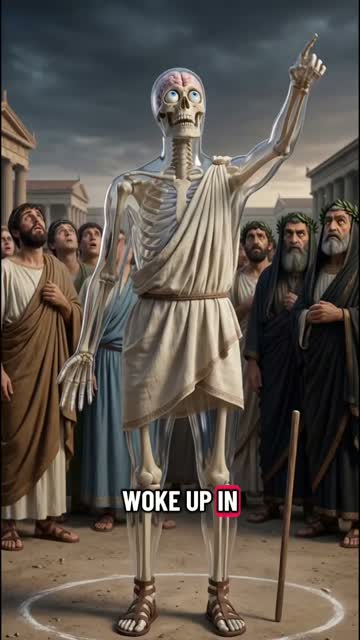
An “Every X Explained” video takes one set, every Greek god, every planet, every organ, and walks through it one item at a time: a picture, a name, and two to four sentences on what makes it different. The title promises a complete answer, and the numbered order tells the viewer exactly how far they are from the end.
That structure is why the format holds attention. Each item is a small payoff on its own, and the next one is always a few seconds away, so viewers keep watching to see the items they care about.
It also scales across subjects. The same frame works for mythology, history, science or the human body, so one channel can cover a whole library of lists in a recognisable style, as Shorts or as widescreen YouTube videos.
Types of explained videos and which subject to use
Explained Video has six subject areas. You pick one on the first screen, and it steers how the list is ordered and how each item is illustrated.
Explained videos made with GhostShorts
Three lists our creators explain, and why each one works.
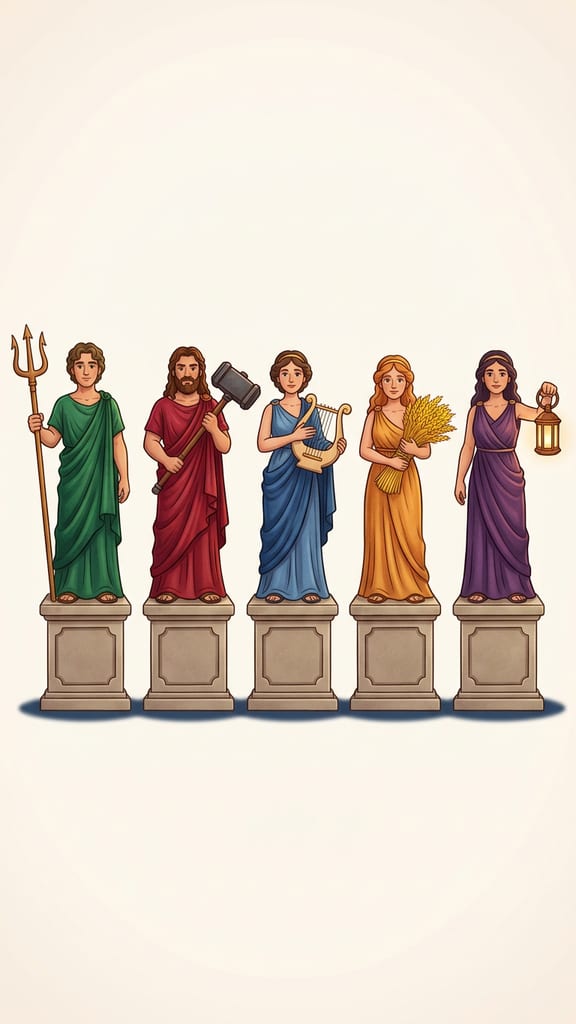
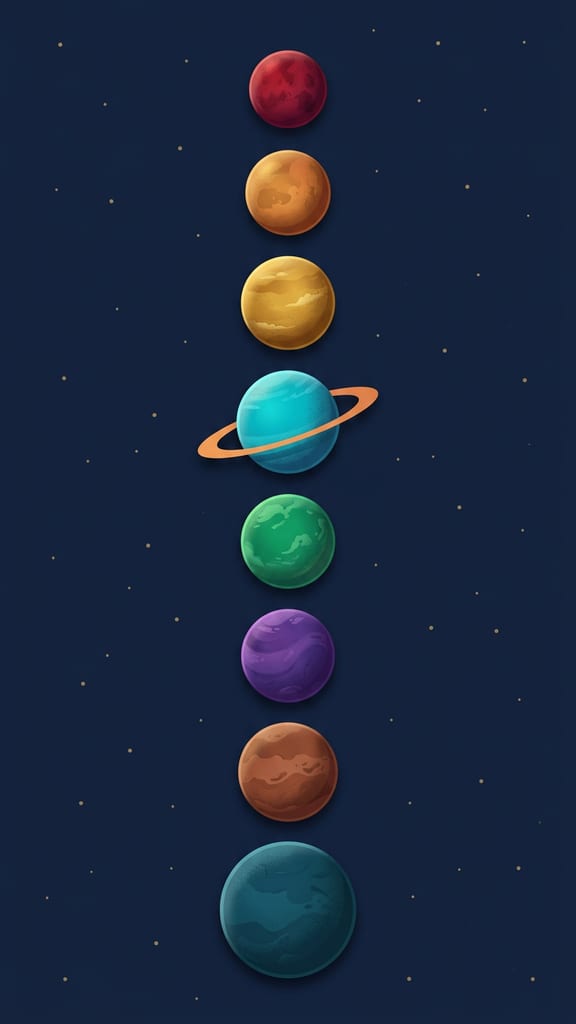

| Subject | What it covers | Example lists |
|---|---|---|
| Mythology & Folklore | Gods, monsters and pantheons, one figure at a time. | Every Greek God Explained, Every Norse Realm Explained, Every Egyptian Deity Explained |
| Animals & Nature | Species, habitats and natural phenomena as a clean list. | Every Ape Type Explained, Every Natural Disaster Explained, Every Big Cat Explained |
| Society & Ideas | Ideologies, economies and systems, neutrally described. | Every Political Ideology Explained, Every Economic System Explained, Every Logical Fallacy Explained |
| Science & Space | Planets, particles, elements and forces. | Every Planet Explained, Every State of Matter Explained, Every Type of Star Explained |
| History & Warfare | Eras, empires and equipment, in order. | Every Roman Emperor Explained, Every WW2 Tank Explained, Every Ancient Wonder Explained |
| The Human Body | Organs, systems and senses, one per item. | Every Human Organ Explained, Every Blood Type Explained, Every Muscle Group Explained |
The strongest lists have a natural order: size, age, distance, or the order things happened. That order gives the video its pull from the first item to the last.
How to Make an Explained Video with GhostShorts
Five steps in the app, from your list to the finished video. Click any screenshot to see it full size.
- SubjectsSix, from mythology to the human body
- FormatVertical 9:16 or widescreen 16:9, locked once drawing starts
- Length60, 90 or 120 seconds
- Items7 to 17, one illustration and name each
- MotionA slow camera push across every illustration
- Script language16 languages, picked on the first screen
- CaptionsWord by word, style and position you pick
How long should an explained video be?
You pick the length before the script is written, and it sets how many items the list has. Each item is one illustration with two to four sentences of narration.
- 60 seconds7 to 9 itemsA tight list. Fits Shorts, Reels and TikTok.
- 90 seconds10 to 13 itemsA fuller set with room for the surprising ones.
- 120 seconds14 to 17 itemsFor a big set, best as a widescreen YouTube video.
Fitting the list to the length
- Trim the set to fitIf the full set has 40 members, explain the best-known 9 or split it by era or region. A list that ends on time beats one that rushes.
- Match length to formatVertical Shorts suit 60 seconds; widescreen YouTube carries 90 to 120 seconds and the longer lists.
Can You Post and Monetize Explained Videos?
The videos you export are yours to post and monetize. YouTube and TikTok both ask creators to label AI-generated content, and both have a toggle for it at upload. Practical guidance, not legal advice: check each platform's current terms.
Getting paid
Each platform has its own bar.
- YouTube: 1,000 subscribers plus 4,000 watch hours or 10M Shorts views in 90 days
- TikTok Creator Rewards pays only for videos over one minute
- Widescreen lists earn watch hours on long-form YouTube
How the script is written
What the list will and will not do.
- Things are ranked by a measurable fact, never people by worth
- Ideologies are described neutrally, including documented harms
- No accusations against living people, no blame on whole groups
Making explained videos by hand vs GhostShorts
By hand, an explained list means researching every item, finding or drawing a picture for each, recording narration and lining up names and captions in an editor. Here is how the two compare.
| Step | By hand | GhostShorts Explained Video |
|---|---|---|
| Script | Research and write each item | Written from your list, two to four sentences per item |
| Pictures | Find, license or draw one for every item | An illustration for every item, regenerate any one |
| Motion | Keyframe a pan and zoom on each image | A slow camera push on every illustration, built in |
| Voiceover | Record yourself or hire a narrator | One AI narrator for the whole list |
| Formats | Re-edit for Shorts and for YouTube | Pick vertical or widescreen before you start |
The time you save goes into what grows an explainer channel: picking sets people search for, checking the facts, and posting on a steady schedule.
Tips for growing an explainer channel
The explainer channels that grow pick sets people already wonder about and stay consistent.
Pick sets people search
“Every Roman emperor” or “every type of star” matches what viewers already type into search.
Order with a reason
Smallest to largest, oldest to newest, nearest to farthest. A clear order keeps viewers to the last item.
Save a surprise
Put the strangest item late in the list, so the video pays off near the end, not only at the start.
Keep one subject per channel
Stay in mythology or history for your first 10 to 20 lists, so the platforms learn what you post.
Use both formats
Post 60-second Shorts to find viewers and 120-second widescreen lists to keep them watching longer.
Cross-post everywhere
Post to YouTube Shorts, TikTok and Reels; performance varies by platform. For a story-driven format, try stickman story videos.