The complete guide toclipping long videos
Learn which videos clip best, how to turn one into a batch of shorts step by step, how long a clip should be, and what you can and cannot clip.
What clipping is, and why it works
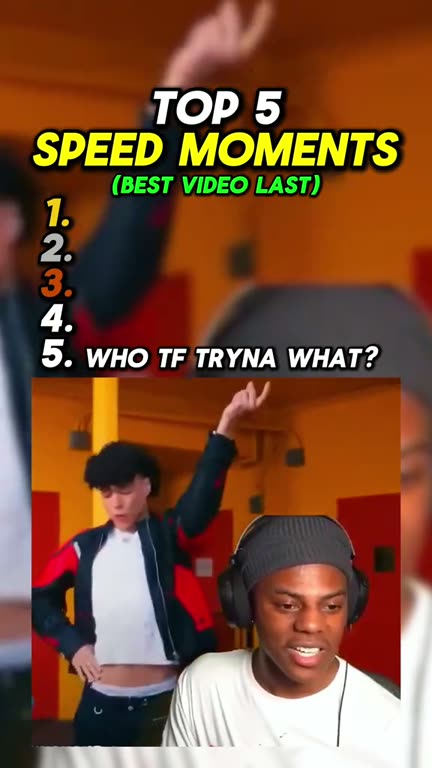
Clipping means cutting a long video into short ones. You take a podcast, a stream or an interview, find the moments that work on their own, and post each one as a vertical clip on TikTok, YouTube Shorts and Reels.
It works because almost nobody watches the full hour, but plenty of people will watch forty seconds of its best story. One long video can fill a channel for weeks, and every clip sends viewers back to the full episode. That is why podcasters and streamers pay clippers to do it for them.
The slow part was never the cutting. It is watching the whole video to find the moments worth posting. An AI clipper does that part for you: it reads every word, picks the moments, cuts them to vertical and adds captions.
Videos that clip best
The AI picks moments by reading what is said, so videos full of talking clip best. The clearer the speech, the better the clips.
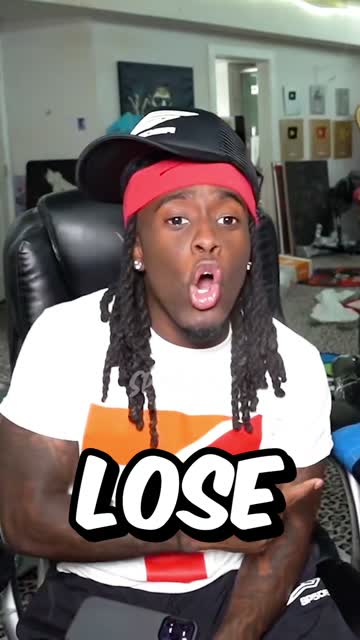
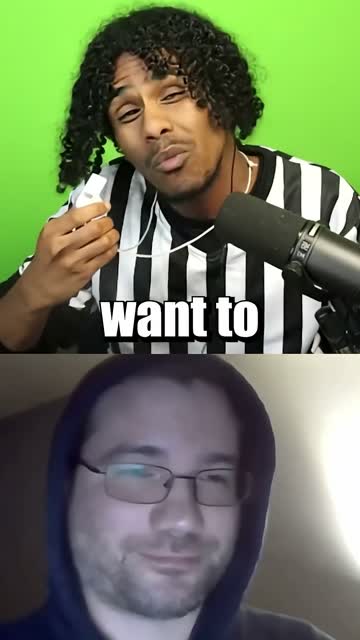
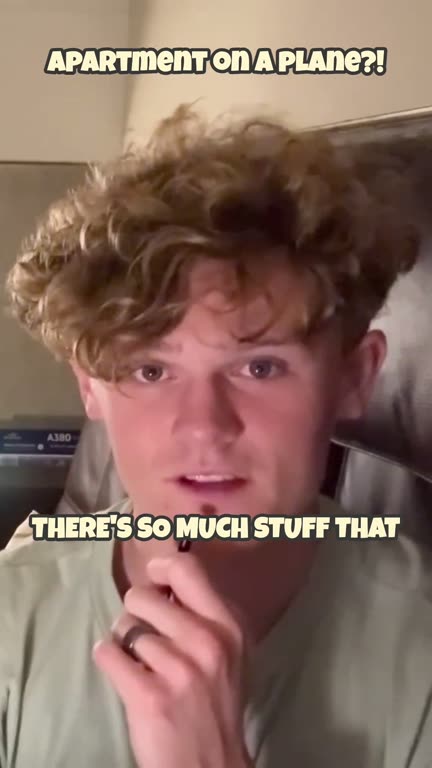
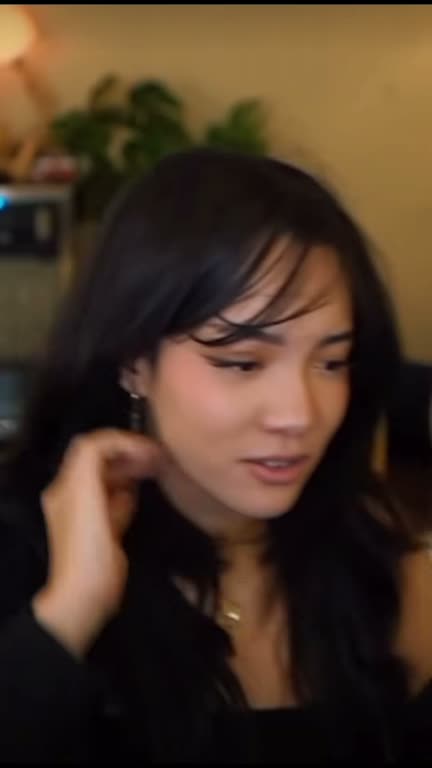
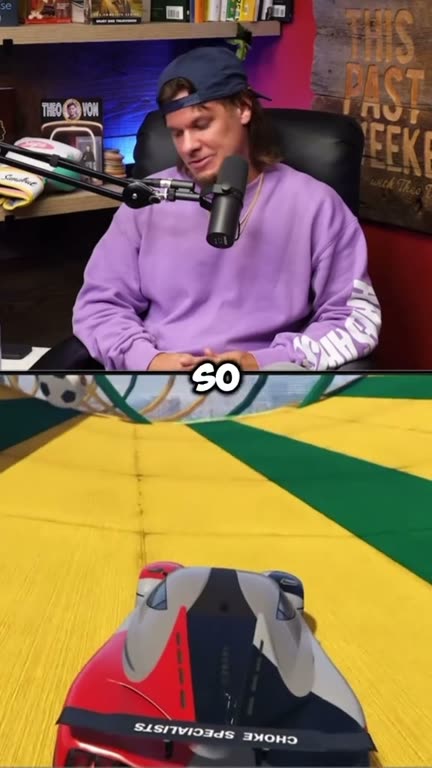
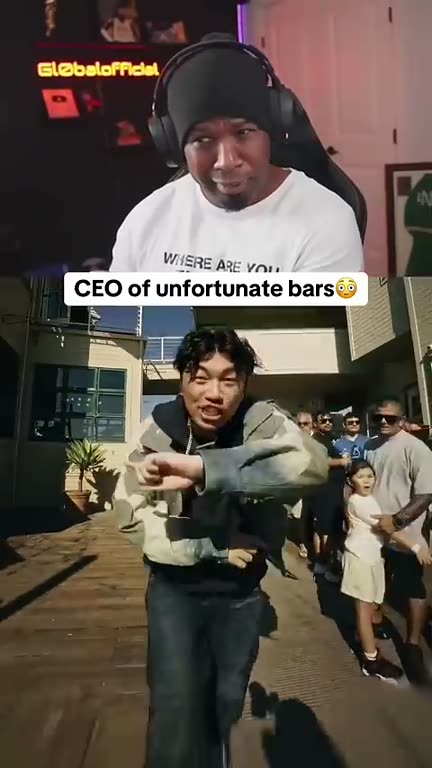
Real clips made with GhostShorts
Clips our creators made with GhostShorts, and why each one works.
| Source | The moments that clip well | Tip |
|---|---|---|
| Podcasts | Guest stories, hot takes, the line everyone quotes | Two clear voices clip better than a crowded panel |
| Interviews | A question with a surprising or emotional answer | If the guest sits off-center, move the frame onto them in Reframe |
| Streams | Reactions, rants and funny exchanges | Pick streams with lots of talking, not long silent gameplay |
| Video essays and explainers | One clear point, made start to finish | Sections with their own setup and payoff stand alone best |
| Webinars and talks | A tip, a framework or a strong opinion | Audience questions make natural clips |
Music videos, silent gameplay and footage without speech give the AI nothing to read, so they clip poorly. For those, a format like split screen fits better.
How to Clip a Long Video with GhostShorts
Four steps: paste the link, let the AI find and cut the moments, download the clips you want, and open any clip in the editor if you want to change it. Click a screenshot to see it full size.
Two things most people miss
- Ask for the moments you wantOpen the Find moments tab and describe a topic or a scene, like “talking about AI”. The AI goes back through the whole video and makes a new set of clips about it.
- Fix the framing per clipIn Reframe, pick 9:16, 16:9, 1:1 or 4:5, then slide the frame so the speaker stays in shot. Use Fit to show the whole picture instead of cropping it.
- SourceA YouTube link, up to 2 hours
- Clips per videoUp to 20
- Clip length20 to 90 seconds
- OrderRanked by viral score, best first
- CaptionsBuilt in, 17 styles to choose from
- Framing9:16, 16:9, 1:1, 4:5 or the original
- Find momentsDescribe a topic, get clips about it
What the viral score means
Every clip gets a score out of 100, and the list is sorted by it, so the clips most likely to hold viewers come first. Press Expand on a clip to see why it scored what it did. The score is made of five parts:
- HookDoes the first line make you keep watching?
- StoryDoes the moment have a start, a middle and a payoff?
- ValueDoes the viewer get something: a laugh, a fact, an opinion?
- EngagementIs it the kind of moment people comment on or share?
- ReachDoes it make sense to someone who never saw the full video?
The score is a guide, not a promise. Post the top clips first, see which ones hold viewers, and let that tell you which kind of moment your audience wants.
How long should a clip be?
GhostShorts cuts clips between 20 and 90 seconds, starting and ending on a complete thought. Each clip is as long as its moment needs, not a fixed length.
- TikTok20 to 60 secShort, punchy moments. A clip watched to the end beats a longer one dropped halfway.
- YouTube ShortsUp to 90 secRoom for a full story. Shorts also show up in YouTube search.
- Instagram ReelsUp to 90 secSame vertical file as Shorts, no reformatting needed.
Too long for TikTok? Open the clip in the editor and trim it on the timeline: split it where you want, delete the piece you do not need, and export again.
Can You Clip Other People’s Videos?
Your own videos are always fine. Someone else’s podcast or stream is their work, and cutting it into clips does not change that. General information, not legal advice.
Safe to clip
Content you own or are allowed to use.
- Your own podcast, stream or channel
- Creators’ official clipping programs
- Clients who hired you to clip
Risky to clip
Content you have no permission for.
- Other creators’ full episodes
- TV, films and music
- Anything with someone else’s Content ID claim
Clipping by hand vs GhostShorts
Here is how clipping a one-hour video compares.
| Step | By hand (editor) | GhostShorts AI Clipper |
|---|---|---|
| Finding moments | Watch the whole hour and note timestamps | The AI reads every word and picks them |
| Cutting | Trim each clip so it starts and ends cleanly | Each clip starts and ends on a complete thought |
| Vertical crop | Reframe every clip to 9:16 by hand | 9:16 by default, adjustable per clip |
| Captions | Type them or run a separate caption tool | Built into every clip |
| Choosing what to post | Guess | Ranked by viral score, best first |
| Finding one topic | Scrub through the video again | Type it into Find moments |
The hours you save go into what grows a channel: posting more clips, more often.
Tips to post more clips
Start with your clearest audio
The AI reads what is said. A clean podcast recording gives better clips than a noisy room or music over the talking.
Check the first second
The opening line decides whether viewers stay. If a clip starts slowly, post the next one in the ranking instead.
Keep the speaker in frame
Clips are cropped from the center. If the speaker sits off to the side, slide the frame onto them in Reframe before you export.
Post one a day
Twenty clips from one episode is almost three weeks of daily posts. A steady schedule beats posting them all at once.
Point back to the full video
Put the episode name in the caption. The clips are the trailer; the long video is where fans stay.
Add captions to everything
Clips come captioned. For videos you cut elsewhere, the auto caption generator adds the same word-by-word captions.