
You don't need a ring light. You don't need a camera. You don't even need to show your face.
Some of the biggest channels on YouTube - finance explainers, true crime breakdowns, sleep music compilations - are run by people you've never seen. And a lot of them are pulling in five to six figures a month.
Faceless YouTube is one of the most scalable content businesses you can build right now. Here's how to start from zero.
Step 1: Pick Your Niche
Not all niches are equal. RPM (revenue per thousand views) is the number that matters. High RPM means more money per view, which means you can grow slower and still make real income.
| Niche | Avg RPM | Difficulty | Content Type |
|---|---|---|---|
| Personal Finance | $12-25 | Medium | Narration + charts |
| True Crime | $4-8 | Medium | Narration + stock footage |
| History | $5-10 | Low | Narration + archival footage |
| Motivation/Self-help | $3-7 | Low | Voiceover + b-roll |
| Meditation/Sleep | $2-5 | Low | Ambient audio + visuals |
| Tech Reviews | $8-18 | High | Screen recording + voiceover |
| Listicles (top 10s) | $3-6 | Low | Narration + stock |
| Reddit Stories | $3-6 | Low | Text-to-speech + background |
| Gaming Highlights | $2-5 | Medium | Gameplay footage + commentary |
Finance and tech have the highest RPM but also the most competition. If you're starting out, history, motivation, or Reddit stories are easier to crack.
Pick one. Don't hedge. A channel about "finance and motivation and history" is a channel about nothing.
Step 2: Get Your Tools (It's a Short List)
This list is short on purpose.
You need:
- A computer
- An internet connection
- A script
That's basically it. Here's what the rest of the stack looks like:
- AI voiceover: ElevenLabs, Murf, or even free tools like TikTok's TTS voices work well for YouTube Shorts formats
- Stock footage: Pexels, Pixabay, and Storyblocks for longer-form content
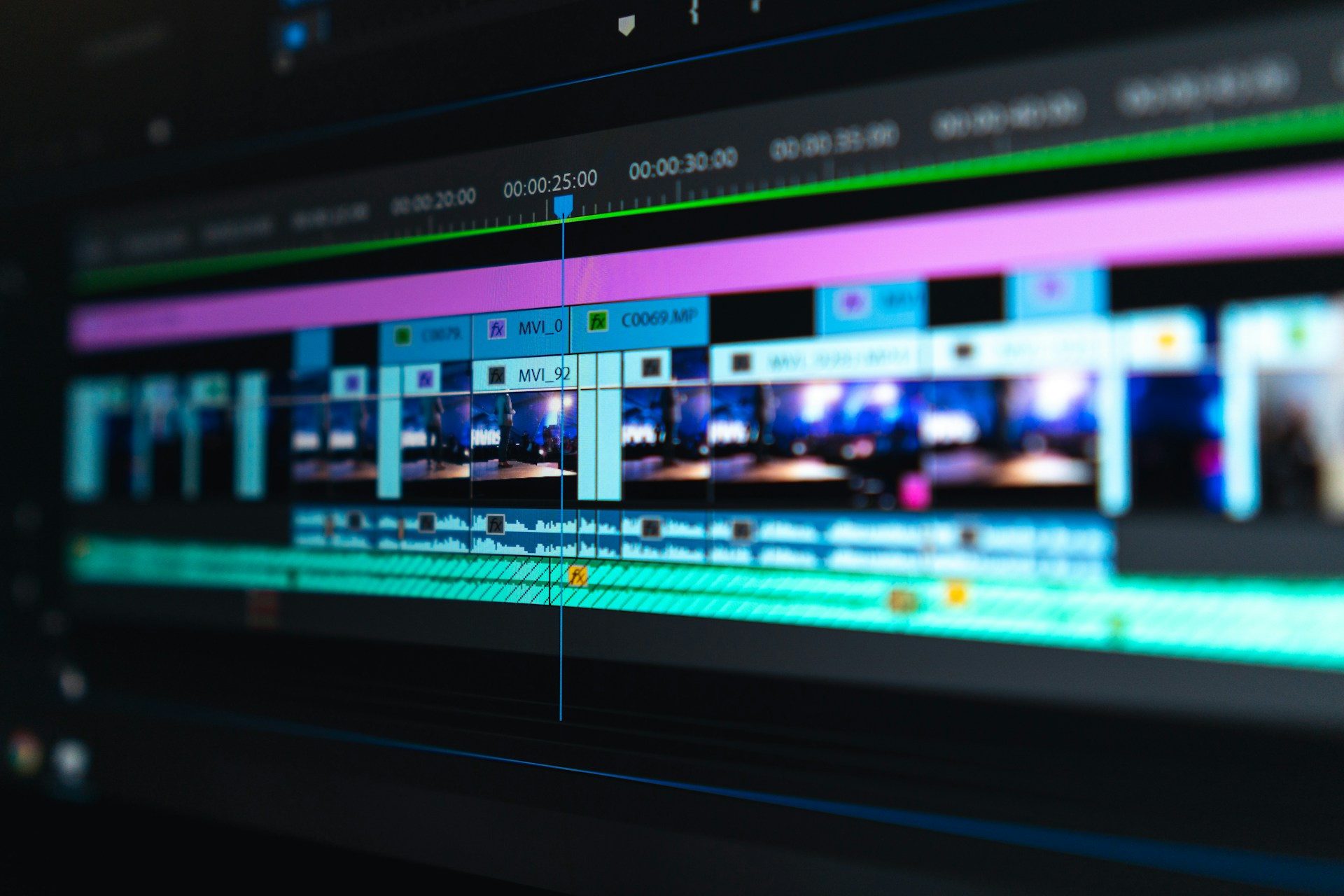
- Editing: CapCut (free), DaVinci Resolve (free), or browser-based tools
- Script writing: ChatGPT or Claude for drafts, then edit to sound human
You don't need a mic. You don't need lighting. Most successful faceless channels started with free tools.
Step 3: Set Up Your Channel
Name and branding. Your channel name should hint at the niche without being boring. Think "Wealth Simple" vibes, not "FinanceExplainer2026." Use Canva to make a logo. Simple, text-based, no face needed.
Channel art. Banner + icon. Keep it clean. High contrast. No stock photo of a random person. Use abstract imagery, bold typography, or a simple icon.
Channel description. Tell people exactly what you post and how often. "New videos every Tuesday and Friday on personal finance for beginners." Clear beats clever.
First playlist. Before you even publish, create a playlist for your first content series. YouTube rewards organized channels.

Step 4: Pick Your Format
Narration + stock footage is the bread and butter. You write a script, record (or generate) a voiceover, cut in relevant b-roll, add captions. Done. This works for almost every niche.
Reddit story videos are one of the easiest formats to produce at scale. Someone posts an unhinged AITA story, you narrate it over a Minecraft parkour background (yes, really), and you collect views. The GhostShorts Reddit Story tool is built exactly for this - paste a Reddit thread, get a formatted short in minutes.
Screen recordings work great for tech and tutorial content. No face needed, just your screen and a voiceover.
AI-generated visuals are getting good enough to use for abstract or historical content. Tools like Runway and Kling can generate short clips from text prompts.
Listicle formats ("Top 10 Richest Countries in 1000 AD") perform consistently because the title does the click-bait work. The GhostShorts Top 5 tool helps you script and format these quickly.
Split-screen content pairs a talking point on one side with reaction footage or supplementary visuals on the other. The GhostShorts Split Screen tool automates the layout for short-form versions.
Want to skip the editing?
GhostShorts turns your ideas into viral shorts with AI voiceovers, captions, and gameplay clips. Ready to post in minutes.
Try GhostShorts TodayStep 5: Write Scripts That Don't Sound Like a Robot
Most people mess this up. They write like they're writing an essay.
Write like you're talking. Short sentences. Contractions. No passive voice.
Bad: "The financial implications of this decision were significant." Good: "That one choice cost him everything."
Avoid lists in your spoken script. Saying "first, second, third" out loud sounds robotic. Convert lists to flowing sentences.
Add natural pauses. Put a period where you want the voice to breathe. Commas for shorter pauses. Line breaks between ideas work too.
Read your script out loud before you record. If you stumble, rewrite it. Your AI voice will stumble too.
Keep sentences under 15 words. Seriously. Count them. Long sentences lose listeners.
Here's a quick before/after:
Before: "In this video, we will be discussing the various methods by which one can accumulate wealth over a long period of time through consistent investment."
After: "Most people will never be rich. Not because they can't. Because they never started."
The second version works for AI voiceover. The first doesn't.
Step 6: Nail Your Thumbnails (Without a Face)
Faces get clicks on YouTube. It's just a fact - they trigger an emotional response. Faceless channels need to compensate with something else.
The three things that work:
1. High-contrast text thumbnails. Bold, readable text on a clean background. Think "I Lost $500,000" in giant white text on black. The text IS the hook.
2. Before/after or contrast imagery. Two images side by side. Old vs new. Rich vs broke. Simple visual story, no face needed.
3. Curiosity gap visuals. An image that makes you ask a question. A blurred-out face, a mysterious object, a map with a country circled. The thumbnail creates the question, the title answers half of it.
Avoid: Stock photo people looking at cameras, text that's too small to read on mobile, more than 5 words on the thumbnail.
Test your thumbnail at 100px wide. If you can't read it or understand it at that size, redo it.
Step 7: Monetize
YouTube's thresholds:
- 500 subscribers + 3 public uploads in 90 days = YouTube Partner Program (basic)
- 1,000 subscribers + 4,000 watch hours (or 10M Shorts views) = AdSense eligible
That's your first goal. But AdSense alone won't change your life at first. Here's the full monetization stack:
| Stage | Milestone | Revenue Source |
|---|---|---|
| Early | First 100 videos | Building library, zero income expected |
| Growth | 1K subs / 4K hours | AdSense (small but real) |
| Scaling | 10K subs | Sponsorships start to unlock |
| Mature | 50K+ subs | Affiliate deals, digital products, brand deals |
Affiliate marketing is often more valuable than AdSense for niche channels. A finance channel recommending a brokerage can earn $50-100 per referral. One video can pay for months.
Digital products - guides, templates, courses - are the highest margin play. A $47 Notion finance template sold to 100 people beats months of AdSense.
Don't chase AdSense. Build the audience. The money follows.
Step 8: Scale With Batch Production
Posting one video at a time is how you burn out.
Batch in stages, not videos. Spend one session writing 5 scripts. Another session recording all 5 voiceovers. Another session editing all 5. You'll move 3x faster.
Build a content calendar 2 weeks ahead. Know what you're publishing before you start producing. Decision fatigue kills productivity.
Repurpose long-form into Shorts. A 10-minute finance explainer has 5 Shorts inside it. The GhostShorts auto-captions tool makes it fast to cut and caption those clips for short-form distribution.
Create templates. Same intro structure. Same outro. Same b-roll style. Same font in the captions. Templates mean you make decisions once, then just fill in the content.
Schedule uploads in advance. YouTube Studio lets you schedule. Use it. Post when your audience is most active, not when you happen to finish editing.
Mistakes That Kill Faceless Channels Early
Switching niches after 10 videos. Ten videos is nothing. Give a concept 50-100 videos before you decide it's not working.
Inconsistent upload schedule. The algorithm rewards channels that post predictably. Pick a cadence you can actually maintain, even if it's once a week.
Ignoring the first 30 seconds. Most drops happen in the first 30 seconds of a video. Your hook needs to promise something and deliver it fast.
Over-produced intros. Nobody wants a 20-second animated logo intro. Get to the point.
Copying without understanding why it works. You can reverse-engineer successful faceless channels. But copy the structure, not the content. Understand what's making people watch. Then do your version.
Ignoring analytics. After your first 20 videos, you'll see patterns. Which topics get more clicks. Where people drop off. Which thumbnails perform. Use that data to decide what to make next.
Not adding captions. A significant chunk of YouTube is watched on mute. If your video has no captions, you're invisible to that audience. Auto-captions in YouTube Studio are okay. Burned-in styled captions convert better.

Start Today, Not Next Week
The faceless YouTube playbook is simple: pick a niche, write a script, record a voiceover, cut it together, post it.
Do that 50 times and you'll have a channel. Do it 200 times and you'll have a business.
The tools exist. The audiences exist. The ad money exists. What kills most faceless channels isn't competition - it's the creator quitting before the algorithm figures them out.
Your first video will be bad. Post it anyway. Your tenth video will be better. Your fiftieth will be good. That's how this works.
Start now.