The complete guide totime-travel vlog videos
Learn why selfie vlogs from inside history work, which era and presenter fit your channel, how to make a vlog step by step, and how to grow a history channel.
Why time-travel vlogs work
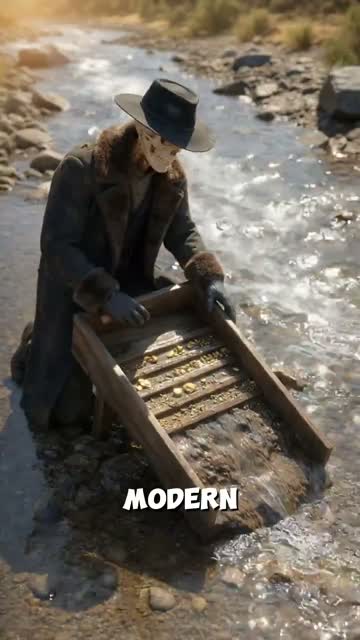
A time-travel vlog is a selfie video from inside a moment in history. A presenter holds the camera, talks to you like any travel vlogger, and walks you through a market, a building site or a crowd as if it were today.
It works because it swaps the classroom voice for a friend’s. Nobody explains the Great Exhibition; your presenter is standing in it, reacting to the smell, the noise and the prices. The facts land because they arrive as things a person notices, not dates on a slide.
The format is faceless for you. Your presenter is a fictional character who appears in every scene, so a channel has a recognizable host without anyone ever filming themselves.
Eras and moments you can vlog from
You pick from 36 researched moments across 6 eras, or choose Somewhere else and name your own place and year between 3000 BCE and 1999.
Real time-travel vlogs made with GhostShorts
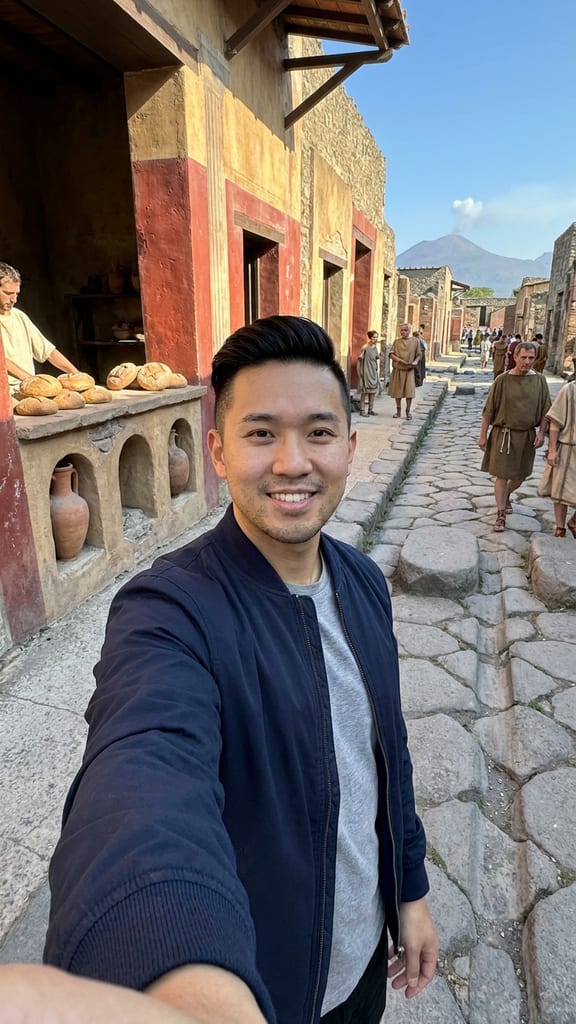
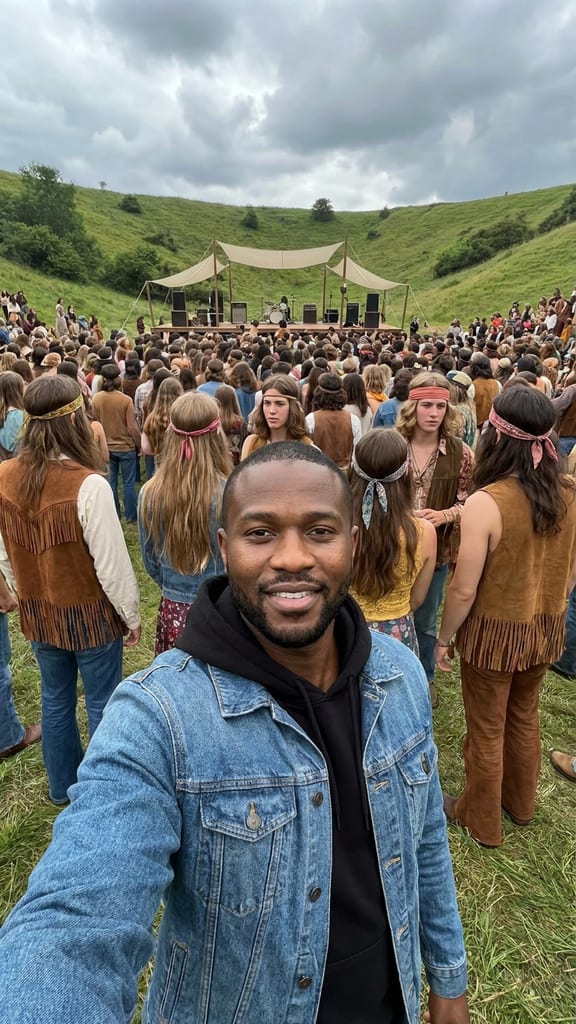
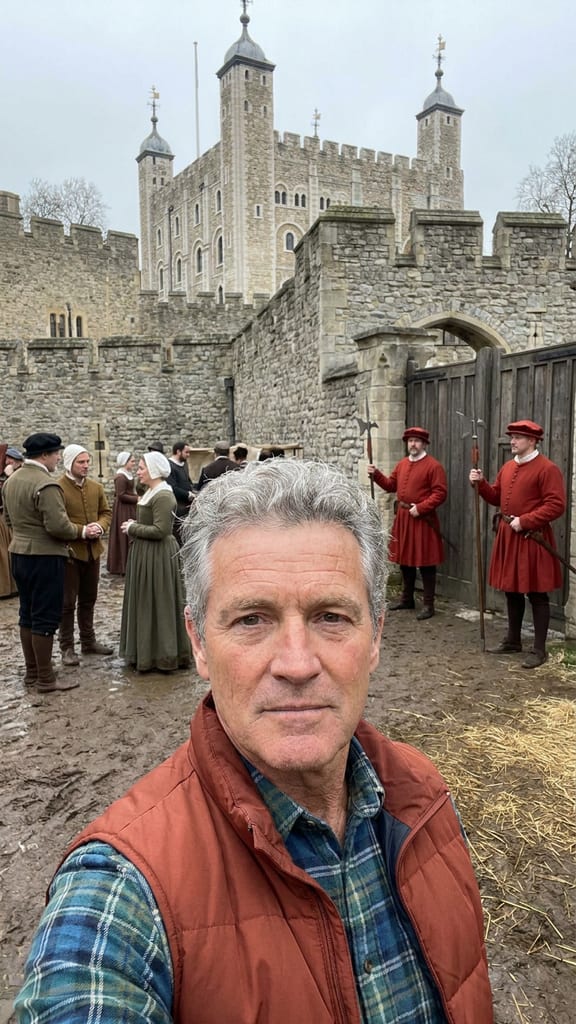
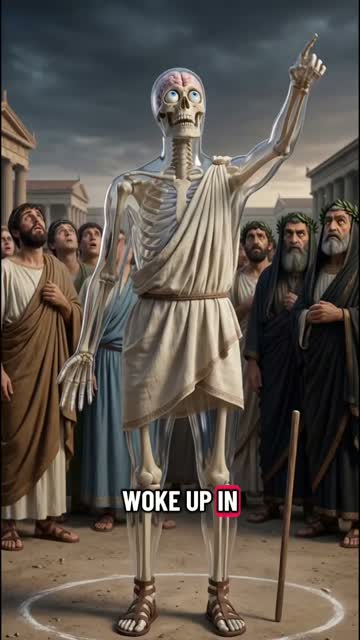
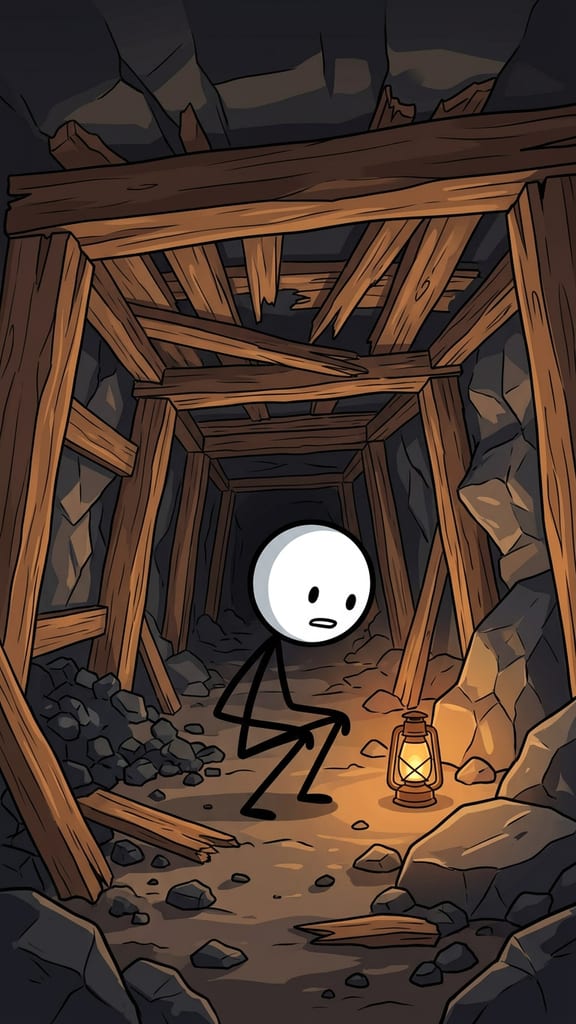
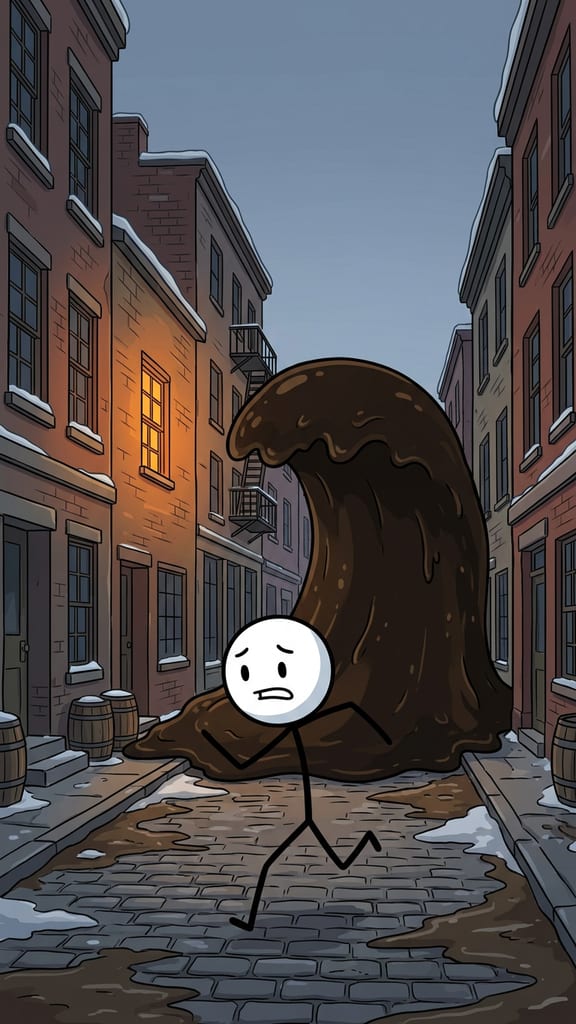
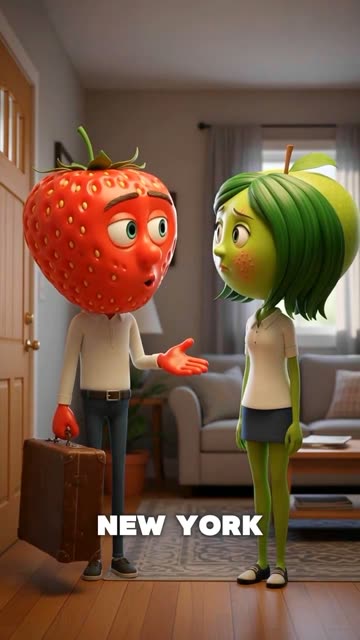
Three vlog moments from our creators, and the trick behind each one.
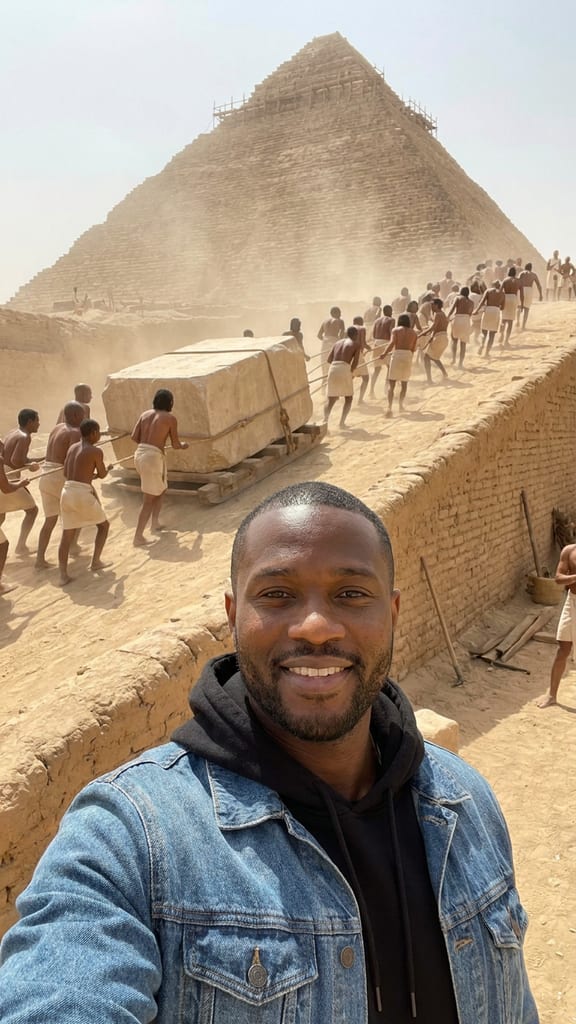
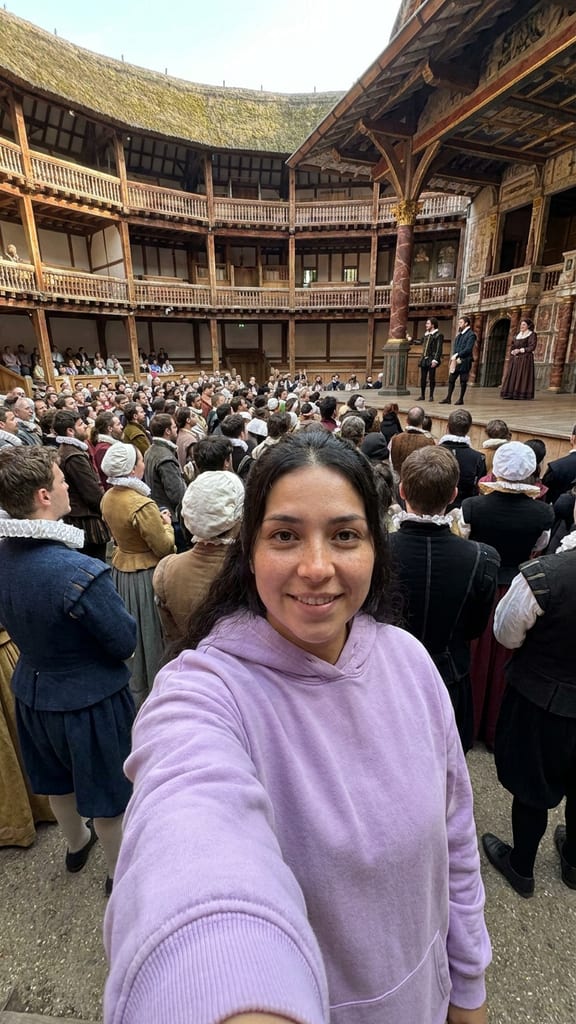
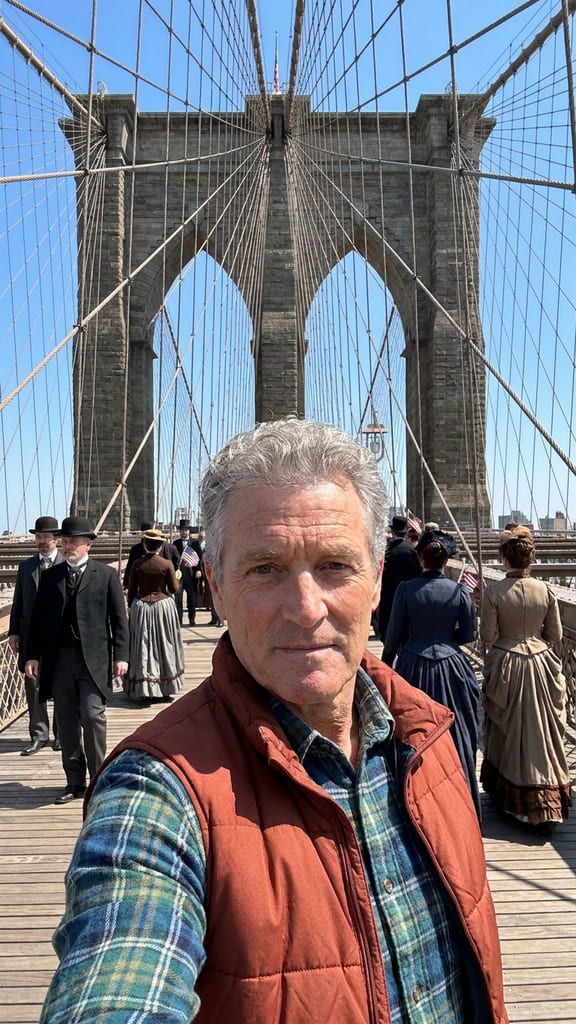
| Era | Moments | For example |
|---|---|---|
| Ancient | 6 | Giza, 2560 BCE, the pyramid ramps; Babylon, 575 BCE, the new Ishtar Gate |
| Medieval | 6 | Kaupang, 900, a Viking market; Baghdad, 830, the House of Wisdom |
| Early Modern | 6 | Florence, 1504, Michelangelo's David unveiled; Tenochtitlan, 1520, the market |
| Age of Revolutions | 6 | Philadelphia, July 1776; Versailles, 1785, a day at court |
| Industrial | 6 | London, 1851, the Great Exhibition; New York, 1883, the Brooklyn Bridge opens |
| 20th Century | 6 | Harlem, 1926, the Savoy Ballroom opens; New York, 1927, the first talkie premieres |
6 of the moments are real tragedies, marked Witness. There your presenter is a bystander: the vlog shows the city and the people around them, never deaths or victims.
How to Make a Time-Travel Vlog with GhostShorts
Five steps in the app, from picking a moment to the finished vlog. Click any screenshot to see it full size.
- 1Pick a presenter and a moment
- 2Generate the storyboard
- 3Voice and music
- 4Captions
- 5Transitions and render
- Presenters6 fictional adults, the same face in every scene
- Moments36 across 6 eras, or your own
- Years3000 BCE to 1999
- Scenes per vlog6, each a picture and a line from your presenter
- CaptionsWord by word, style and position you pick
- FormatVertical 9:16
How long should a time-travel vlog be?
Every vlog has 6 scenes, from arriving to signing off. Each scene is one picture of your presenter on location with a line or two to camera.
- Scenes6From arriving to signing off.
- Presenters6Maya, Jess, Nora, Kai, Sam, Frank.
- Moments36Plus any place and year up to 1999.
Choosing your moment
- Pick the day, not the centuryAn opening day, a first night or a famous morning gives every scene something to react to.
- Match the presenter to the placeEach presenter has a personality. A calm one suits a library; a high-energy one suits a crowd.
Can You Post and Monetize Time-Travel Vlogs?
The vlogs you export are yours to post and monetize. YouTube and TikTok both ask creators to label AI-generated content, and both have a toggle for it at upload. Practical guidance, not legal advice: check each platform’s current terms.
Getting paid
Each platform has its own bar.
- YouTube: 1,000 subscribers plus 4,000 watch hours or 10M Shorts views in 90 days
- TikTok Creator Rewards pays only for videos over one minute
- A recurring presenter beats a different host every time
Staying within the rules
What the vlog will and will not show.
- Presenters are fictional adults; you cannot upload a face
- At a tragedy the presenter is a witness; no deaths or victims are shown
- Nothing after 1999, and some moments are never available
Making history vlogs by hand vs GhostShorts
By hand, a history vlog means research, a script, period-accurate pictures or footage, a voiceover and captions. Here is how the two compare.
| Step | By hand | GhostShorts Time-Travel |
|---|---|---|
| Research | Read up on the place and year | Each catalogue moment comes with period notes the script follows |
| Host | Film yourself or hire a presenter | A fictional presenter with the same face in every scene |
| Visuals | Find or license period images | A picture of your presenter on location for every scene |
| Voiceover | Record and edit | Your presenter speaks every line in their own voice |
| Captions | Sync by hand or use a separate tool | Word-level captions timed to the voice |
The time you save goes into picking better moments and posting more often, which is what grows a channel.
Tips for growing a history vlog channel
The history channels that grow make the past feel like a place you could visit.
Open on the arrival
“The bakeries are open. Nobody is looking at the mountain yet” pulls harder than a date and a place name.
Keep one presenter
A recurring host turns separate videos into a channel people follow for the person, not just the topic.
Build a season
Post several moments from one era in a row, then move on, so viewers binge the set.
Check the details
History fans notice mistakes. Read the script before you post, especially names, dates and prices.
Title with the place and year
“London, 1851” in the title tells viewers and search exactly where the video goes.
Cross-post everywhere
Post to TikTok, Reels and YouTube Shorts; performance varies by platform. For a narrated history format, try AI history videos.