The complete guide toAI body swap videos
Learn why body swap trends work, which trends you can put yourself in, how to make one from a photo, which photos give the best likeness, and the rules for using someone else’s face.
Why AI body swap trends work
A body swap trend takes a moment everyone already knows, a music video, a celebration, a movie scene, and puts new people in it. The viewer recognizes the moment in the first second, then sees a familiar face where the star should be. That surprise is what makes people stop scrolling and send it to a friend.
It works best with people the audience knows: you, your friends, your crew. Nobody needs to dance, film or edit. The moves, the camera and the sound come from the original clip; only the people change.
A body swap is more than a face swap. The whole person is recast, face, hair, skin and body, so the result reads as you doing the moment, not a face pasted on someone else.
Trends you can swap into
Each trend is a fixed clip with its own number of spots. You pick the trend first, and it tells you how many photos it needs.
Real AI body swap videos made with GhostShorts
One per trend, each made from photos. Press play to hear the original sound.
| Trend | Who you replace | Length and shape |
|---|---|---|
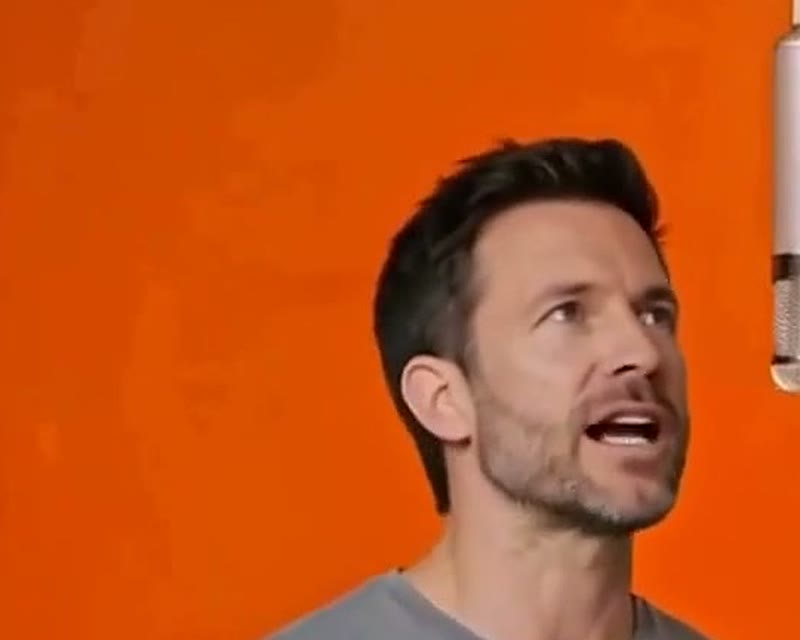
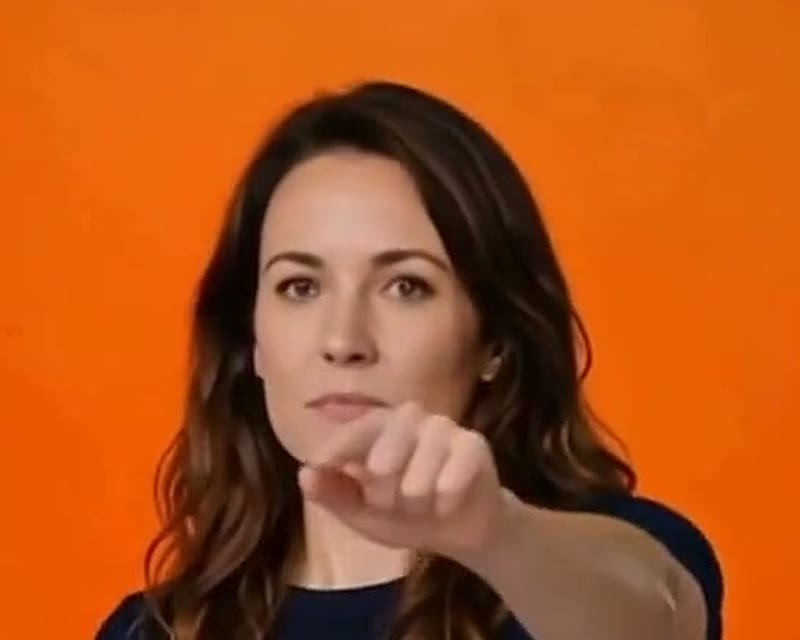
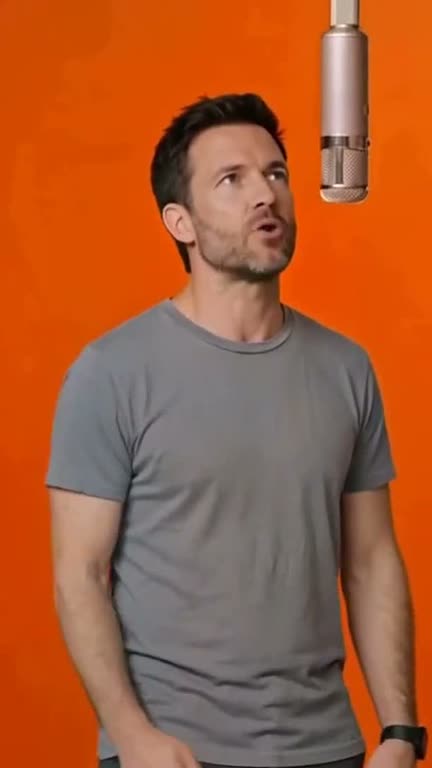
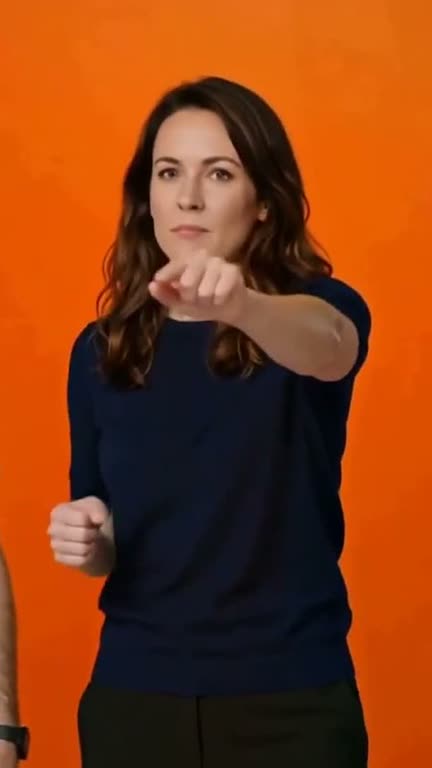
| Hotel Lobby | Both performers in the orange booth: you on the left, a friend on the right | 15 s, widescreen 16:9 |
| Dame Hombro | The two people at the club entrance | 15 s, vertical 9:16 |
| Enzo Celebration | The player doing the hands-behind-the-ears celebration | 14 s, widescreen 16:9 |
| Burning Bridges | The man at the chandelier party | 15 s, widescreen 16:9 |
New trends are added over time; the app shows every trend that is live.
How to Make an AI Body Swap Video with GhostShorts
In the app, from picking a trend to your preview. Click any screenshot to see it full size. After the preview, press Make the video: the swap takes about 4 minutes and lands in your library, ready to download.
- Photos neededOne per person in the trend (1 or 2)
- Photo typeA clear photo of a real adult, a selfie works
- Before you payA still of you in the scene
- Making the videoAbout 4 minutes
- Video length14 to 15 seconds, the original sound kept
- Download1920x1080 widescreen or 1080x1920 vertical MP4
Which photos work best for an AI body swap?
The photo is the only thing you control, so it decides most of the likeness. The app checks every photo before it is used.
Photos that work
What gives the best likeness.
- One real person, face easy to see
- Facing the camera, in good light
- A casual selfie is enough
What the photo check needs
Anything else is turned away.
- A real person, not a drawing, anime or a pet
- One person per photo, not a group
- An adult, fully clothed
Getting a better likeness
- Face the cameraA side-on photo still works, but the app warns you, and a front-facing one gives a much closer likeness.
- Skip the disguisesSunglasses, heavy filters and hats hide the features the AI copies. Plain and clear beats posed.
Can You Use Someone Else’s Face in an AI Body Swap?
You can put a friend in the video if they said yes. Use photos of adults only, and never use a swap to pass yourself off as someone else. Practical guidance, not legal advice: check each platform’s current rules.
Before you post
Keep it fun for everyone in it.
- Ask everyone in the photos first
- Label it as AI-made with the platform’s toggle
- Credit the trend and use the platform’s sound rules
What the app checks first
Before anything is made.
- Everyone in the photo looks 18 or over
- No nudity
- One real person per photo
Face swap apps vs GhostShorts
Most swap apps only change the face. Here is how a full body swap compares.
| Step | Face swap app or editing by hand | GhostShorts AI Body Swap |
|---|---|---|
| What changes | Usually the face only, pasted on the original body | The whole person: face, hair, skin and body |
| Two people | One face at a time, or a long manual edit | Both spots in one go |
| Moves and cuts | Recreate them or track every frame | Kept from the original clip |
| Sound | Re-add and sync the audio | The original sound, kept |
| Checking first | Render and hope | A still of you in the scene before you pay |
Tips for body swap videos that get shared
The swaps that travel are the ones people want to send to the person in them.
Cast someone people know
A friend, a coworker, your group chat. Recognition is the whole joke.
Post while the trend is hot
Trends fade. Make yours while people still know the original moment.
Use the trend’s name
Put the trend name in your caption so people searching for it find your version.
Tag who is in it
With their OK, tag them. Each tag puts the video in front of a new group of friends.
Match the shape to the app
Widescreen trends suit YouTube; vertical ones fit TikTok and Reels as they are.
Try a different format too
Want a faceless story instead? Try Reddit story videos.