The complete guide tocar crash videos
Learn why crash test videos keep people watching, which car, wall and speed to pick, how to make one step by step, and how to grow a crash channel.
Why car crash test videos work
A crash test video asks one question in the first second: will it survive? The viewer guesses, then watches to find out. That guess is what keeps people to the end of the clip, and a short clip watched to the end is what the feeds push.
The format needs no words to understand. A car, a wall, a speed and a number on screen read the same in any language, which is why soft-body crash clips travel across countries and platforms.
It is also built for series. Change one thing, the car or the speed or what it hits, and you have the next video. Viewers come back to see whether their pick does better.
Types of car crash videos and which setup to use
Every crash is three choices: the car, what it hits and how fast. These are the setups that make clear, comparable videos.
Car crash videos made with GhostShorts
Three setups from the crash engine, and the trick behind each one.
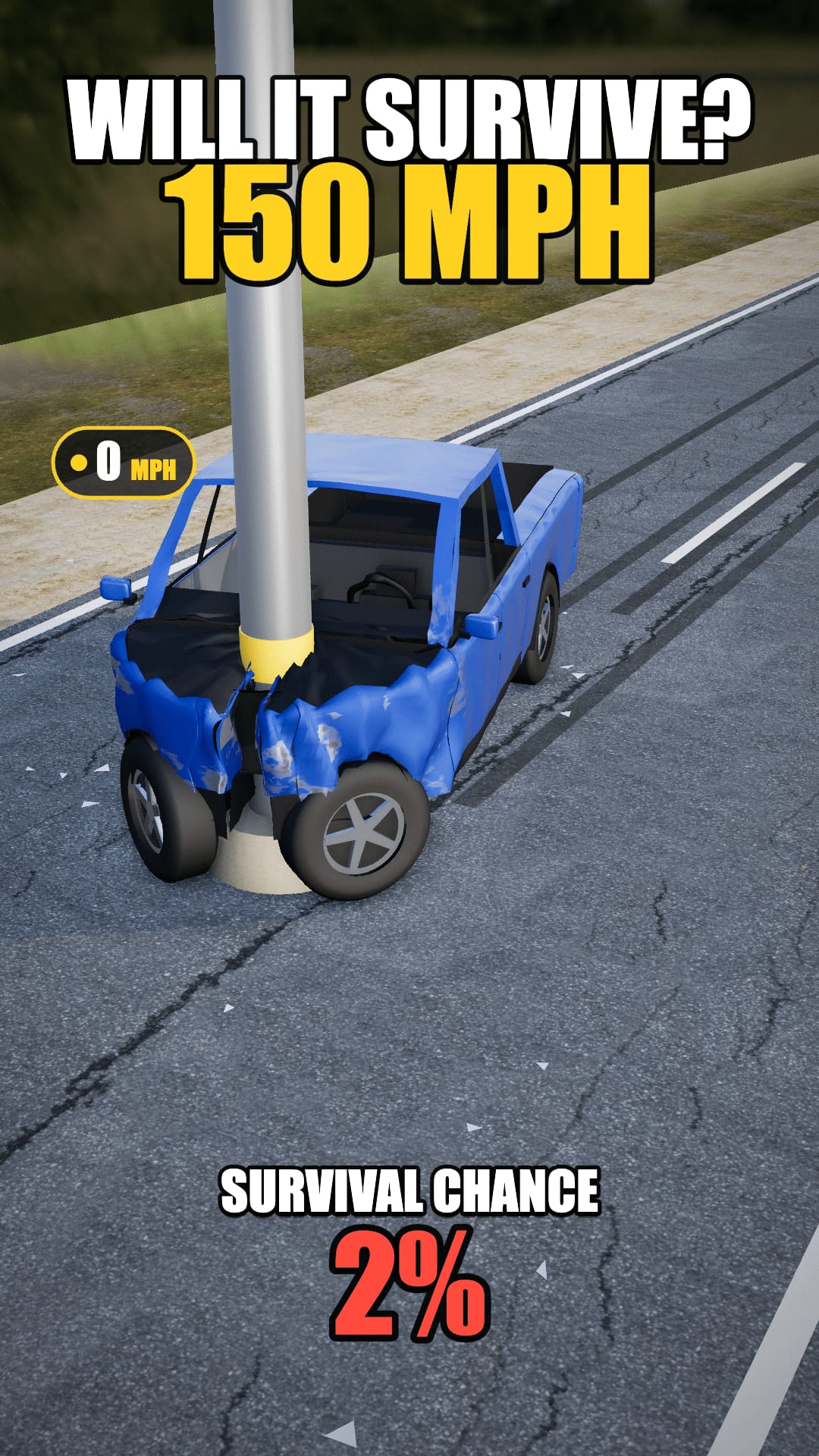
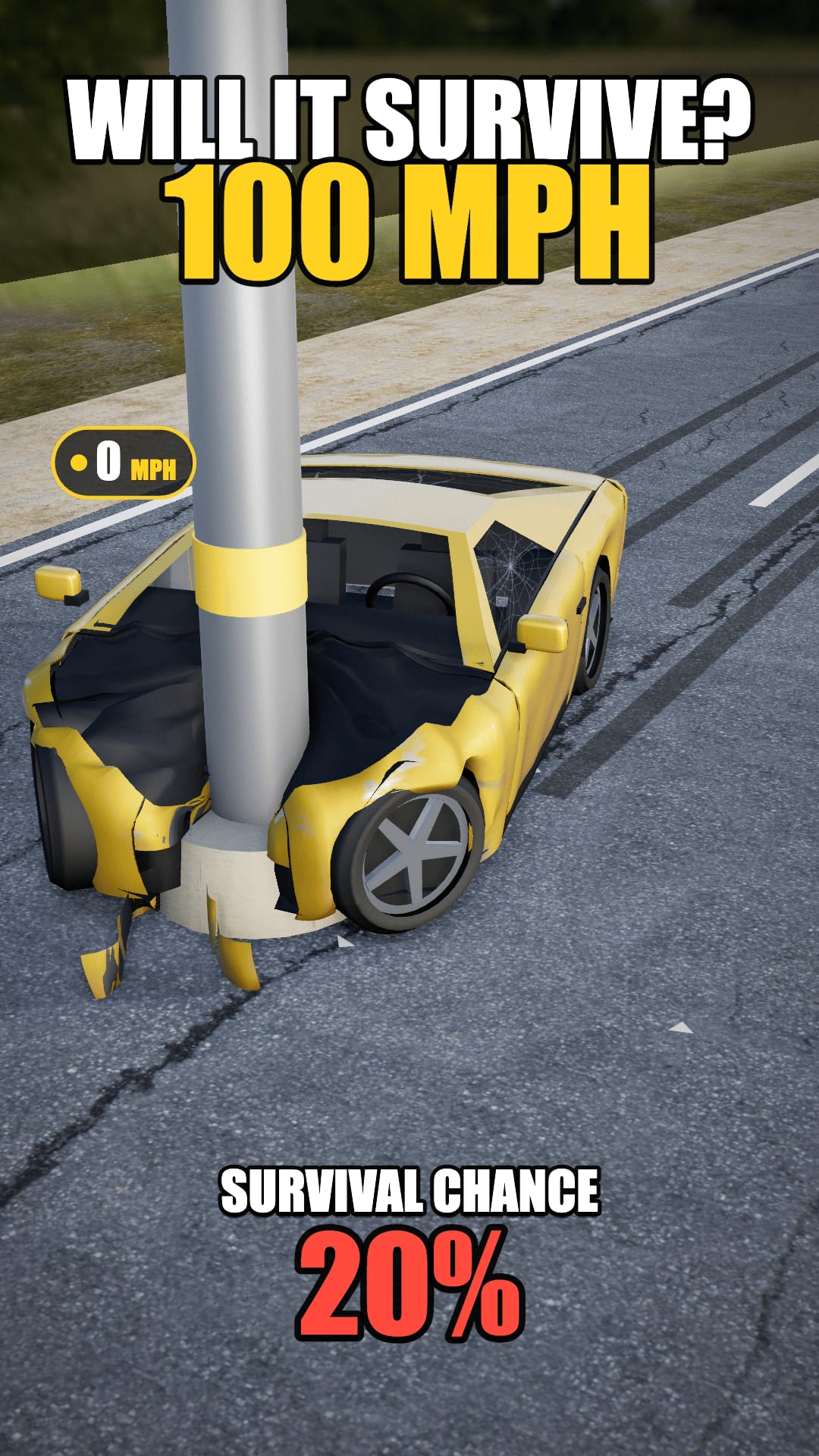
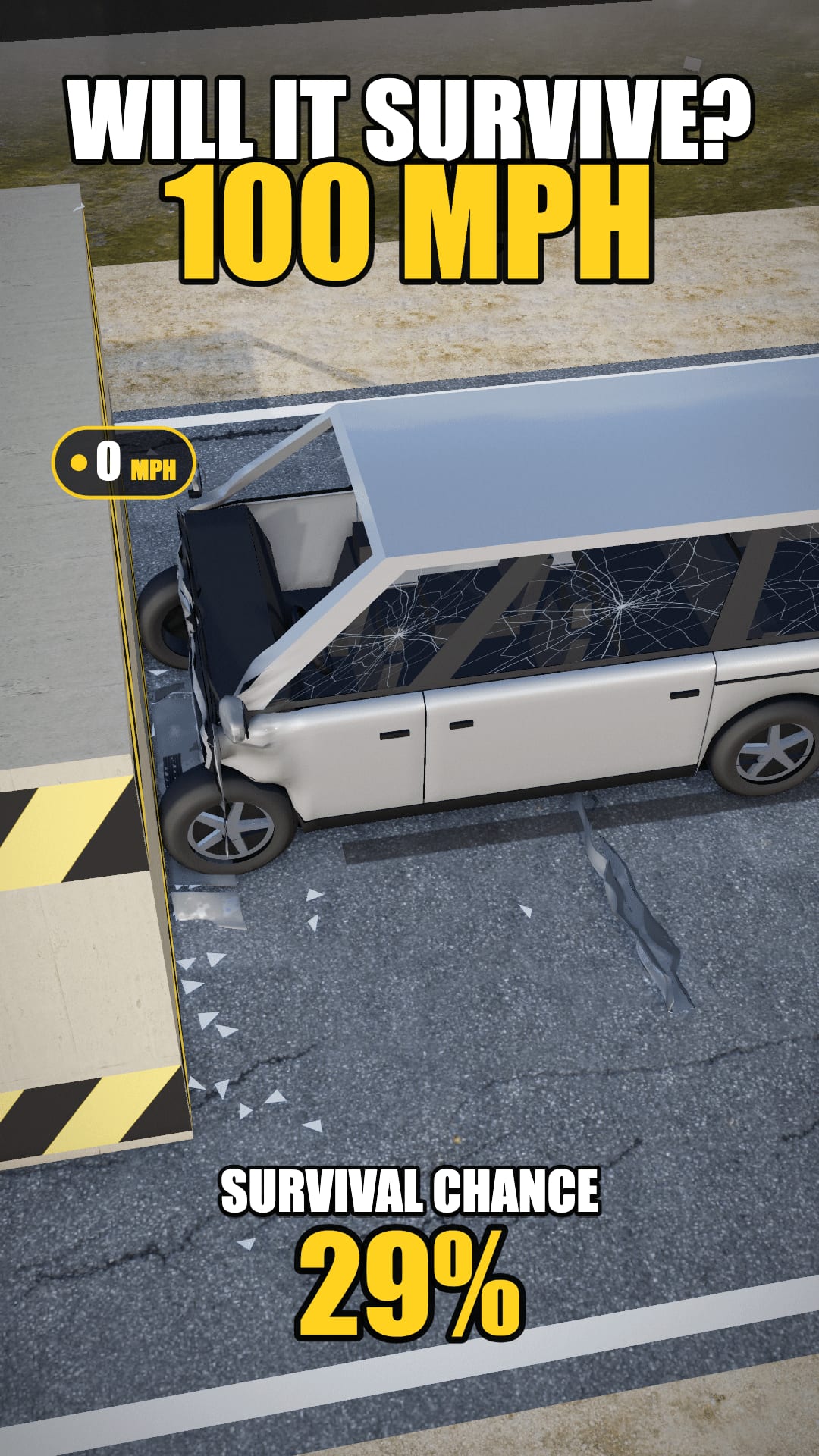
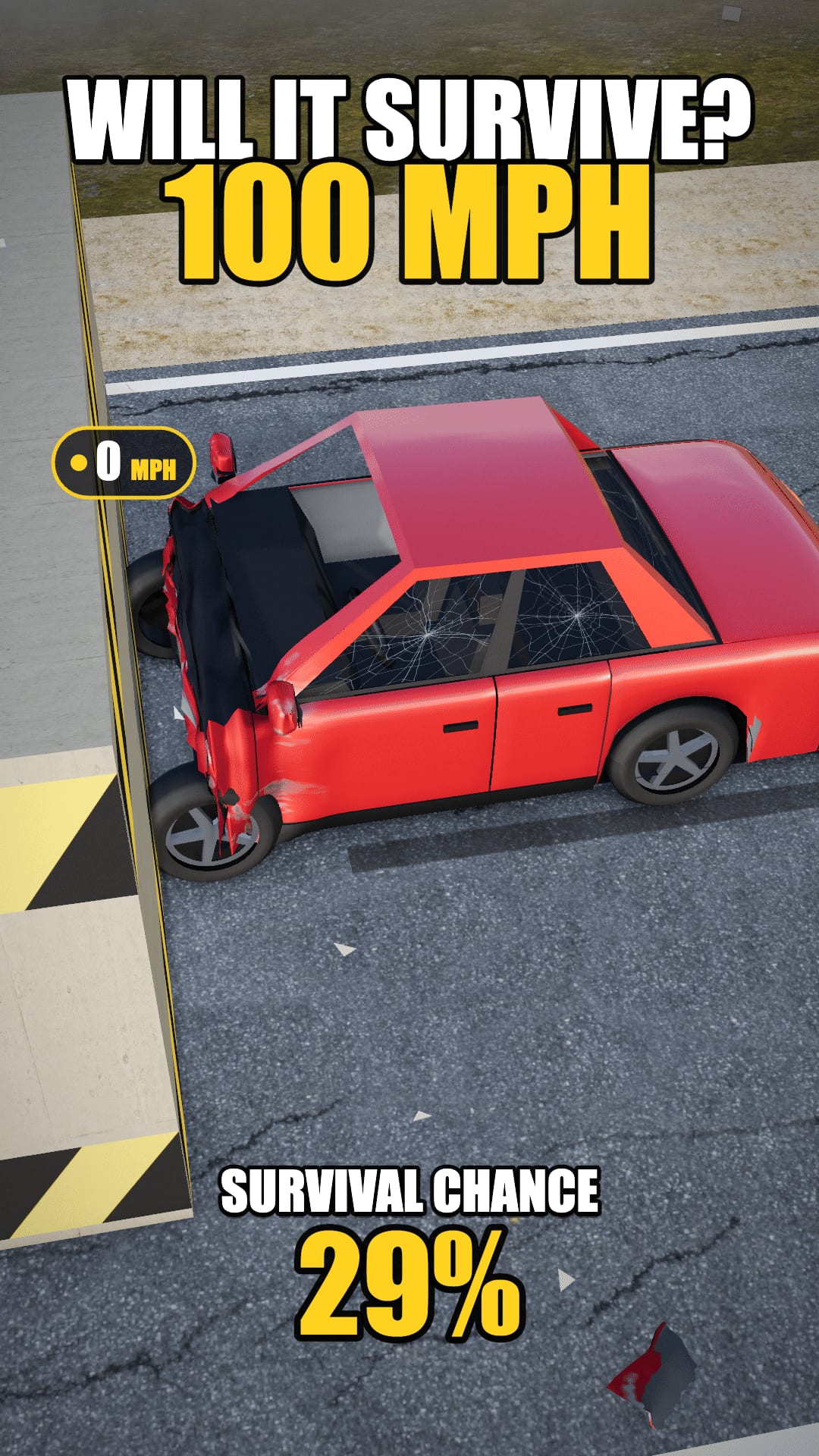
| Setup | What it shows | Good for |
|---|---|---|
| Same car, rising speed | One car at 30, 60, 100 or 150 mph, one video each | A four-part series viewers follow |
| Car vs car | Two cars at the same speed into the same wall | Comment debates about which is safer |
| Wall vs pole | One car into a concrete wall, then a steel pole | Showing how the type of hit changes the damage |
| Heavy vs light | The full-size pickup against the low supercar | Showing how a car’s weight changes the survival chance |
The cars are generic lookalikes: a pickup, a sedan, an SUV, an electric fastback, a supercar and a minivan. None of them is a real brand or model.
How to Make a Car Crash Video with GhostShorts
Four steps in the app, from picking a car to the downloaded MP4. Click any screenshot to see it full size.
- Cars6 unbranded lookalikes
- Crash intoConcrete wall or Steel pole
- Speeds30, 60, 100 or 150 mph
- Colours6 to choose from
- Title on the videoUp to 60 characters
- Clip length7.5 seconds
- Export1080x1920 MP4 at 30 fps, no sound
Which speed should you pick?
Speed decides how much of the car is left, and the survival chance follows from what the crash actually did: how far the cabin was crushed, how much the roof dropped, how many panels came off, the speed and the car’s weight.
- The opener30 mphThe gentlest crash. A heavy pickup reads around 95% here.
- The build-up60 mphPart two of a speed series: the same car, twice as fast.
- The turn100 mphA good speed for car-vs-car comparisons: same speed, two cars.
- The finale150 mphThe hardest hit. A sedan reads around 5% here.
Building a series
- Climb the speedsPost the same car at each speed, slowest first. Each part answers the last one and teases the next.
- Let viewers pick the next carAsk which car should crash next and make the most requested one. It turns comments into the next video.
Can You Post and Monetize Car Crash Videos?
The crash is simulated by GhostShorts and the cars are generic lookalikes, so the video you export is yours to post. It is a simulation, not real footage, so say so if a viewer could take it for a real crash. Practical guidance, not legal advice: check each platform’s current terms.
Getting paid
Each platform has its own bar.
- YouTube: 1,000 subscribers plus 4,000 watch hours or 10M Shorts views in 90 days
- TikTok Creator Rewards pays only for videos over one minute
- A 7.5-second clip suits Shorts and Reels; join several for longer videos
Keeping it clean
What makes a crash channel last.
- No real brands or logos: the cars are unbranded on purpose
- Label it as a simulation in the caption
- The export has no sound: add music or a voice in your own editor
Making car crash videos by hand vs GhostShorts
By hand, a soft-body crash clip means a driving simulator or a 3D tool, a capable PC, screen recording and an editor to crop it to vertical and add the text. Here is how the two compare.
| Step | By hand | GhostShorts Car Crash |
|---|---|---|
| Setup | Install a simulator and set up the car and the scene | Pick a car, a wall or pole and a speed |
| Hardware | A gaming PC that can run the physics | Runs in your browser |
| Recording | Screen-record and trim the clip | The crash is recorded for you on export |
| Vertical video | Crop and reframe in an editor | 1080x1920 from the start |
| Title and result | Add text and work out a verdict yourself | Title, speed and a survival chance worked out from the crash |
The time you save goes into what grows a crash channel: posting a steady series and answering what viewers ask for next.
Tips for growing a car crash channel
Crash channels grow on series and on the question in the title.
Ask in the title
The default title is “WILL IT SURVIVE?” plus the speed for a reason: a question makes people stay for the answer.
Change one thing
Keep the car or the speed the same between two videos, so viewers can compare them.
Post in series
Number the parts. A viewer who saw part 2 looks for part 3.
Use the comments
Let viewers vote on the next car or speed and credit the idea in the caption.
Add your own sound
The export is silent. A crash sound or music added in your editor makes the impact land harder.
Mix in other formats
Ranking videos suit the same audience: try a Top 5 countdown of your most brutal crashes.