The complete guide tocharacter explainer videos
Learn why two characters explaining a topic keeps people watching, which topics work, how to make one step by step, and how to grow an explainer channel.
Why character explainer videos work
A character explainer turns a lesson into a conversation. One character knows the answer, the other asks the question the viewer is already thinking, gets it wrong or makes a joke. That back-and-forth keeps the pace up in a way a single narrator rarely does.
The characters do the work a face would do on a talking-head channel. Viewers come back for the duo, so a channel builds a personality without anyone on camera. Gameplay behind them and big captions on top keep the eyes busy while the ears learn something.
You will also see the format called an AI dialogue video, a two-character explainer or a “Peter and Stewie explain” video, after the cartoon duo that made it popular. The structure is the same: two voices, one topic, under a minute or two.
Best character explainer topics and how to use them
The best topics are things people half understand and would like explained quickly. Money and history do especially well; breaking news is the weakest, because the facts move faster than the video.
Character explainers made with GhostShorts
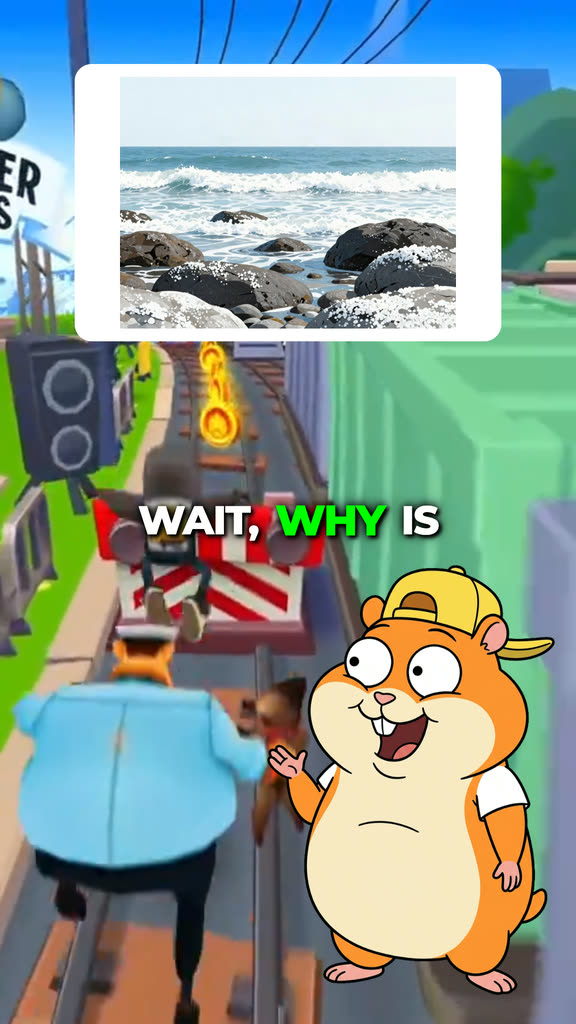
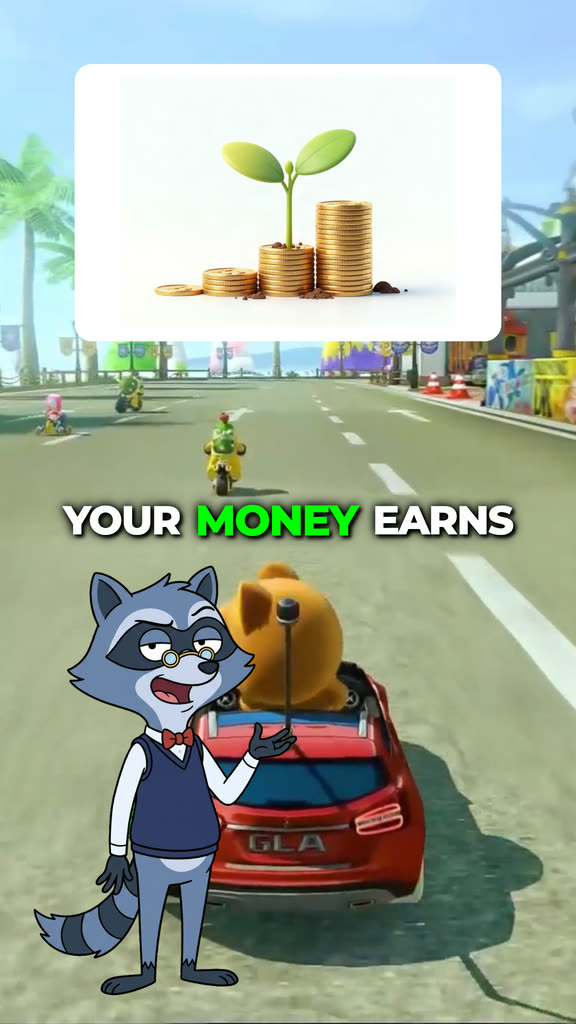
Three frames from the template with Dex and Bun, and why each topic works.
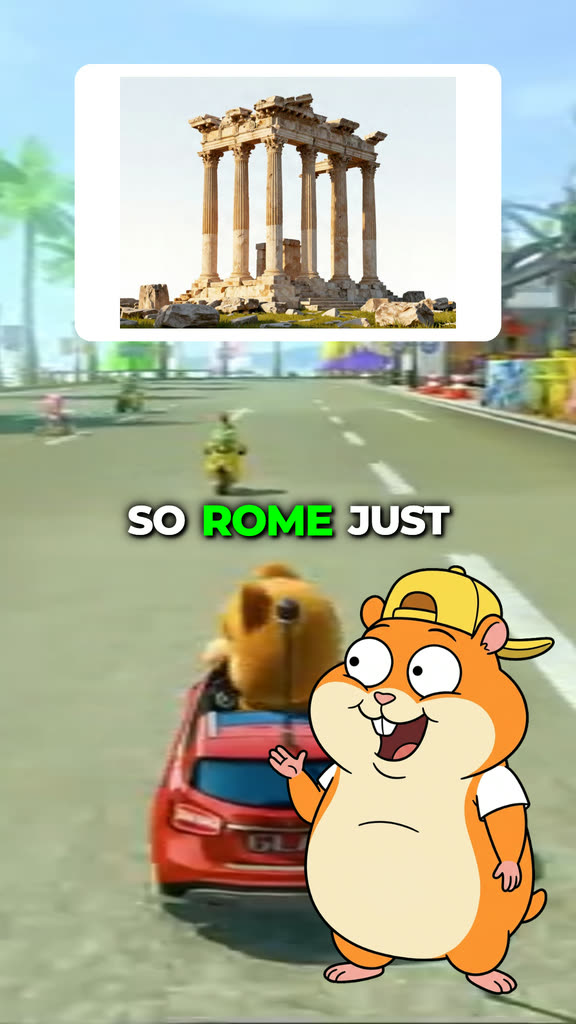
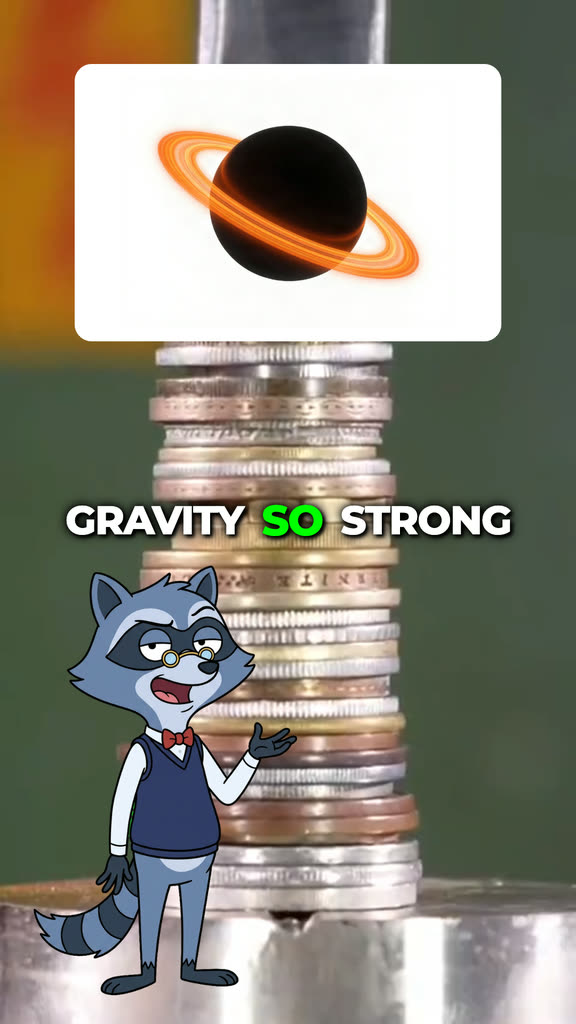
| Niche | Why it works | Example topic |
|---|---|---|
| Personal finance | Everyone has money questions they are embarrassed to ask | How compound interest works |
| History | Big stories fit a curious, slightly clueless sidekick | Why the Roman Empire fell |
| Science | Mind-bending facts with a clear picture | How black holes form |
| Economics | Everyday prices make abstract ideas concrete | What inflation actually is |
| Tech | Things people use daily but never understood | How Wi-Fi works |
| Your own articles | Turns a blog post or newsletter into a short | Paste the link or the text |
Phrase the topic as the question a viewer would type: “Why is the ocean salty?” gives a sharper script than “ocean salinity”.
How to Make a Character Explainer Video with GhostShorts
Four steps in the app, from your topic to the finished video.
- 1Pick two characters
- 2Give them something to explain
- 3Watch the script play
- 4Edit, add voices and export
1. Pick two characters
Open AI Character Explainer and pick a duo, or choose two of your own characters. One explains, the other asks the questions. You can swap who does which.
2. Give them something to explain
Type a topic, paste an article link or paste your own text, then pick a length. Surprise me suggests a topic if you are stuck.
3. Watch the script play
The AI writes the conversation and it plays silently in your browser with the captions and timing, so you can read every line before you pay.
4. Edit, add voices and export
In the editor, change any line, pick the background, music and caption style, then make the video. Each character gets its own voice, the topic pictures are drawn and everything renders as one vertical MP4.
- CharactersOne explainer, one who asks
- SourceTopic, article link or pasted text
- Lengths30s, 45s, 60s, 90s
- Your own charactersBackground removed, 8 voices to pick from
- PreviewThe whole script, silent
- FormatVertical 9:16 MP4
How long should a character explainer be?
You pick the length and the script is written to fit it, sized to how fast each character speaks, so the video lands close to what you chose.
- 30 secondsOne ideaA single question and a punchy answer. The easiest to watch to the end.
- 45 or 60 secondsThe classic ShortRoom for the setup, the answer and a joke, or a how-it-works with two or three steps. A good default.
- 90 secondsDeep diveFor topics that need a story, or for platforms that pay for longer videos.
Fitting the length to the platform
- Shorter keeps viewersStart at 30 or 45 seconds while you learn what your audience finishes, then test longer ones.
- Longer for one-minute rulesTikTok Creator Rewards counts only videos over one minute, which the 60 and 90 second options clear.
Can You Post and Monetize Character Explainer Videos?
The videos you export are yours to post and monetize. The safe route for a monetized channel is characters you own: Dex and Bun, or characters you made and uploaded. Practical guidance, not legal advice: check each platform’s current terms.
Getting paid
Each platform has its own bar.
- YouTube: 1,000 subscribers plus 4,000 watch hours or 10M Shorts views in 90 days
- TikTok Creator Rewards pays only for videos over one minute
- A steady daily series beats one-off uploads
Keeping it clean
What platforms look for.
- Label AI-generated content with the toggle at upload
- Make the explanation the point, not just the characters
- Check facts on anything you would be embarrassed to get wrong
Making character explainer videos by hand vs GhostShorts
By hand, one of these videos means writing a two-person script, voicing two characters, cutting out the artwork, finding pictures for each point and timing captions to the words. Here is how the two compare.
| Step | By hand | GhostShorts AI Character Explainer |
|---|---|---|
| Script | Research and write both parts yourself | A two-person script from a topic, link or text |
| Voices | Record or generate two voices and level them | A separate voice for each character, levelled |
| Characters | Cut out the artwork and place it per line | The speaker appears on every line, your own uploads included |
| Pictures | Search and license an image for each point | A topic picture every few lines |
| Captions | Time every word in an editor | 1 to 3 word captions synced to the voices |
The time you save goes into what grows an explainer channel: picking good questions and posting on a schedule.
Tips for growing a character explainer channel
Explainer channels grow on a recognizable duo and on questions people actually search.
Keep the same duo
Viewers follow characters. Pick one pair and stick with it so the channel is easy to recognize.
Open with the question
The first line should be the question in the title, asked by the curious character.
Pick one niche
Money, history or science. A clear niche tells the algorithm who to show your videos to.
Turn comments into topics
“Explain X next” comments are ready-made topics. Make them and say so in the title.
Repurpose what you write
Paste your own blog posts or newsletters and the characters explain them for you.
Try a second format
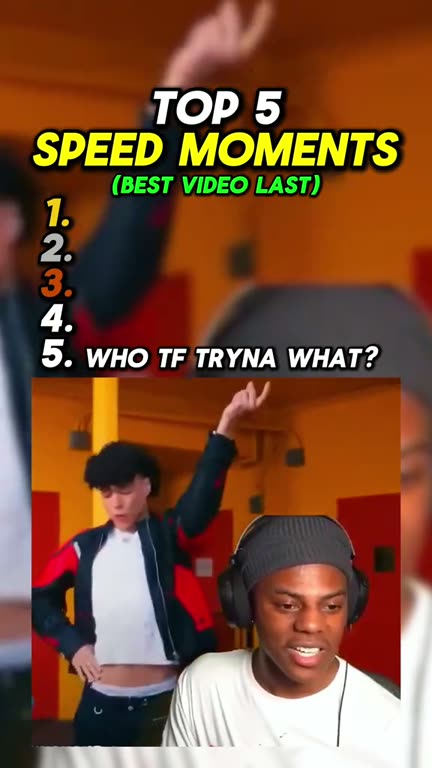
The same viewers watch list videos: a Top 5 countdown mixes well with explainers.