The complete guide toRoblox rant videos
Learn why Roblox rants work, the video types you can make, how to make one step by step, and how to grow a Roblox channel.
Why Roblox rants work on TikTok and YouTube Shorts
Roblox has one of the largest young audiences in gaming, and that audience watches as much Roblox content as it plays. For creators who want to reach Gen Z and Gen Alpha viewers, Roblox commentary is one of the most direct routes there is.
Gameplay works as a background because it moves without demanding attention. An obby or parkour run is a constant stream of motion and colour that keeps the eyes on the screen while the ears follow the narration. It is the same reason split-screen videos with Subway Surfers or Minecraft parkour took off.
The rant format gives viewers two reasons to stay: something satisfying to look at and an opinion to agree or argue with. A strong opinion is also what fills a comment section, and comments are one of the clearest signals a short is worth showing to more people.
Types of Roblox videos you can make with this template
The template narrates any script over Roblox gameplay, so it covers more than rants. These are the formats that suit narration over a gameplay bed.
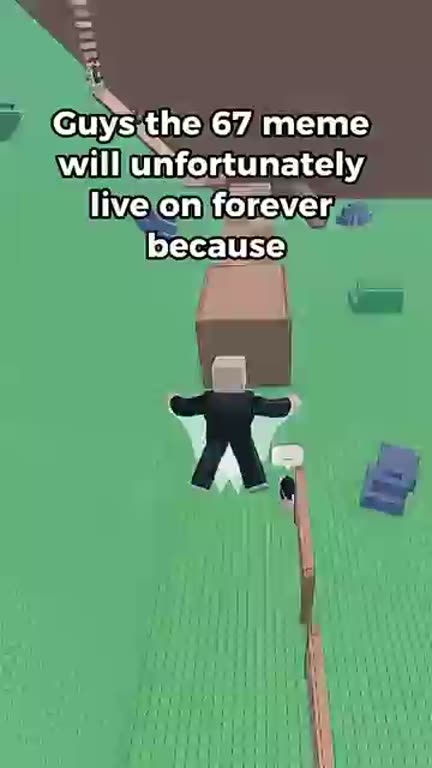
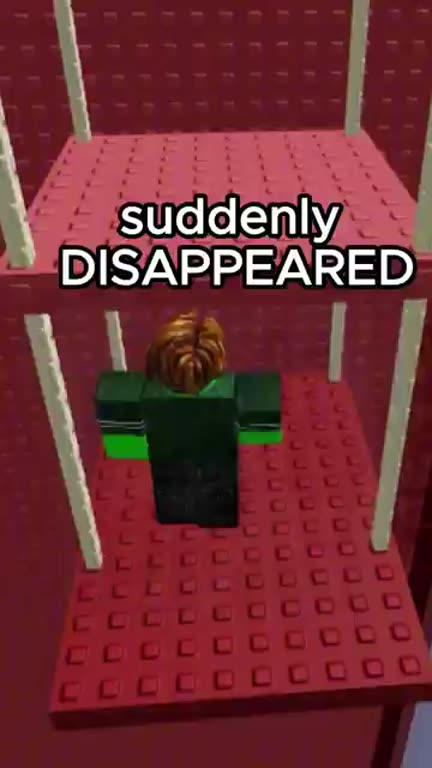
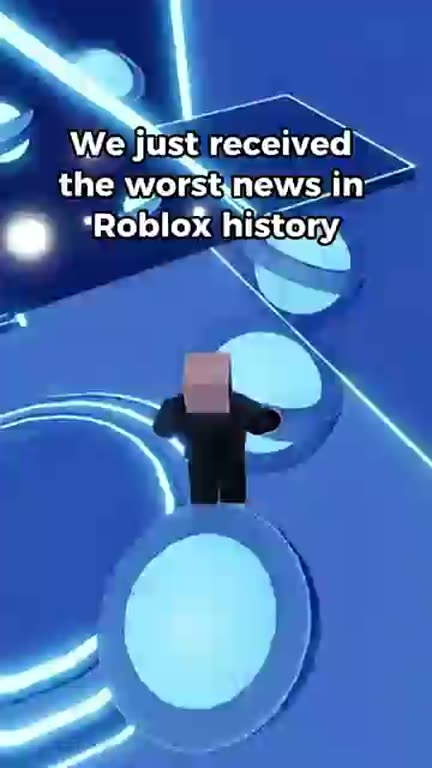
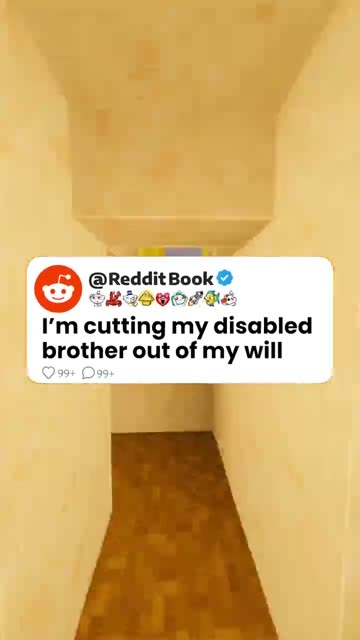
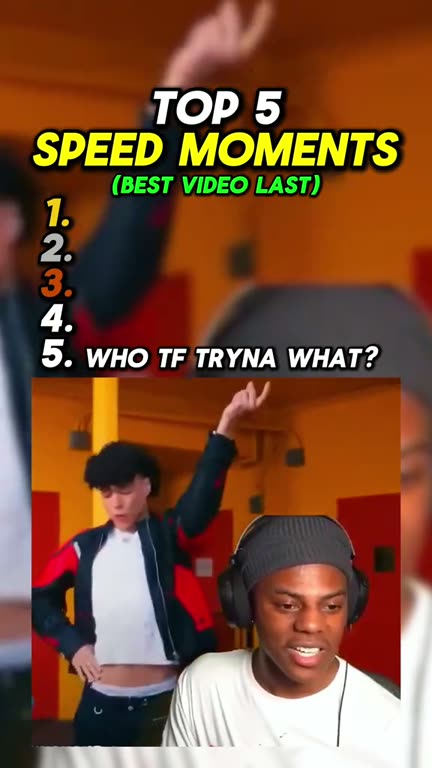
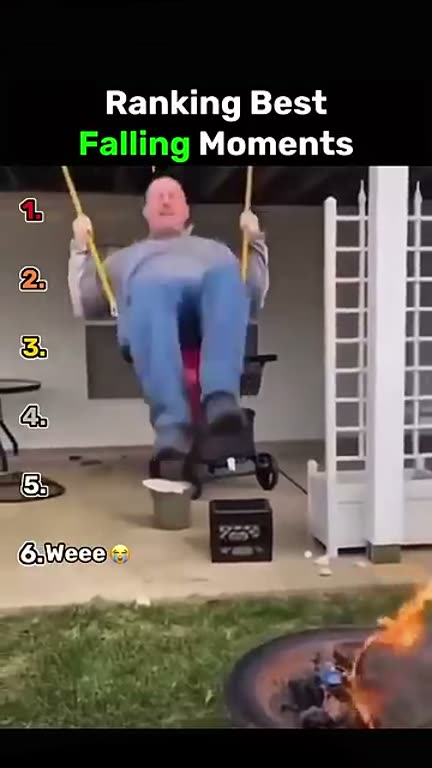
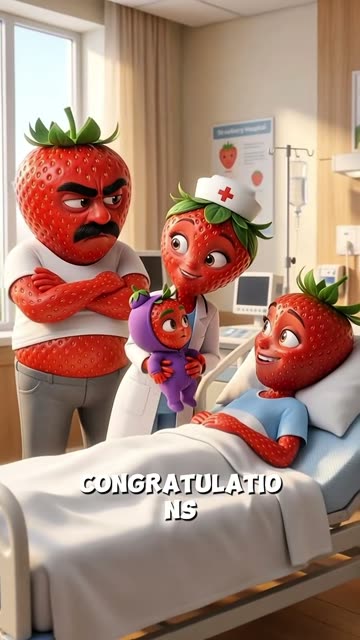
Real Roblox rants made with GhostShorts
Three rants our creators made, and the trick behind each one.
| Format | What it is | Script tip |
|---|---|---|
| Roblox rants | Hot takes about games, updates and the community | Open with the take, then back it up with two or three concrete examples |
| Story narrations | Original or curated stories told over gameplay | Paste your own story into the script box instead of using the AI script |
| Scam warnings | Calling out scams and unfair mechanics in Roblox games | Describe how the scam works so viewers can spot it, without naming private people |
| Game reviews | An honest opinion on a new or trending game | The gameplay comes from our library, so say what you think rather than relying on the footage |
| Facts and trivia | Surprising facts and history about Roblox | Check every fact before you publish; viewers will correct you in the comments |
| Community drama | Commentary on updates and controversies | Speed matters more than polish; post while the topic is still moving |
The narration-over-gameplay approach is the same one behind Reddit story videos, so channels often mix the two.
How to Make a Roblox Rant Video with GhostShorts
Start from a topic or your own script, then finish in the editor. Click any screenshot to see it full size.
- AI first draftAbout 300 to 500 words
- Your own scriptUp to 10,000 characters
- AI voices47 voices in 9 languages
- BackgroundVertical Roblox gameplay from the library
- ExtrasCutaway images, GIFs, sound effects, music
- CaptionsWord by word, synced to the voice
- ExportVertical 1080x1920 MP4
How long should a Roblox rant be?
The AI writes a full first draft of roughly 300 to 500 words, about two to three and a half minutes of narration. It is usually worth cutting before you generate the voice.
- TikTok30 to 60 secAbout 80 to 150 words. Completion rate decides reach, so keep the strongest paragraph.
- YouTube ShortsUp to 3 minA fuller version of the rant fits. Shorts also keep surfacing through YouTube search.
- Instagram ReelsUp to 3 minSame file as Shorts: the 1080x1920 MP4 works everywhere without reformatting.
Fitting your rant to the length
- Cut to the strongest takeKeep the opening claim and your two best examples. Move the boldest line to the very top before you generate the voice.
- Split long rants into partsIf there is more to say than one short can hold, make two or three parts and end each on an unresolved point. Each part is its own script.
Can You Post and Monetize Roblox Rants?
Roblox allows gameplay in videos, gaming commentary is an ordinary category on YouTube and TikTok, and the videos you make are yours to monetize. Practical guidance, not legal advice: check each platform's current terms.
Getting paid
Each platform has its own bar.
- YouTube: 1,000 subscribers plus 4,000 watch hours or 10M Shorts views in 90 days
- TikTok Creator Rewards pays only for videos over one minute
- Original commentary beats reposted footage
Staying within the rules
Much of the Roblox audience is young.
- Keep the narration fit for a general audience
- No harassment, hate speech or real-world scams
- Watch for licensed music if you add your own footage
Recording Roblox gameplay vs using the template
Many creators start by recording their own gameplay, editing it in CapCut or Premiere and recording a voiceover. It works, but it is slow to repeat every day. Here is how the two approaches compare.
| Step | Record and edit by hand | GhostShorts Roblox Rants |
|---|---|---|
| Script | Write it yourself | AI-written from a topic and fully editable, or paste your own |
| Gameplay | Record sessions, then cut and crop them to 9:16 | Pick a vertical clip from the gameplay library |
| Voiceover | Record yourself and clean up the audio | One of 47 AI voices across 9 languages |
| Captions | Sync by hand | Timed to the narration word by word |
| Extras | Find images and sound effects yourself | Pick cutaway images, sound effects and background music in the wizard |
| Export | Set up a vertical export yourself | A 1080x1920 MP4, usually in about a minute |
The time you save goes into what actually grows a channel: better topics, sharper scripts and posting every day.
Tips for growing a Roblox content channel
Good videos are the start. Growth comes from consistent output, timely topics and posting everywhere your audience is.
Consistency beats one viral video
One video can spike, but a steady daily cadence is what builds a following. TikTok and YouTube both reward channels that show up regularly. Pick a pace you can keep.
Jump on trending topics fast
The Roblox community always has a new update, drama or controversy. The first creators to post about it catch most of the attention, so keep an eye on Roblox news and be ready to turn a topic into a script within hours.
Hook in the first second
Lead with the most controversial part of the rant. "Roblox just killed their best game and nobody is talking about it" beats "Hey guys, today I want to talk about...". If the AI script builds up slowly, move its strongest line to the top before you generate the voice.
Use bold, readable captions
Captions need to be readable on a phone without squinting. Pick a bold caption style and check the result on a real phone screen before posting. If you have your own footage that just needs captions, there is the auto captions template.
Cross-post every video
Post each video to TikTok, YouTube Shorts and Instagram Reels. The same video often performs very differently on each, and the MP4 needs no reformatting between them.
Rewrite, do not just regenerate
The AI script is a starting point. The rants that stand out are the ones with a real opinion and specific examples, so rewrite at least the opening and the ending in your own voice, and vary the gameplay and the voice between videos.