The complete guide toAI horror story videos
Learn why horror shorts hold viewers, which of the four styles fits your channel, how to make a video step by step, and how to grow a horror channel.
Why AI horror story videos work
Horror is built on a question the viewer needs answered: what is in the basement, who left the voicemail, why does the town never sleep. A short that opens on that question holds people until the last line, and the last line is where a good horror story turns.
Dread works better than shock on a phone. A dark doorway, a sound that should not be there and a narrator who stays calm do more than any jump scare, and they keep a video safe to post. That is why the format leans on suggestion: the viewer fills the gap with their own fear.
It is also faceless by nature. The story is told by a voice over dark, atmospheric pictures, so a channel can publish every day without a camera, a set or an actor.
Horror story styles that get views
AI Horror Story writes in four styles. You pick one on the first screen and it sets the voice of the script and the look of the pictures.
AI horror story videos made with GhostShorts
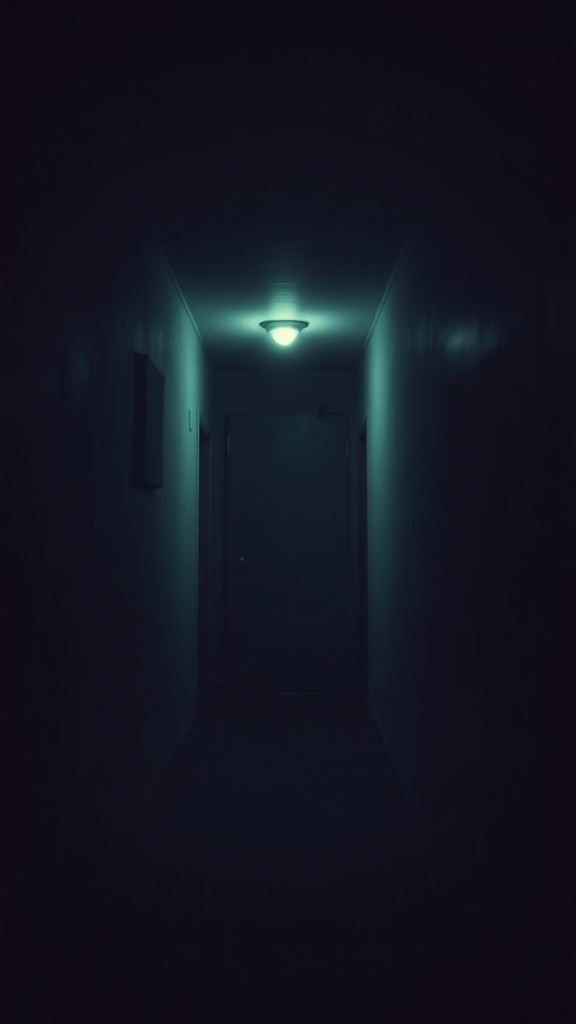
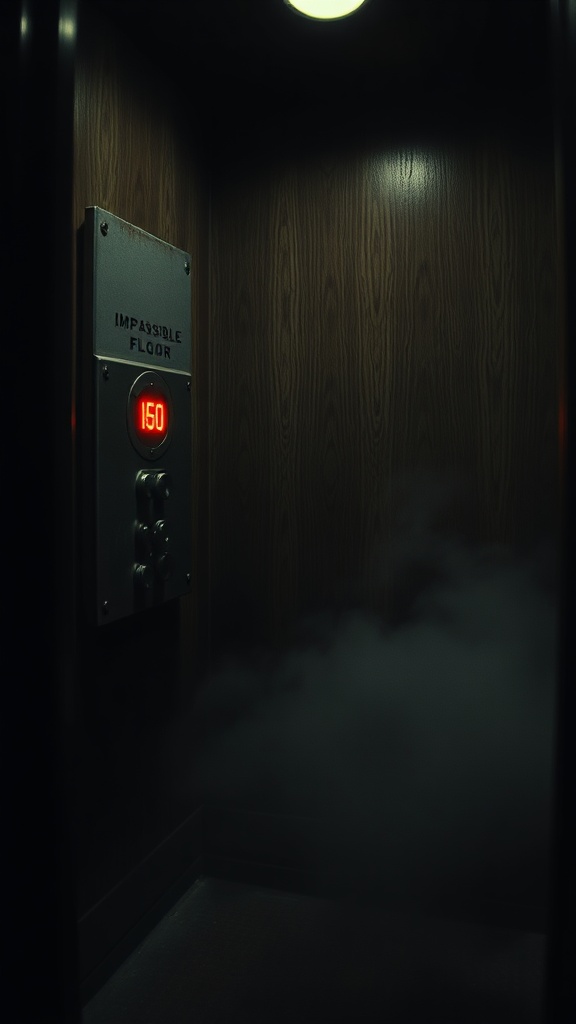
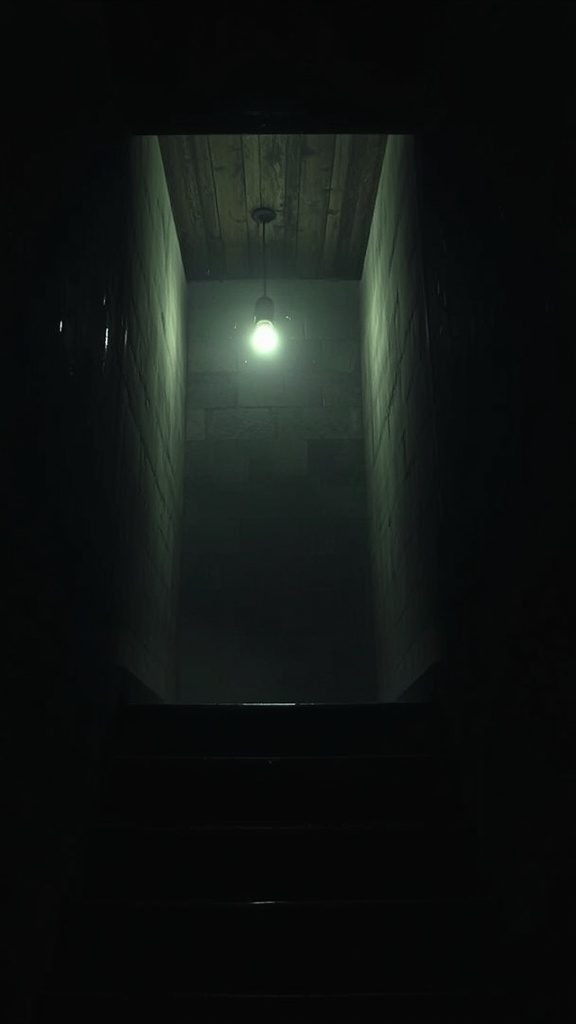
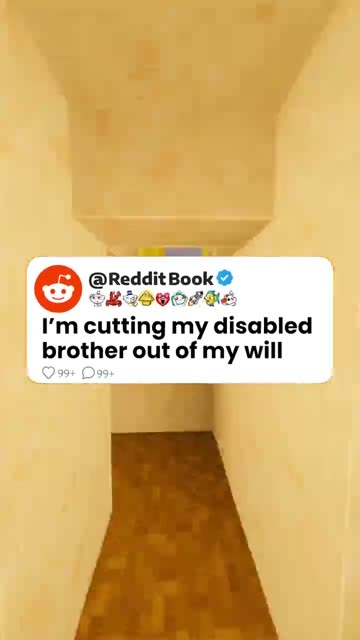
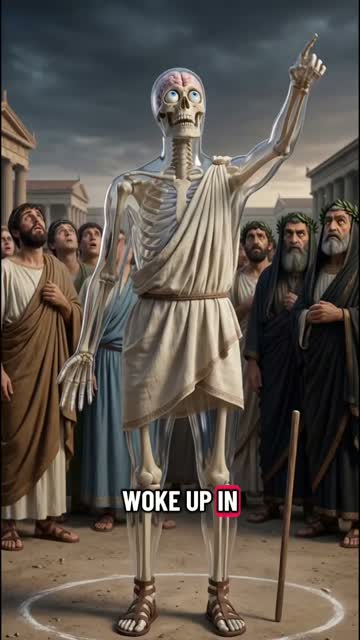
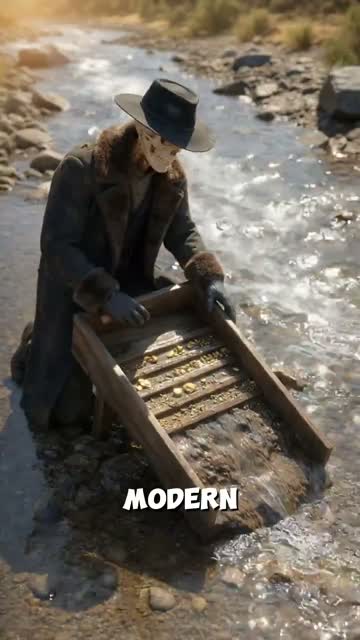
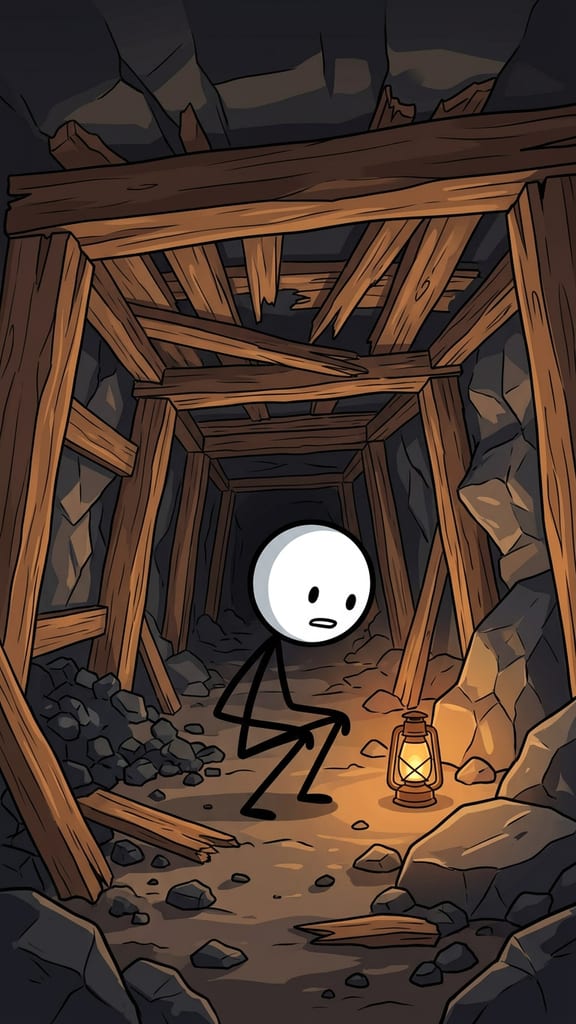
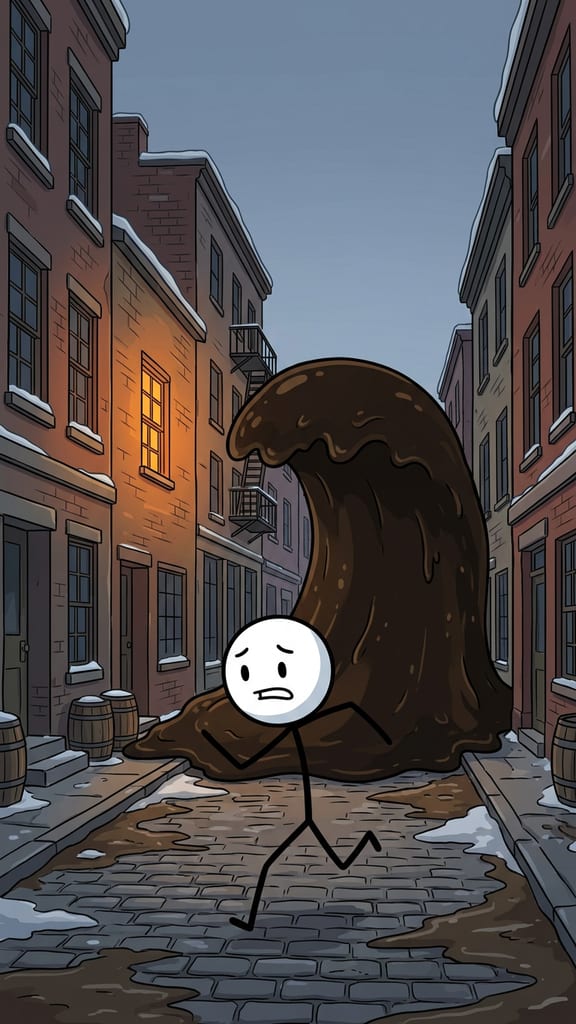
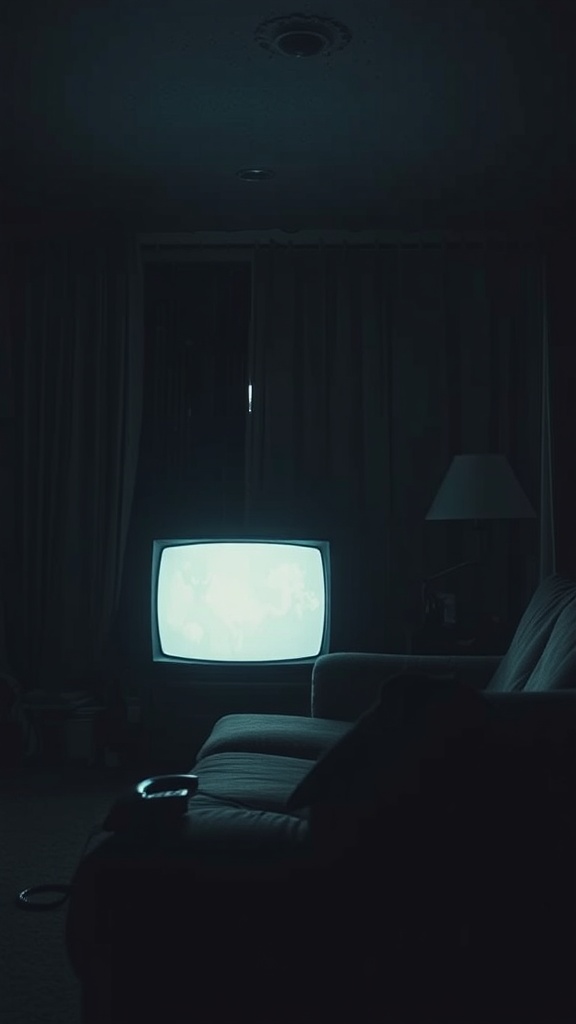
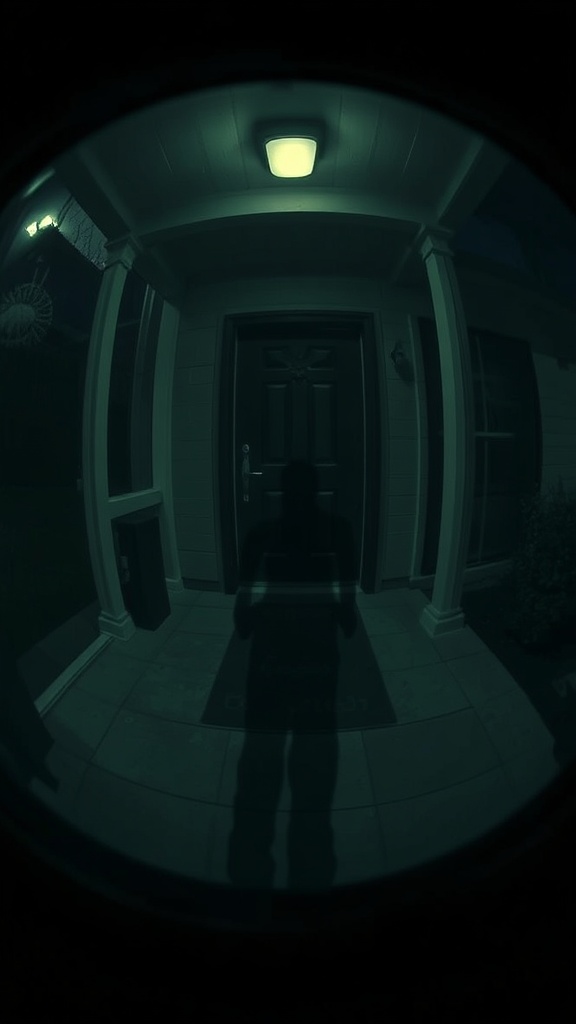
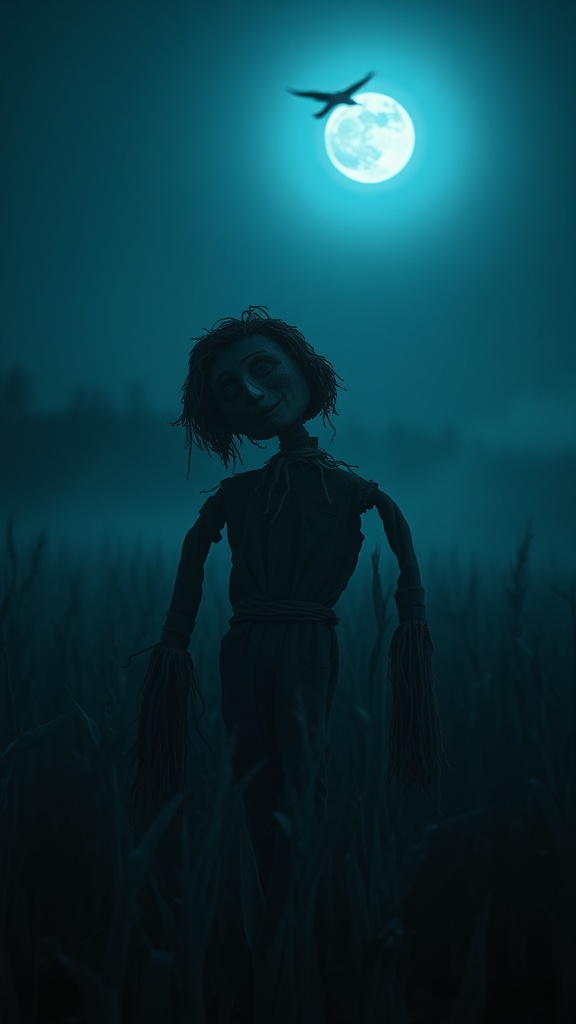
Pictures from the horror template.
| Style | How it is told | Example premise |
|---|---|---|
| You Are The Character | Second person (“you hear…”), building to a choice at the end | The elevator stops on a floor that does not exist |
| Creepypasta | A narrated urban legend, dark and cinematic | The town that answers every call at 3am |
| Found Footage | Grainy, night-camera dread, as if someone filmed what happened | The last clip found on his camera |
| Folklore & Myth | An old-world legend or ritual, painterly and eerie | The village rule you must never break after dark |
You Are The Character is the style the template leads with: talking to the viewer directly makes the story theirs, and ending on a choice gives them a reason to comment.
How to Make an AI Horror Story Video with GhostShorts
Six steps in the app, from your idea to the finished video. Click any screenshot to see it full size.
- 1Type your idea
- 2Generate the storyboard
- 3Animate scenes
- 4Narration and music
- 5Captions
- 6Transitions and render
- StylesYou Are The Character, Creepypasta, Found Footage, Folklore & Myth
- Length30, 45 or 60 seconds
- Scenes5 to 14, one narrated line each
- FormatVertical 9:16
- Script language16 to pick from on the first screen
- NarratorOne AI voice for the whole story
- CaptionsWord by word, style and position you pick
How long should a horror short be?
You pick the length before the script is written, and it sets the number of scenes. Each scene is one picture with one line of narration, so the length decides how slowly the dread can build.
- 30 seconds5 to 7 scenesOne setup and one turn. Easy to watch twice.
- 45 seconds8 to 10 scenesRoom for a slow build before the reveal.
- 60 seconds11 to 14 scenesA full story with a false calm in the middle.
Fitting the fear to the length
- Short and sharp loopsA 30-second story that ends on a reveal gets watched again, which helps it travel on Shorts and TikTok.
- End on a cliffhanger, make part twoIf the legend has more to give, stop at the worst moment and post the next part the following day.
Can You Post and Monetize AI Horror Videos?
The videos you export are yours to post and monetize. YouTube and TikTok both ask creators to label AI-generated content and have a toggle for it at upload. Dread is fine on both; graphic gore is what gets a video limited. Practical guidance, not legal advice: check each platform’s current terms.
Getting paid
Each platform has its own bar.
- YouTube: 1,000 subscribers plus 4,000 watch hours or 10M Shorts views in 90 days
- TikTok Creator Rewards pays only for videos over one minute
- Original stories beat retelling the same famous legends
What the script writer keeps out
Fear through suggestion, never shock.
- No gore, torture or real injury, in the words or the pictures
- No real named people, real victims or recent real tragedies
- No self-harm and nothing that puts children in danger
Making horror shorts by hand vs GhostShorts
By hand, a horror short means writing a script, finding or generating dark pictures for every beat, recording a narration and syncing captions in an editor. Here is how the two compare.
| Step | By hand | GhostShorts AI Horror Story |
|---|---|---|
| Script | Write every beat and the twist yourself | Written from your idea in the style you pick, split into scenes |
| Pictures | Search stock sites or prompt an image tool per scene | A picture for every scene, regenerate any one |
| Motion | Keyframe zooms by hand | Animate the scenes you choose, the rest play as still pictures |
| Voiceover | Record a low, steady voice or hire one | An AI narrator for the whole story |
| Captions | Sync by hand or use a separate tool | Word-level captions timed to the narration |
The time you save goes into what grows a horror channel: better premises, a steady posting rhythm and series that bring viewers back.
Tips for growing a horror channel
The channels that grow post often, keep one mood and know exactly what scares their audience.
Open inside the moment
“The knocking started again at 3:12” beats “This is a story about a strange house.” Start where it is already wrong.
Make it ordinary first
An office, a lift, a babysitting job. The more familiar the place, the harder the turn lands.
Pick one style per channel
Stay in one style for 10 to 20 videos so viewers and the platforms know what your channel is.
Animate the reveal
Spend your animation on the scenes that carry the scare and let the build-up play as still pictures.
End on a question
A choice or an open ending invites comments, and comments push a short to more people.
Cross-post everywhere
Post to YouTube Shorts, TikTok and Reels; results differ by platform. For a second story format to run alongside, try Reddit story videos.