The complete guide towhat if science videos
Learn why “what if” science shorts hold attention, which category fits your channel, how to make a video step by step, and how to grow a science channel.
Why “what if” science videos work
A “what if” video asks one impossible question, what if the Sun vanished, what if gravity doubled, and then answers it as a timeline. Every scene opens on a time marker, “Minute 8.”, “Year 1000.”, and adds the next consequence, so the viewer always knows how far into the future they are and wants to see what comes after.
The question does the hooking and the science does the keeping. Real physics, chemistry and biology make each step feel earned, and the strange-but-true details (light taking about eight minutes to reach us) are what get shared.
The ending feeds the next video. Each script closes on a new question, “Next, what if...?”, which gives viewers a reason to follow and gives you the topic for your next upload.
Types of what if videos and which category to use
What If has five categories. You pick one on the first screen, and it steers the premise ideas you get and the kind of science the timeline follows.
What if videos made with GhostShorts
Three premises our creators turn into timelines, and why each one works.
| Category | What it covers | Example premises |
|---|---|---|
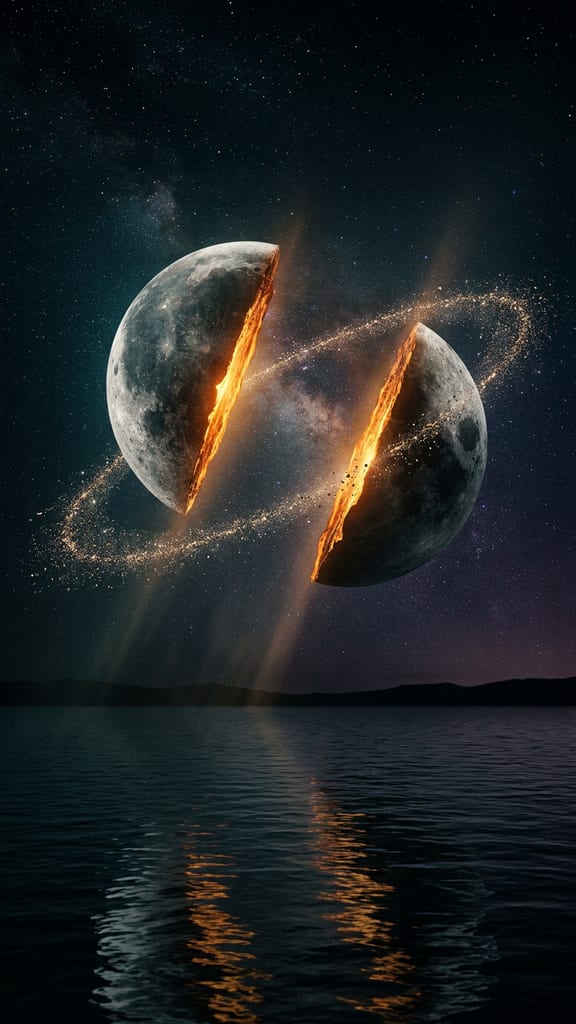
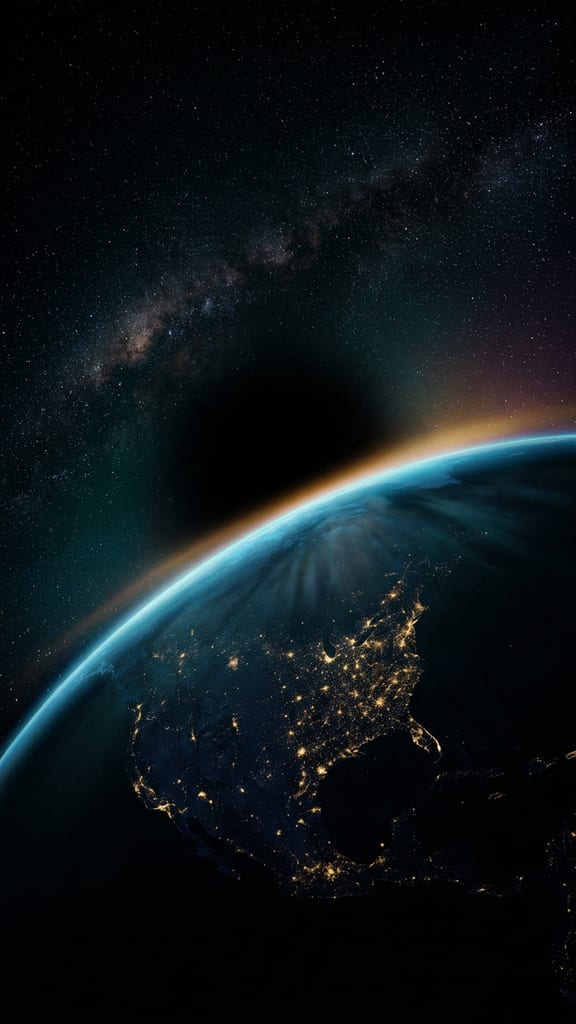
| Space | Stars, planets, black holes. | What if the Sun vanished, What if the Moon split in half, What if Earth stopped spinning |
| Physics | Break one law and watch. | What if electrons vanished for 5 seconds, What if gravity doubled, What if light slowed to walking speed |
| Earth | Oceans, air, volcanoes. | What if the oceans drained, What if oxygen doubled for 5 seconds, What if every volcano erupted at once |
| Your Body | Push the human body. | What if you never slept again, What if your blood turned to water, What if you fell into a black hole |
| Society | Change one rule of the world. | What if money disappeared, What if everyone told the truth for a day |
Space and physics premises tend to have the clearest timelines. Society premises stay about systems, like money, sleep or truth, never about removing or blaming any group of people.
How to Make a What If Video with GhostShorts
Six steps in the app, from your premise to the finished video. Click any screenshot to see it full size.
- 1Type your what if
- 2Generate the storyboard
- 3Animate scenes
- 4Narration and music
- 5Captions
- 6Transitions and render
- CategoriesSpace, physics, Earth, your body, society
- Length30, 45 or 60 seconds
- Scenes5 to 12, each opening on a time marker
- EndingA “Next, what if...?” question for your next video
- Script language16 languages, picked on the first screen
- CaptionsWord by word, style and position you pick
- ExportVertical 1080x1920 MP4
How long should a what if video be?
You pick the length before the script is written, and it sets the number of scenes. The first scene is the question; every scene after it is one step further along the timeline.
- 30 seconds5 to 7 scenesThe question, a few big beats, the next question.
- 45 seconds8 to 10 scenesRoom for the early surprise and the long aftermath.
- 60 seconds10 to 12 scenesFor a premise that plays out over centuries.
Fitting the timeline to the length
- Short premises, short videosA change that lasts five seconds has fewer steps to tell. Keep it at 30 seconds and let the return land.
- Big premises, longer timelinesA vanished Sun or drained oceans play out over years. Give them 60 seconds so each era gets a scene.
Can You Post and Monetize What If Videos?
The videos you export are yours to post and monetize. YouTube and TikTok both ask creators to label AI-generated content, and both have a toggle for it at upload. Practical guidance, not legal advice: check each platform's current terms.
Getting paid
Each platform has its own bar.
- YouTube: 1,000 subscribers plus 4,000 watch hours or 10M Shorts views in 90 days
- TikTok Creator Rewards pays only for videos over one minute
- A steady series beats one-off uploads
How the script is written
What the timeline will and will not do.
- Consequences follow known science; uncertain steps say “scientists think”
- No real disasters, real living people or real cities destroyed
- No instructions of any kind, nothing that teaches how to make anything dangerous
Making what if videos by hand vs GhostShorts
By hand, a what if video means researching the science, writing a timeline, making or licensing a visual for every step, recording narration and syncing captions. Here is how the two compare.
| Step | By hand | GhostShorts What If |
|---|---|---|
| Script | Research and write each step of the timeline | Written from your premise, one time marker per scene |
| Visuals | Render or license a shot for every step | A cinematic still for every scene, regenerate any one |
| Motion | Animate or pan each shot in an editor | Animate the scenes you choose |
| Voiceover | Record yourself or hire a narrator | One AI narrator for the whole timeline |
| Next video | Brainstorm a new topic | Every script ends on a “Next, what if...?” question |
The time you save goes into what grows a science channel: sharper premises, checking the facts, and posting on a steady schedule.
Tips for growing a what if channel
The science channels that grow ask sharper questions and answer them carefully.
Make the premise concrete
“What if electrons vanished for 5 seconds” beats “what if physics broke.” A specific change gives every scene a job.
Lead with the question
Put the full question in the title and the first second. The viewer should know exactly what is being tested.
Answer the closing question
Each video ends on “Next, what if...?”. Make that your next upload so viewers who asked get their answer.
Keep one category at first
Stack 10 to 20 space or physics premises before you branch out, so the platforms learn what you post.
Read the comments
Science audiences suggest premises. The best “what if” ideas often come from your own viewers.
Cross-post everywhere
Post to YouTube Shorts, TikTok and Reels; performance varies by platform. For a list format, try explained videos.